For renters
Wi-Fi and an alarm that move with you
Wi-Fi that reaches the whole place, and an alarm you can arm from your phone.
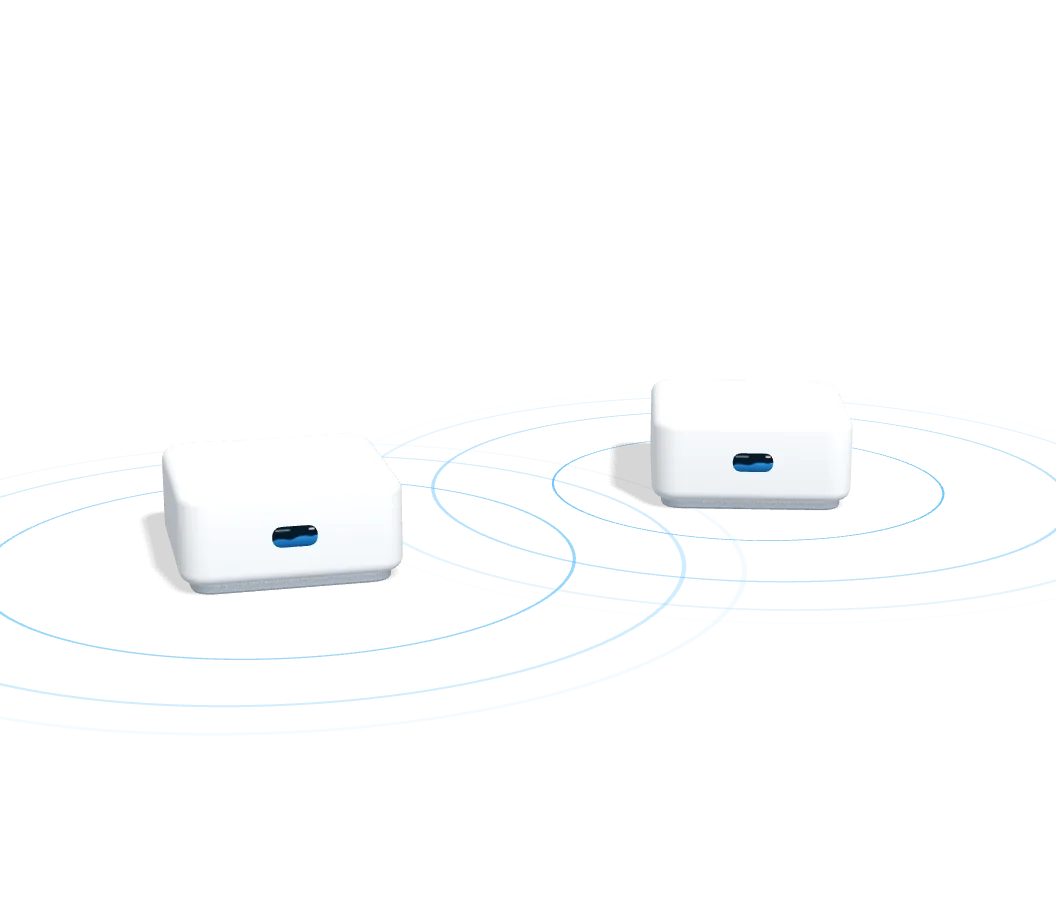
Nothing to patch when you leave
The Wi-Fi units stand on a shelf, the alarm sensors go on with adhesive and the cameras plug into an outlet. The siren is the one piece that mounts with two screws.
Coverage in every room
Two Wi-Fi 7 units reach each other over the air, each labeled for the room it goes in. Another can be added later if you find a dead zone.
Doors and windows covered
Sensors on the doors and windows, a glass break sensor that also sees motion, and a 110 dB siren, all armed and disarmed from your phone.
Yours to keep
You buy the equipment outright, so there’s no rental fee on the hardware and nothing to send back when you leave.
What goes in
The main pieces of Mesh Wi-Fi with Alarm & Cameras.
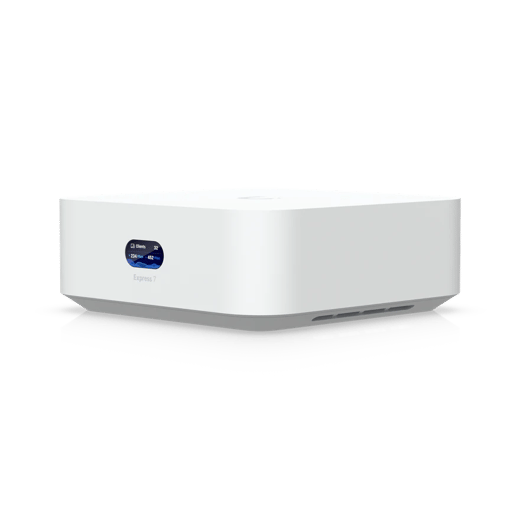
UniFi Express 76 GHz
Wi-Fi 7 mesh access point
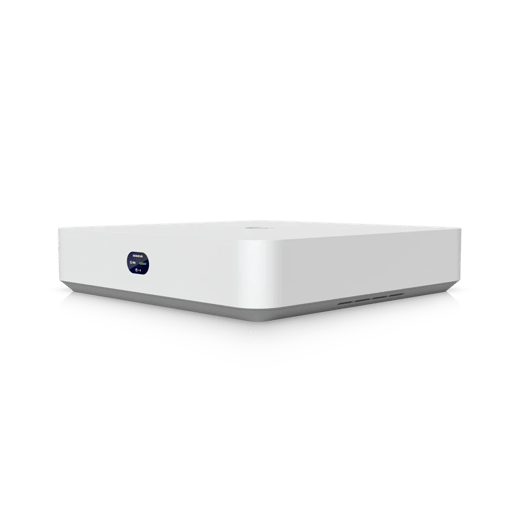
Recorder
Records the cameras
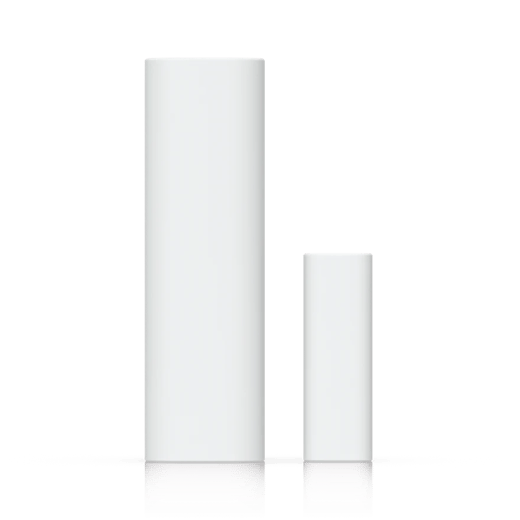
Entry Sensor
Doors and windows
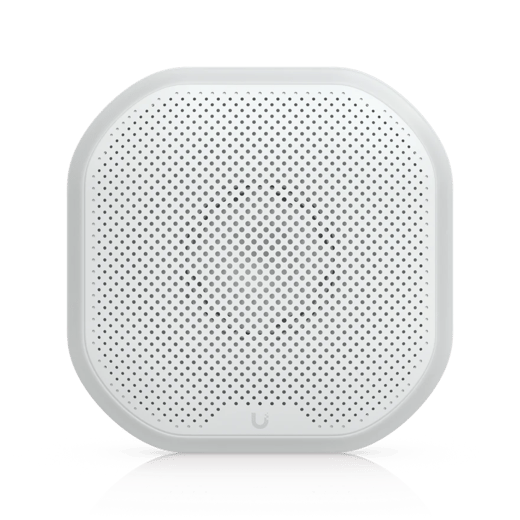
Siren
110 dB, all weather
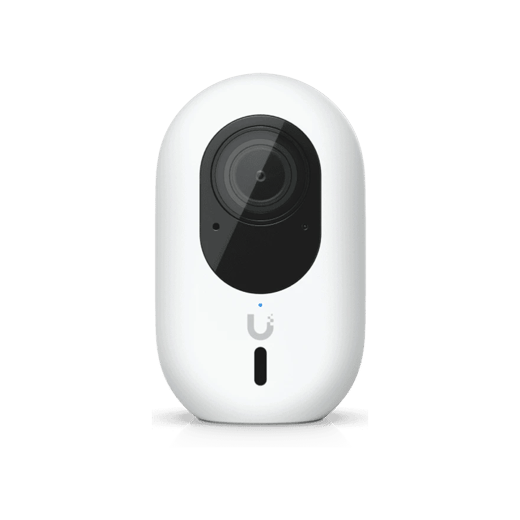
G4 Instant2K
Wi-Fi camera
What fits a rental
Both plug in and arrive configured. One is Wi-Fi only, one adds the alarm.
Recommended for renters
Mesh + Alarm & Cameras
Your own gateway · Wi-Fi · 2K
No cable to run
$2,183
$175 less than ordering them separately
- Wi-Fi 7 with 6 GHz on both units
- Nothing to drill: they stand on a shelf and plug in
- Cameras plug into an outlet, indoors or out
- Door and window sensors, a 110 dB siren and a key fob
MeshWi-Fi only
Your own gateway
No cable to run
$789
- Wi-Fi 7 with 6 GHz on both units
- Nothing to drill: they stand on a shelf and plug in
- Arrives configured, and looked after on your support plan from the day it ships
Not sure? Design My System puts one together from a few questions about the place.
- Configured for your layout before it ships
- Sensors paired and named before you touch them
- Every piece labeled for the room it goes in
- A phone call away while you plug it in
- The support plan, month to month
Common questions
Yes. The Wi-Fi plugs into the router you already have, whether you pay for the internet yourself or it comes with the rent, and your provider and your account stay as they are. If the building gives you Wi-Fi but no router of your own, ask us before you order.
Almost never, because nothing is wired into the building. A video doorbell would need permission, which is why it isn’t offered on the Wi-Fi kits.
The Mesh package. The units reach each other over the air, so it needs no cable. The wired packages need a cable run to each access point.
Yes, and they’ll most likely work on the Wi-Fi you already have. We recommend our Wi-Fi for the smoothest setup, though, and we cannot guarantee reliability without it.
The alarm comes with cameras, in the Alarm & Cameras kit, because its sensors run on the kit’s recorder.
Yes, Wi-Fi cameras. They plug into an outlet and they’re weather-rated, so one can watch the porch or the patio as well as a room. Every security kit comes with them and a recorder that keeps the video in your home, and you can add more.
Each of you gets your own login, so everybody can arm and disarm it. A key fob each is worth adding if you’d rather not use the app.
It comes with you. Taking it down is mostly unplugging it. Setting it up for the new place is yours to do, or ours if you’re on a support plan. If the next place needs another access point, you buy the one unit rather than a new system.
Our alarm is self-monitored: a tripped sensor sounds the siren and alerts your phone. While we do not offer alarm monitoring, Ubiquiti has announced its own, powered by Noonlight, for UniFi Protect 7.4.
You own the hardware, so it’s worth the same in the next place. The only monthly cost is the support plan, which is month to month, and the equipment keeps working if you cancel it.
Find what covers your place
Answer a few questions about your place and we’ll point you at what covers it.