Cameras and Alarms
UniFi Protect vs. Lorex
Both record on site with no subscription. UniFi Protect scales further, with RAID storage and more camera types.
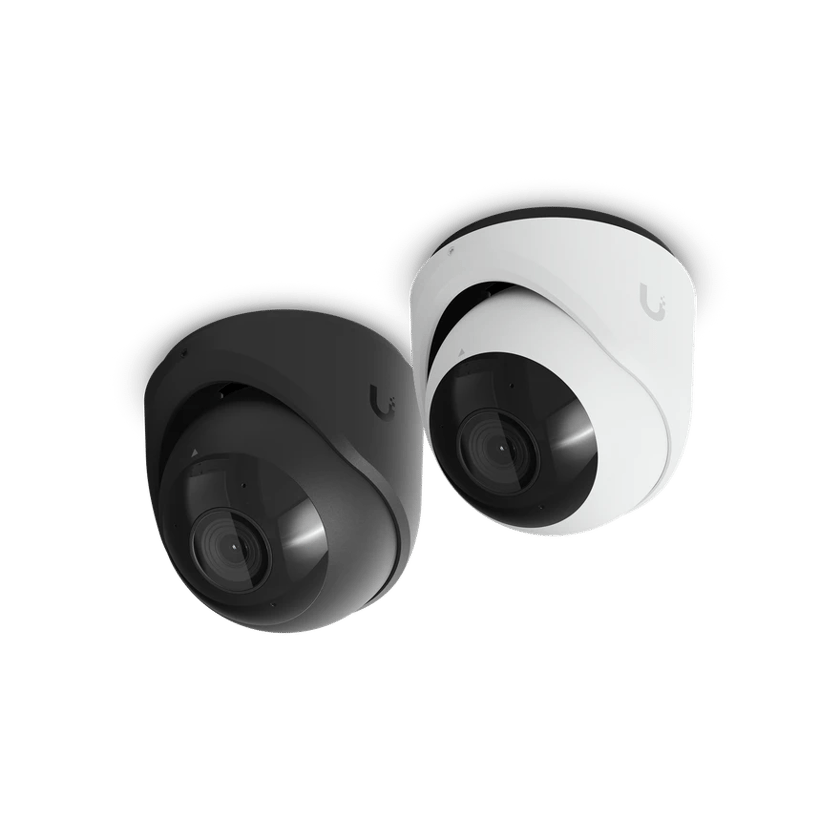
How they compare
What each one costs, and what it does.
Learn more on Ubiquiti’s siteUniFi Protect
How to choose
It comes down to the lowest price up front, or a system that grows with you.
Choose UniFi Protect if
- Each view needs the right cameraProtect has turret, dome, 360-degree, PTZ, multi-sensor and license plate cameras, each built for a different job.
- You want room to growOne recorder manages up to 500 cameras, with RAID storage up to 1 PB.
- You want one system with your networkProtect runs on the same UniFi console as your Wi-Fi and switches, so one system covers both.
- You have more than one siteEvery site shows up in UniFi Site Manager, in one view from a browser or the app.
- Footage can’t be lost to one driveWith RAID, a failed drive doesn’t lose footage or stop recording.
Choose Lorex if
- You want the lowest price up frontLorex kits cost less to buy than a Protect system.
Common questions
For a business that depends on its footage, yes: Protect has more camera types, runs up to 500 cameras on one recorder, and shares a console with your network. If the price up front is what matters most, a Lorex kit costs less.
Sometimes. Protect can add ONVIF-compatible cameras for live view and playback, and we check each model at the site visit. UniFi cameras do more in Protect, so we recommend replacing the recorder first, then the cameras as your budget allows.
Up to 500 on the largest recorder, with RAID storage up to 1 PB. Smaller sites use smaller recorders, and the system grows by adding more.
Protect records to a UniFi recorder, and we can often move the hard drives from the Lorex recorder into it. Some Lorex cameras can stay too, and we check each one at the site visit.
Yes. Protect can archive recordings to a NAS or a cloud drive of your own, so footage survives a stolen or damaged recorder. A Lorex recorder keeps its footage on the recorder.
Not on a Protect recorder with RAID. Footage is spread across the drives, so one can fail and be replaced without losing recordings.
Sources
- Frequently Asked Questions, Lorex
- Lorex Fusion 4K 16-Channel NVR, Lorex
- Lorex Connect Cloud+, Lorex
- Exporting Clips and Cloud Archiving with UniFi Protect, Ubiquiti Help Center
- UniFi Protect Evidence Authenticity and Visible Watermarks, Ubiquiti Help Center
- UniFi Enterprise NVR Core: Tech Specs, Ubiquiti
- Professional Alarm Monitoring Powered by Noonlight (Coming Soon), Ubiquiti
See what your building could do
Start with a short call. Then we come out, look at the space and design a system that fits your building.