Wi-Fi, switching and backup internet
Wi-Fi that holds up when the building is full
We place access points where the coverage has to reach, and add a backup internet line that takes over when the first one drops.
- Partner-registered with Ubiquiti
- Automatic internet failover
- 99.9% uptime across 11 managed sites
- 95% of issues fixed remotely
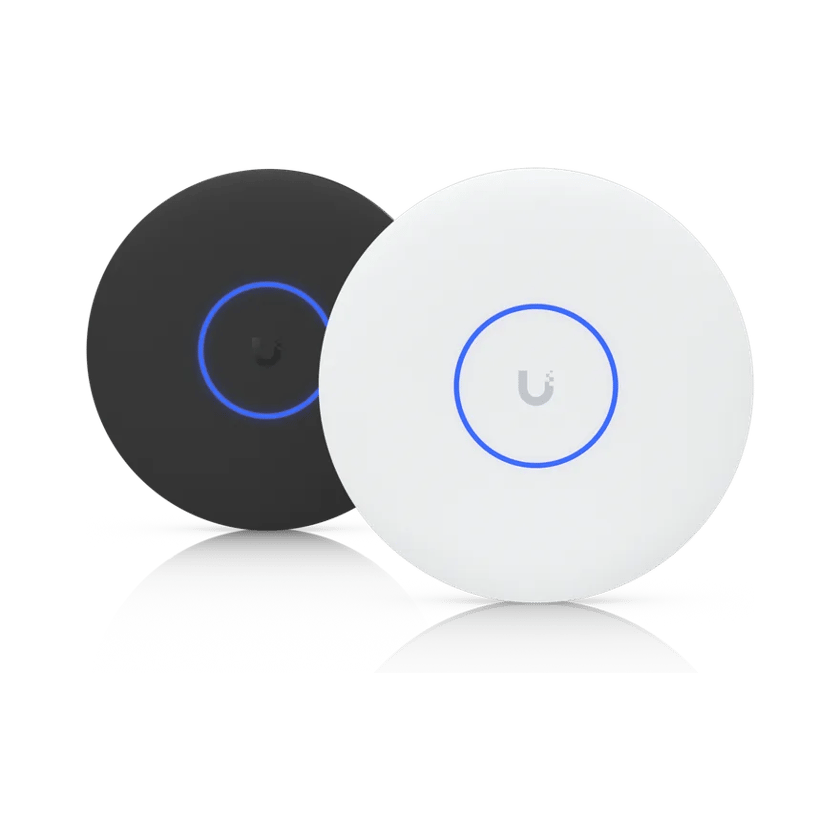
Coverage planned for your building
We walk the site and place each access point against the floor plan and what the walls are made of. Masonry, metal racking and a high warehouse ceiling all change where the hardware has to go.
Staff, guests and equipment kept apart
Each group gets its own network. A guest on your Wi-Fi cannot reach the card terminal, the cameras or the office computers, and the guest network can be held to its own speed limit so a busy lobby doesn’t slow the front desk.
Online when the internet line drops
The gateway takes a second internet line, from another provider or a UniFi 5G modem, and moves traffic to it on its own when the main line fails. At a landscaping office in Dawsonville, the 5G backup takes over every couple of weeks when the cable line drops, and the phones keep working through it.
Built so one failure isn’t an outage
Our business installations now start at the UniFi Dream Machine Pro Max, stepping up to the Dream Machine Beast for larger sites, and for almost every client we recommend a pair. The second stays synced and takes over if the first fails, so a hardware fault stays a notification.
Buildings the cable can’t reach
A detached shop, a second building across the parking lot or a gate at the end of a long driveway still needs the network. We run fiber where trenching is practical and install a point-to-point wireless link where it is not. For a Marietta owner with a sales office and a service center across the street, we weighed fiber, a wireless bridge and a site-to-site VPN. The owner chose the VPN, and both buildings ran as one site on one phone system.
A short changeover
We bring the new network up beside the old one, so the switch itself is short. When we moved the concierge office at an Atlanta condo tower onto its own network and a pair of gateways, the desk was offline for about 30 minutes.
Learn more on Ubiquiti’s siteUniFi WiFiCloud GatewaysSwitching5G backup
What we install
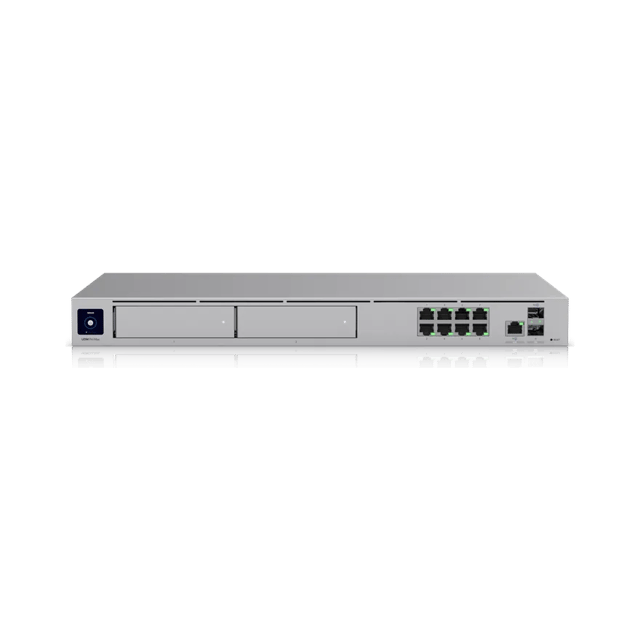 Dream Machine Pro MaxRack gateway and controller
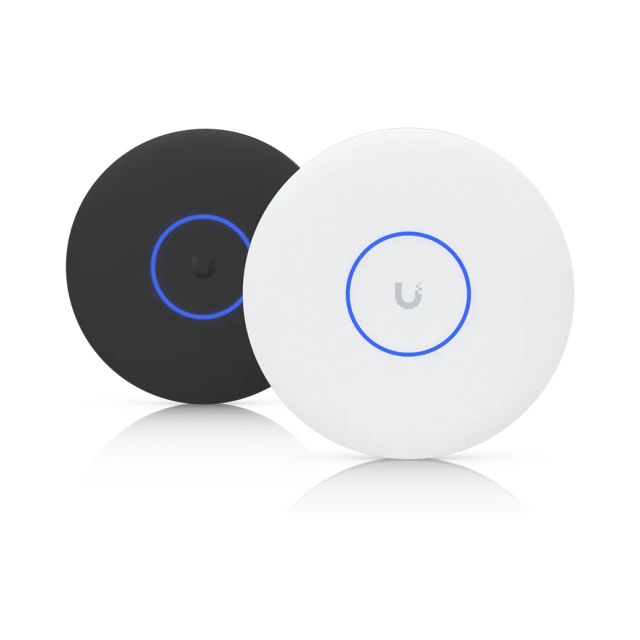 U7 Pro XGCeiling access point
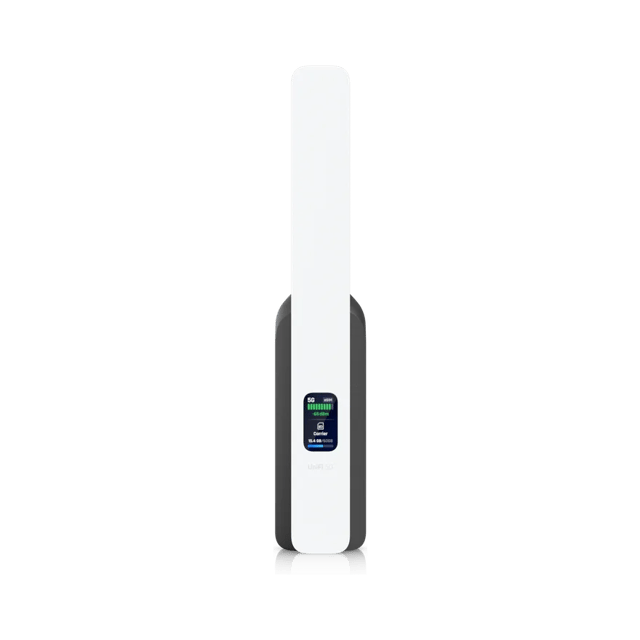 5G BackupCellular backup internet
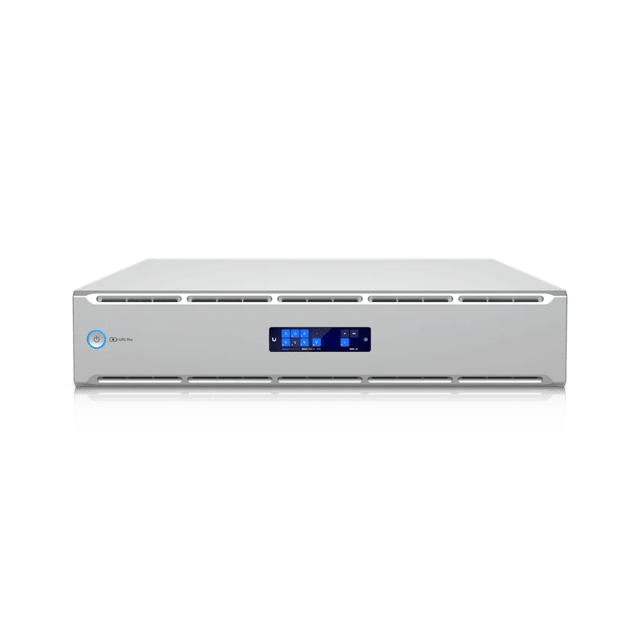 UPS 2U Pro1920VA battery backup
What’s included
Scoped after the site visit and quoted as one job, so equipment, labor and cabling are in the number you approve.
- A site visit and an access point plan before any equipment is ordered
- A Dream Machine Pro Max gateway or larger, usually as a pair in failover
- PoE switching sized for the access points, cameras and phones it’ll power
- Wi-Fi access points placed for the coverage each area needs
- Separate networks for staff, guests, payment and equipment
- A second internet line or a 5G backup, with automatic failover
- Point-to-point wireless links and fiber runs between buildings
- New cabling where the job needs it, terminated and labeled at the patch panel
- Battery backup for the network equipment
- Every device and cable path documented
Where we’ve done it
Finished jobs that included it, and what changed afterward.




Industries that rely on it
- Retail and RestaurantsRetail shops, restaurants, cafes and bars, salons and spas, gyms and studios
- Offices and ClinicsProfessional offices, medical and dental clinics, law and accounting firms, title and insurance agencies, practices with several locations
- Warehouses and PlantsManufacturing plants, distribution centers, cold storage, fabrication and machine shops, showrooms with a warehouse behind them
- AutomotiveNew and used car dealers, repair shops, body shops, tire shops and quick-lube
- HospitalityHotels, inns, bed and breakfasts, extended-stay properties, resorts
- Theaters and VenuesTheaters, performing arts centers, music venues, arenas and stadiums, event venues and banquet halls, recording and broadcast studios
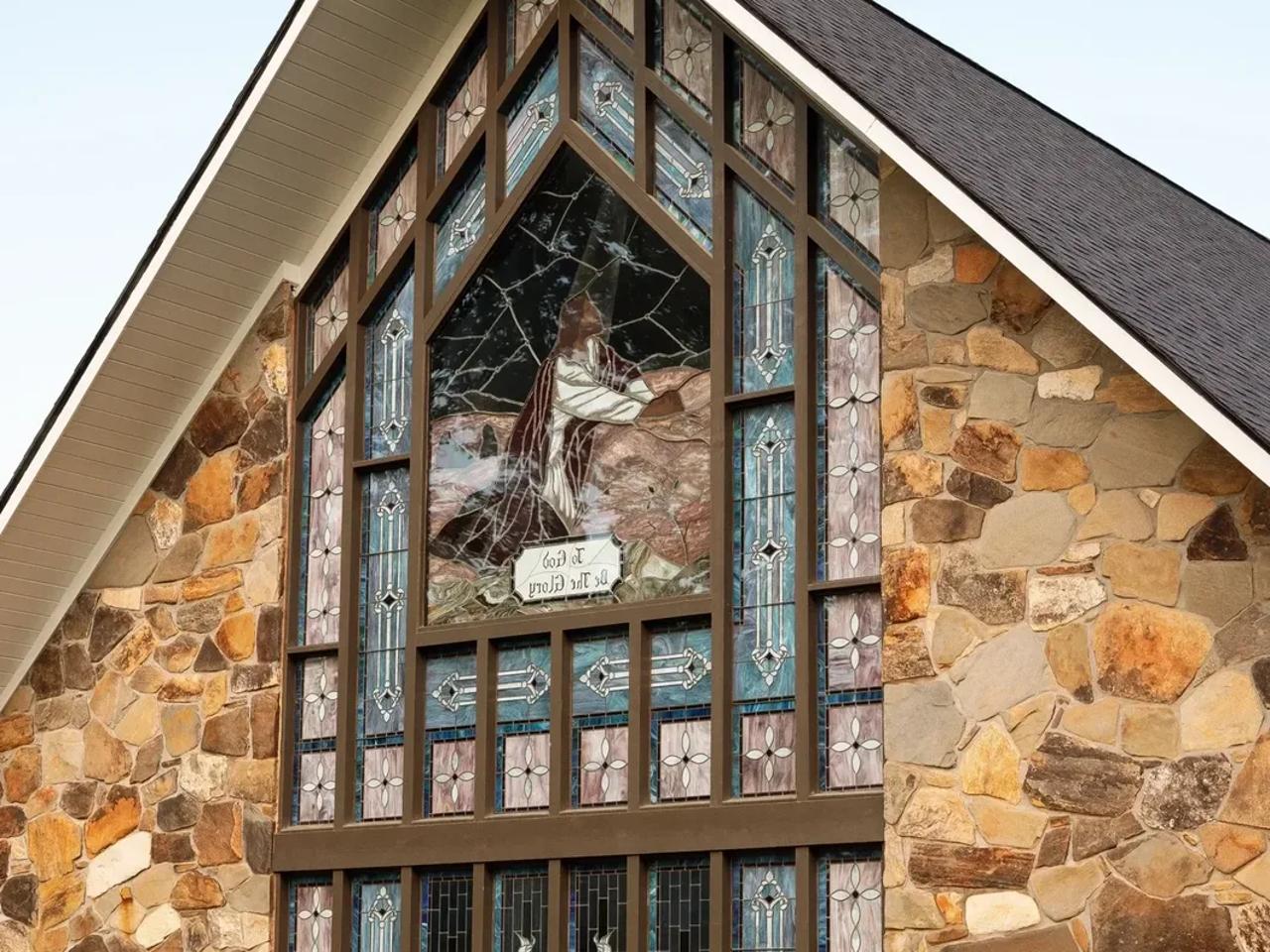
- Houses of WorshipChurches, synagogues, mosques, temples, parish halls, ministry offices
- SchoolsPrivate and charter schools, early learning and daycare centers, tutoring and training centers
- Condos and HOAsCondominium associations, HOAs, apartment and multifamily common areas, property management companies
Common questions
Yes. The network and the internet service are separate, so we build around the provider you have and the network carries over if you change.
No. Where access points, switches or cabling are sound, we keep them. A flooring company in Tucker brought three of its access points to its new warehouse. We’ll tell you what’s worth keeping and what’s holding the network back.
With a backup line in place, the gateway moves traffic to it on its own and moves it back when the main line returns. The backup can be a second provider or a UniFi 5G modem that carries traffic only during an outage. Without one, the Wi-Fi and the local network keep working, but nothing reaches the internet until the provider restores service.
We’re alerted when it goes offline. The settings are held by the UniFi controller, so a replacement can be put in and given the same configuration without rebuilding the network, and where the fix needs hands on the equipment, we come out. Where a site can’t afford the outage, we build in redundancy, from a shared redundant power supply for the switches to MC-LAG between core switches, so one can fail without taking the network down.
Yes. We design networks for high-rises, campuses and sites with many buildings, planned around a fiber core with redundant gateways. A single office gets the same site visit and written plan.
It depends on the distance and on what stands between them. A point-to-point link needs a clear line of sight between its two ends. We measure the path at the site visit and use fiber where a wireless link wouldn’t hold up.
Yes. We are partner-registered with Ubiquiti through a distributor, and we install UniFi networks across metro Atlanta and northwest Georgia.
Other services
- Structured CablingCable and fiber runs, racks and labeling
- Cameras and AlarmsCameras, alarm sensors and alerts
- Access ControlDoor readers, schedules and lockdown
- Business PhonesDesk phones, softphones and number porting
- File Storage and BackupShared files, backups and remote access
- Background MusicBackground music, room by room, from a phone
See what your building could do
Start with a short call. Then we come out, look at the space and design a system that fits your building.