Desk phones, softphones and number porting
Lower your phone bill
We move businesses off copper lines, RingCentral and aging FreePBX servers onto UniFi Talk, on the same network we install.
- Keep your numbers
- Calls on your cell phone
- Ring groups and business hours
- Works over Starlink
Off the copper lines and their fees
A landscaping office in Dawsonville was paying for copper phone lines bundled with its internet. After the move to UniFi Talk its phone bill dropped by 70%, and the provider dropped the fees it had been charging for the legacy service.
Calls routed by department and by hour
We set up ring groups, business hours, an after-hours path and voicemail that arrives in email. Once it’s running, the office can see its own call activity.
Answer the office line from the field
Staff who spend the day on job sites or in the truck get a softphone on their cell. They take and make calls on the business number, and customers never see a personal one.
Branch offices, even on Starlink
A phone at a branch office connects back to the main system over a secure link, so it rings on the same extensions and answers the same main number. UniFi Talk works over Starlink too: a Marietta service center moved its phones to Talk when it switched to Starlink, and kept three of its Digium desk phones.
Caller ID and texting registration, handled
Carriers now require businesses to register their caller ID and their text messaging. We handle that registration during the setup, so outbound calls and texts aren’t flagged or blocked.
Your numbers come with you
We port the numbers on your cards, your trucks and your website, and the old service stays live until the transfer completes. A Tucker flooring company moved off FreePBX onto 12 new desk phones and kept the numbers it still needed.
Learn more on Ubiquiti’s siteUniFi Talk
What we install
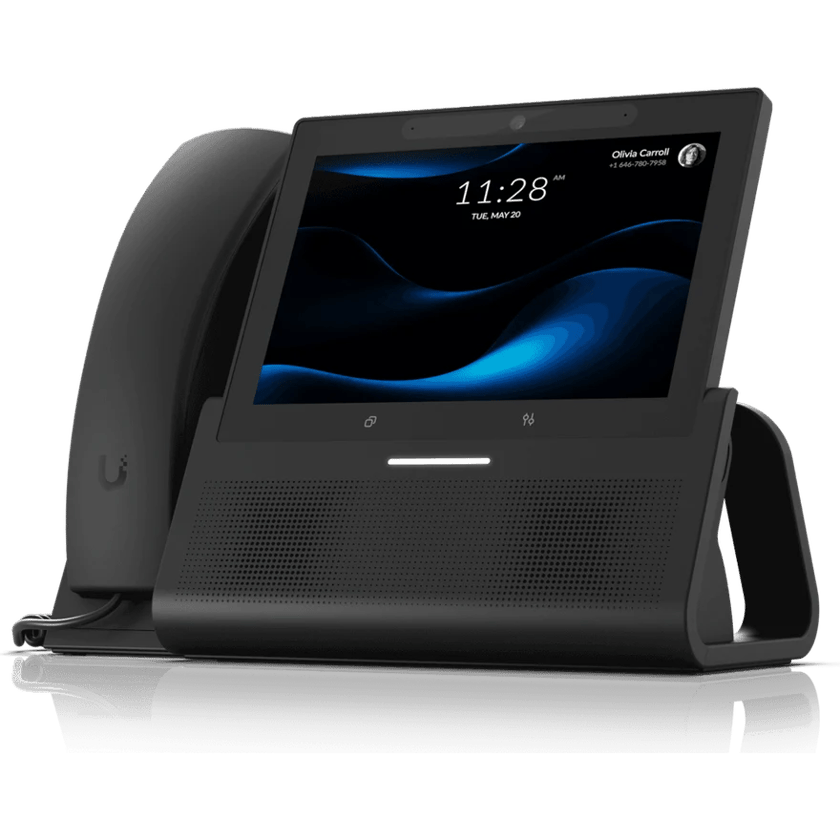
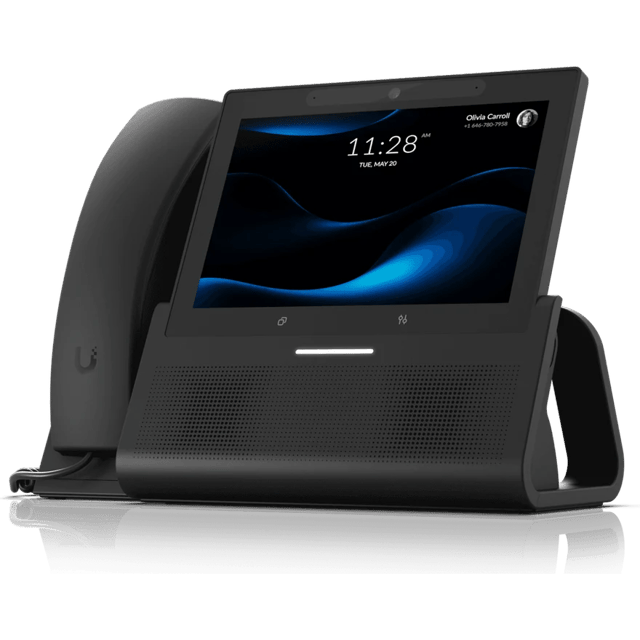 G3 Touch Enterprise7-inch touchscreen desk phone
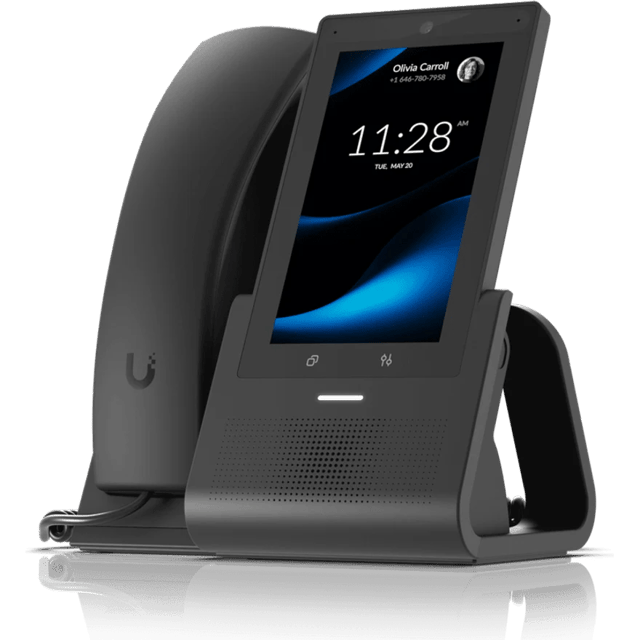 G3 Touch Pro5-inch touchscreen desk phone
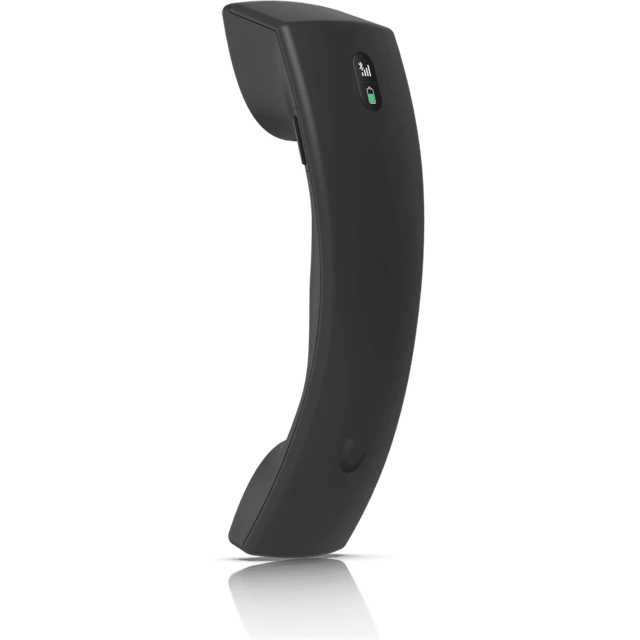 G3 Wireless HandsetCordless handset for the G3 phones
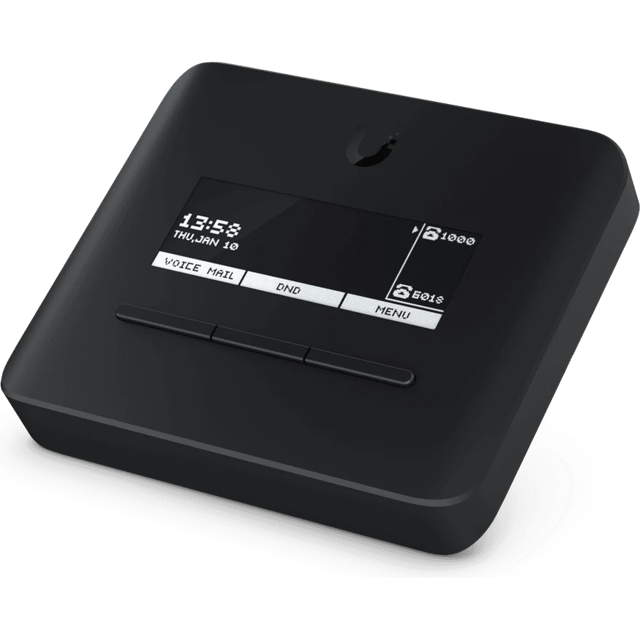 Analog Telephone AdapterKeeps analog phones and faxes on Talk
What’s included
Scoped after the site visit and quoted as one job, so equipment, labor and cabling are in the number you approve.
- Number porting from copper lines, RingCentral, FreePBX or another carrier
- Desk phones powered over the network cable, with no power adapter at the desk
- Softphones on staff cell phones for anyone who works away from a desk, on UniFi Talk’s Pro plan
- Ring groups, business hours and after-hours call handling
- Voicemail delivered to email
- Carrier registration for caller ID and business texting
- Old phone wiring re-terminated for data where it can be
- The old service kept live until the port completes
Where we’ve done it
Finished jobs that included it, and what changed afterward.






Industries that rely on it
- Retail and RestaurantsRetail shops, restaurants, cafes and bars, salons and spas, gyms and studios
- Offices and ClinicsProfessional offices, medical and dental clinics, law and accounting firms, title and insurance agencies, practices with several locations
- Warehouses and PlantsManufacturing plants, distribution centers, cold storage, fabrication and machine shops, showrooms with a warehouse behind them
- AutomotiveNew and used car dealers, repair shops, body shops, tire shops and quick-lube
- HospitalityHotels, inns, bed and breakfasts, extended-stay properties, resorts
Common questions
Yes. We port them from your current provider and leave the old service running until the transfer completes. The carriers set the transfer date.
No. One Talk plan covers your main line, and we bring your other numbers in through a separate carrier for a few dollars a month each, so ten numbers don’t mean ten plans.
It depends on what you pay now. Bring a recent bill to the site visit and we’ll price the change against it.
Yes. Starlink shares one public address between many customers, and UniFi Talk keeps receiving calls behind it, because the phones reach its calling service from inside your network.
Yes. The softphone app puts the business number on their cell, for incoming and outgoing calls, and comes with UniFi Talk’s Pro plan. A call to the main line can ring the desk phone and the cell together.
With a 5G backup, the gateway moves traffic to the cellular connection and the phones keep working. Without a backup, the phones stop until the line returns, which is the main reason we recommend one.
Usually not. The phones plug into the same network cabling as your computers and take their power from it. Older phone wiring can often be re-terminated for data, and we run new cable only where it can’t.
Usually. A fax machine or an analog phone connects through Ubiquiti’s analog telephone adapter, though not every fax machine handles calls over the internet well.
Yes. Anything that speaks SIP, from desk phones to door intercoms and paging systems, can join UniFi Talk.
Other services
- Wi-Fi and NetworkWi-Fi, switching and backup internet
- Structured CablingCable and fiber runs, racks and labeling
- Cameras and AlarmsCameras, alarm sensors and alerts
- Access ControlDoor readers, schedules and lockdown
- File Storage and BackupShared files, backups and remote access
- Background MusicBackground music, room by room, from a phone
See what your building could do
Start with a short call. Then we come out, look at the space and design a system that fits your building.