Condos and HOAs
Systems that outlast the board
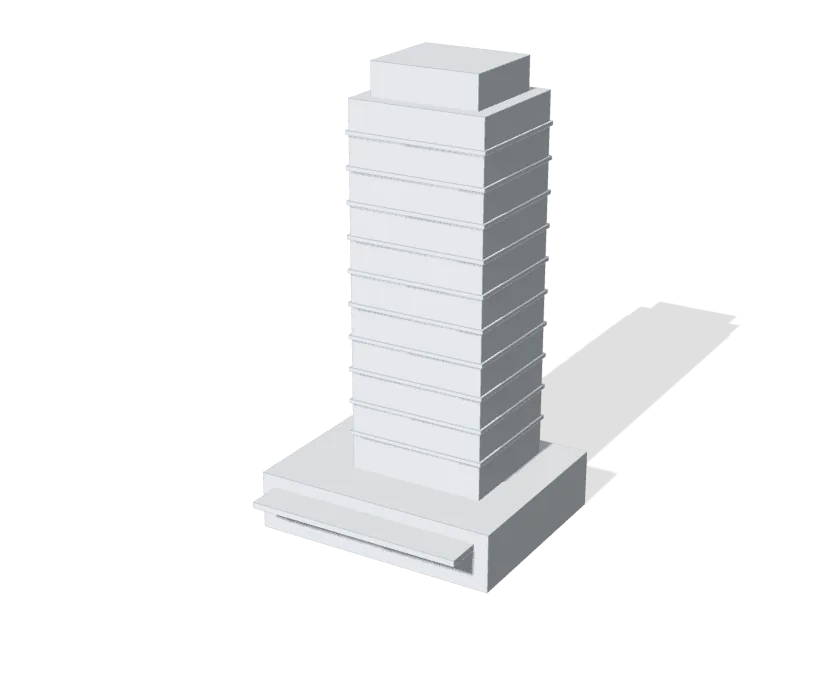
We install the doors, cameras and Wi-Fi, documented so the next board knows exactly what it has.
Fobs and phones in place of keys
Residents open the doors and gates with a fob, a card or their phone, and are added or removed from one screen when they move. Where an older access system is in place, the UniFi Retrofit Hub keeps its readers and wiring, so the doors move over in stages.
Cameras on common areas only
Cameras cover the entrances, the lobby, the garage and the pool gate, with footage stored in the building and no cloud subscription. We do not point cameras into units, balconies or windows, and the board decides who can see the footage.
Amenities on a schedule
The pool, the gym and the clubhouse unlock for residents during the hours the board sets and lock the rest of the time, with every entry logged.
Wi-Fi for the clubhouse and the pool deck
Residents and guests get Wi-Fi in the shared spaces, on a network kept apart from the management office and the cameras.
A network the association owns
The office, the doors and the cameras run on equipment the association owns, so a change of management company or vendor doesn’t take the system with it.
Documented for the next board
Boards turn over and management companies change. We label the equipment and document every cable path and connected device, so whoever comes next knows what every cable is for.
Learn more on Ubiquiti’s siteUniFi AccessUniFi Protect
From the lobby to every floor
Doors, elevators and cameras, all on one UniFi system we look after.
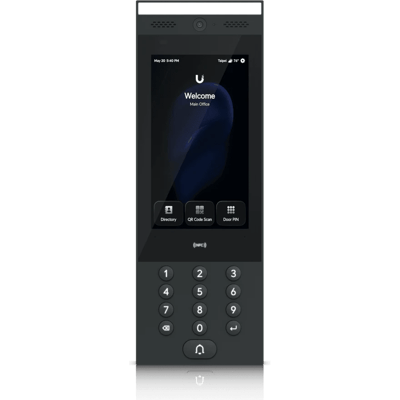
G3 Intercom
Visitors at the lobby door or the gate call the people you choose, who open it from a phone.
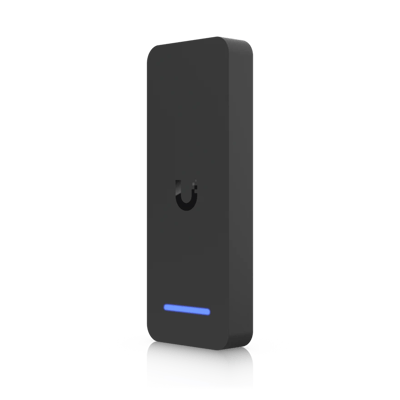
Retrofit Reader
Takes the place of an old reader on the same wiring, so a door moves to UniFi Access.
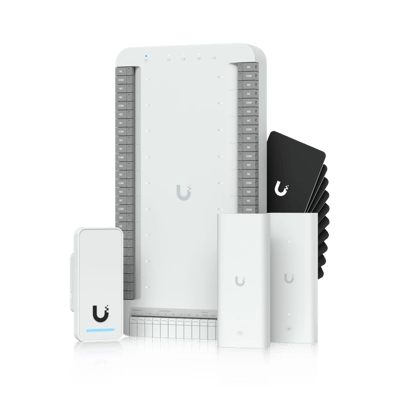
G3 Elevator Kit
Lets each fob reach only the floors its resident lives or works on.
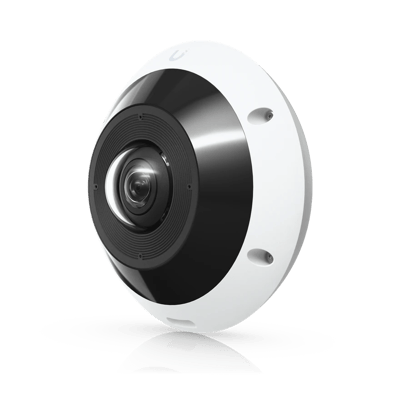
G6 Pro 360
One camera over the lobby or the package room sees the whole space, corner to corner.
What a typical build looks like
A starting point, not a quote. We’ll fit it to your building at the site visit.
- A network and equipment the association owns
- Gateways in failover, with a backup internet line
- Wi-Fi for the clubhouse, fitness room and pool deck
- Fob, card or phone entry on doors and gates
- Retrofit hubs that keep existing readers in service
- Cameras on the entrances, garage and amenities
- Amenity doors on the board’s schedule
- Phones for the management office
- Lobby screens for notices and building news
- Every cable path and device labeled and documented
Where we’ve done it
Finished jobs in buildings like yours, and what changed afterward.

Magnetics ID
Before anyone from Magnetics is let into the equipment room, the manager can check the employee’s numbered photo ID at magnetics.pro/verify.
Verify a badgeCommon questions
Their fob or phone access is turned off when they move out, and it stops working right away, with no locks to change.
Yes. Residents can open doors and gates with their phone or a pass in their phone’s wallet, as well as a fob or a card.
Yes. An intercom at the gate or the lobby door calls the people you choose, who can see the visitor and open it from a phone.
Yes. Amenity doors open only for residents’ fobs and phones during the hours the board sets, and every entry is logged.
Yes. A Display Cast Pro behind the lobby TV shows board notices, events and building news, and what it shows is changed from one app.
No. The UniFi Retrofit Hub keeps your existing readers and their wiring, so the doors can move to UniFi Access across several budget years.
We place cameras on shared spaces only, never on units, and the association controls who can view the footage.
Yes. They run on the association’s own network, so residents keep getting in and the cameras keep recording. Only reaching them from away needs the internet.
Yes. We install in high-rises and in communities of many buildings, and link amenity buildings back over fiber or a Building Bridge.
We can rebuild it, reusing the equipment that’s still sound, and support it once the result is ours to stand behind. We do not manage systems we did not supply.
Every system we install comes with a support plan. We’re alerted when equipment goes offline, fix most problems remotely and come out when needed.
The services behind it
- Wi-Fi and NetworkWi-Fi, switching and backup internet
- Structured CablingCable and fiber runs, racks and labeling
- Cameras and AlarmsCameras, alarm sensors and alerts
- Access ControlDoor readers, schedules and lockdown
- File Storage and BackupShared files, backups and remote access
- Managed ServicesMonitoring, updates and support after the install
Other buildings like yours
See what your building could do
Start with a short call. Then we come out, look at the space and design a system that fits your building.