Menu boards, touchscreens, check-in and meeting rooms
Screens that do the front desk’s work
We install signage, touchscreens and visitor check-in kiosks, set up meeting rooms and point of sale, and run them all on the network we look after.
- 4K signage on any screen
- Visitor check-in on an iPad
- Square and Stripe set up
Signage on any screen
A Display Cast Pro behind any screen turns it into signage for your menu, specials, schedules and announcements, and you change what every screen shows from one app.
One source on every screen
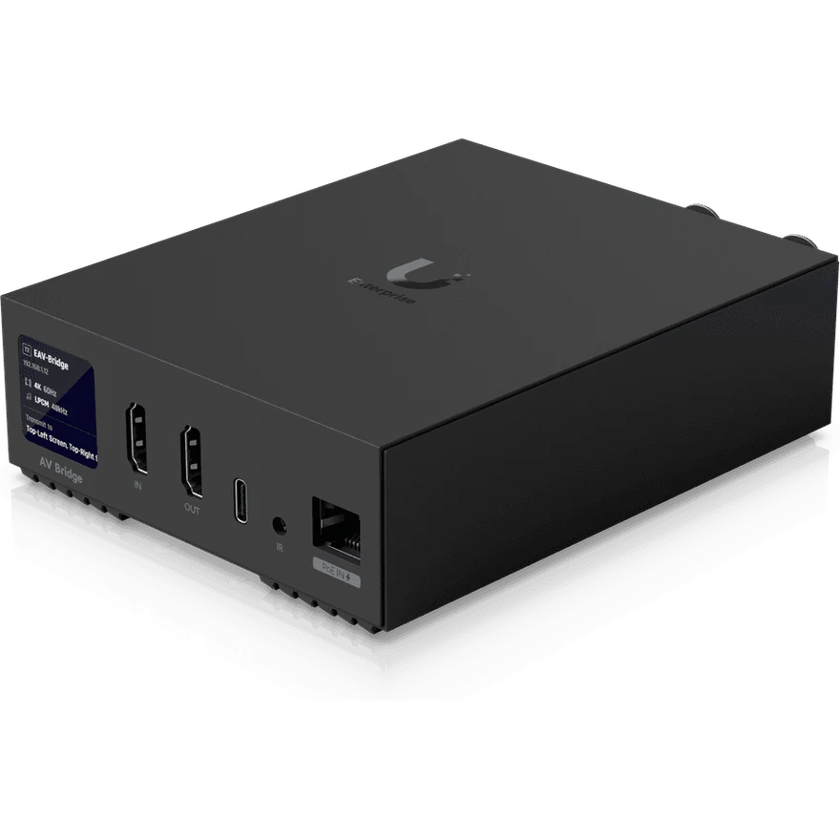
An Enterprise AV Bridge sends a 4K HDMI source over the network, and another plays it at the far end: on one screen, on every screen in the building, or across a video wall of up to eight by eight. A laptop, a camera or a cable box in the back room can feed the lobby, the bar and the meeting room at once.
Touchscreens customers use
A Connect Display is a touchscreen for the shop floor or the lobby, for a product lookup, a directory or a map, powered over the network cable.
Visitors check themselves in
An iPad at the front desk becomes a check-in kiosk for your UniFi Access doors. A visitor scans the QR code from their invitation, and the kiosk can print a badge and ask staff to approve them from their phones.
Point of sale that keeps taking cards
We set up Square registers, terminals and printers on their own network, and connect Stripe card readers to the point-of-sale software you already use. A 5G backup keeps them taking cards when the internet drops.
Meeting rooms ready for a call
We fit the screen, the camera, the microphones and the speakers to the size of the room, and wire them so a call or a presentation starts from the table.
Learn more on Ubiquiti’s siteDisplays and signageEnterprise AVUniFi Access
What we install
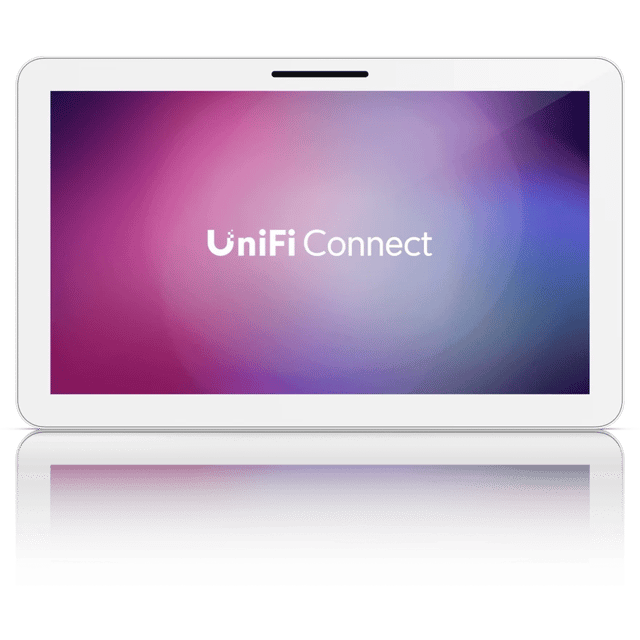 Connect Display21.5-inch PoE touchscreen
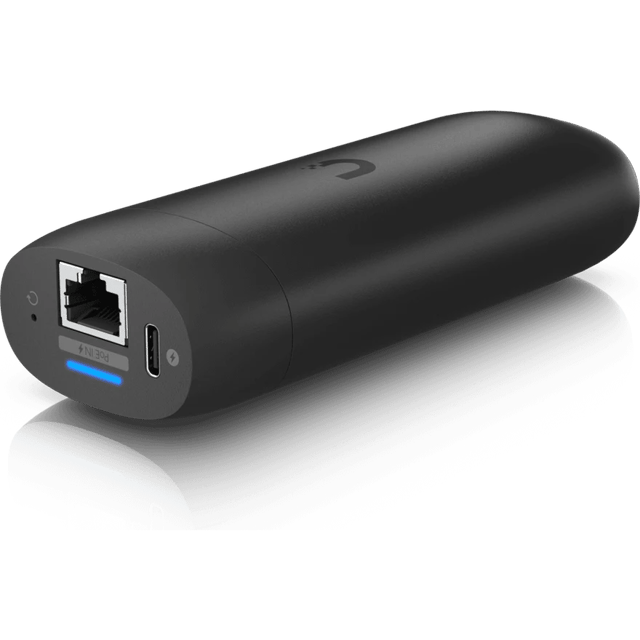 Display Cast ProTurns any screen into signage
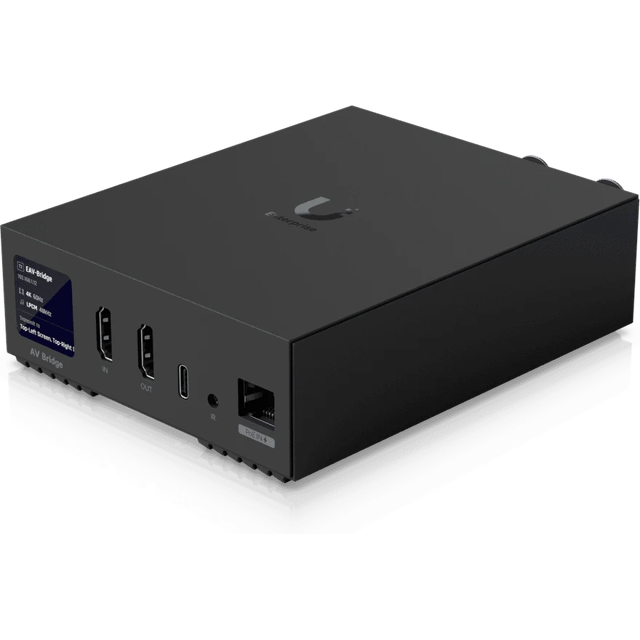 Enterprise AV Bridge4K HDMI and XLR over the network
What’s included
Scoped after the site visit and quoted as one job, so equipment, labor and cabling are in the number you approve.
- Display Cast Pro players behind each screen
- Enterprise AV Bridges for 4K video to any screen or video wall
- Connect Display touchscreens
- Visitor check-in kiosks on an iPad, with badge printing
- Square registers and Stripe readers on their own network
- Meeting room screens, cameras, microphones and speakers
- Screens mounted and wired
Common questions
Yes. You change what each screen shows from one app, one screen at a time or all of them together.
Yes, as part of a UniFi Access install. Visitors check in on an iPad with the QR code from their invitation, so the kiosk suits visits you schedule more than walk-ins.
Yes. Square registers work as soon as they’re on the network, and we set that network up for them. Stripe sells card readers without a register app, so we connect its readers to the point-of-sale software you use.
Yes. We plan the displays, microphones, cameras and the network that carries them together, so a room isn’t left with a screen that the network can’t feed.
Other services
- Wi-Fi and NetworkWi-Fi, switching and backup internet
- Structured CablingCable and fiber runs, racks and labeling
- Cameras and AlarmsCameras, alarm sensors and alerts
- Access ControlDoor readers, schedules and lockdown
- Business PhonesDesk phones, softphones and number porting
- File Storage and BackupShared files, backups and remote access
See what your building could do
Start with a short call. Then we come out, look at the space and design a system that fits your building.