Door readers, schedules and lockdown
Know who came in, and when
We install UniFi Access, so staff and residents get in with a card, a fob or their phone, and doors lock and unlock on the schedules you set.
- Card, fob or phone entry
- One-button lockdown
- Existing readers kept
- Self-monitored alerts
No rekeying when someone leaves
When someone leaves the company or moves out, you remove them in UniFi Identity, and their card, fob and phone stop working at every door. Every door event is logged with the person and the time.
Doors that follow your schedule
Front doors, offices and amenities unlock for their hours and lock again afterward. With first-person-in, a scheduled door stays locked until the first authorized person arrives, so the building doesn’t open itself on a day nobody comes in.
One button locks every door
Lockdown locks every door on the system from the app, and evacuation mode unlocks them. The people you give that permission to, such as a security team, can trigger either one.
Leave the keys, use your phone
Staff and residents open doors with their phone, tapped on the reader with Touch Pass or from the app, and cards and fobs still work for anyone who wants one.
Visitors at the front door
Visitors call the person they’re there to see from the intercom, who sees them on camera and opens the door from their phone. Expected guests can get a PIN or a QR code for the days you set.
Footage with every entry
With UniFi Protect cameras on the same system, every unlock is paired with the camera at that door, so the log shows who came in and the footage of them doing it.
Learn more on Ubiquiti’s siteUniFi AccessReadersIntercomsTouch Pass
What we install
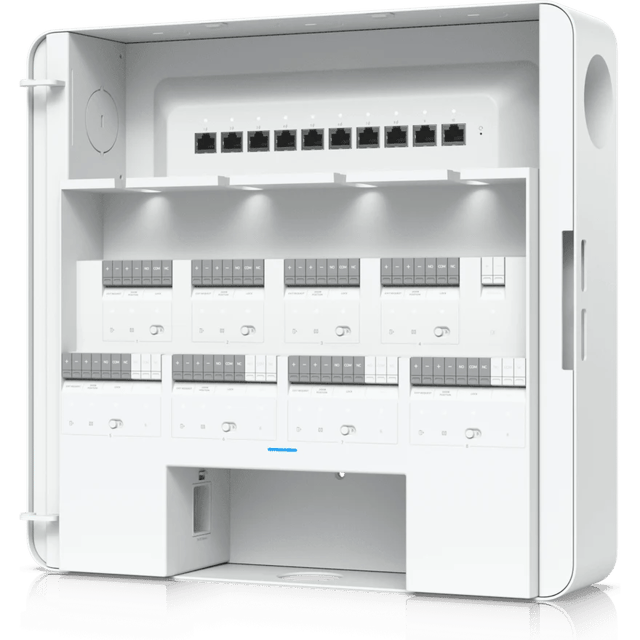 Enterprise Access HubControls up to eight doors
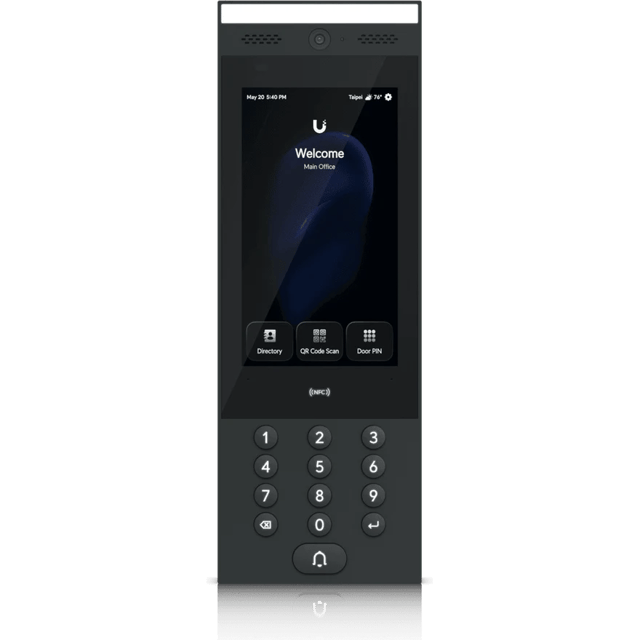 G3 Intercom7-inch touchscreen intercom
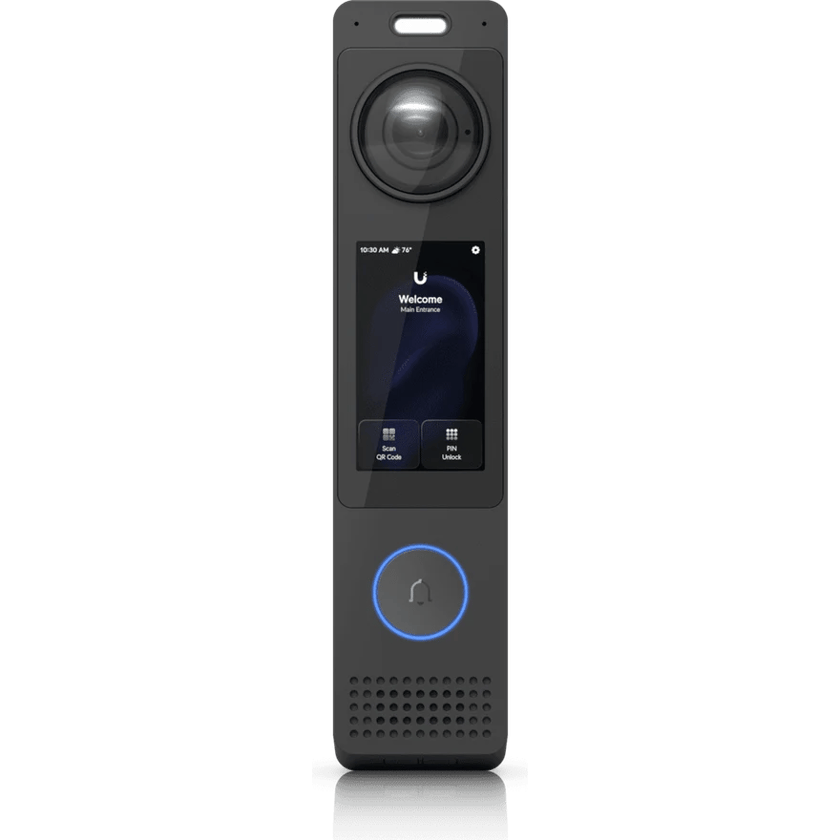
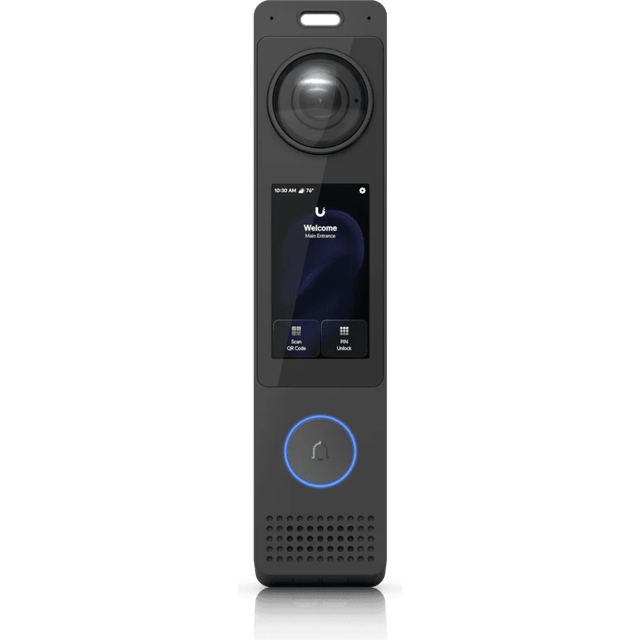 G6 Pro EntryReader, camera and intercom in one
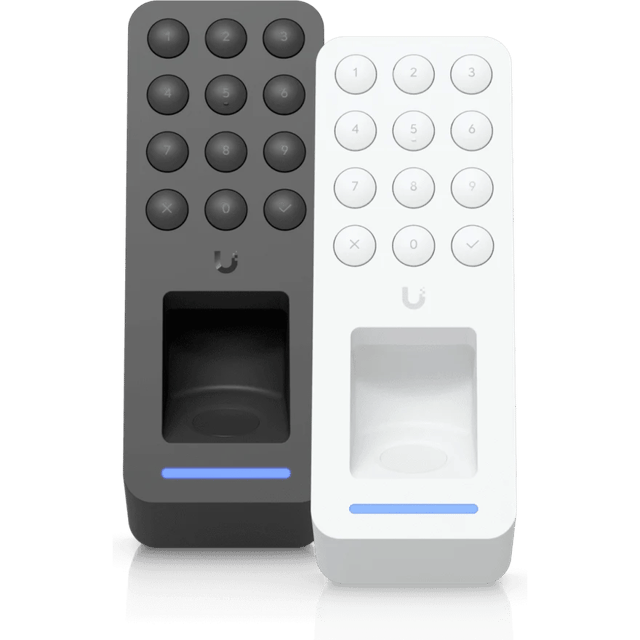 G3 Reader FingerprintFingerprint, PIN and card reader
What’s included
Scoped after the site visit and quoted as one job, so equipment, labor and cabling are in the number you approve.
- A look at each door, its frame and its hardware before we quote
- UniFi Access readers, some with an intercom for visitors
- Cards, fobs and Touch Pass on phones
- Door hubs, electric strikes or magnetic locks, and request-to-exit
- Staff, residents and volunteers set up in UniFi Identity, in groups
- Unlock schedules, first-person-in and lockdown, set up before handover
- Fire alarm release and elevator tie-ins, coordinated with the contractor who services each one
- Alarm system integration
- Retrofit hubs and readers that reuse existing door wiring
Where we’ve done it
Finished jobs that included it, and what changed afterward.



Industries that rely on it
- Retail and RestaurantsRetail shops, restaurants, cafes and bars, salons and spas, gyms and studios
- Offices and ClinicsProfessional offices, medical and dental clinics, law and accounting firms, title and insurance agencies, practices with several locations
- Warehouses and PlantsManufacturing plants, distribution centers, cold storage, fabrication and machine shops, showrooms with a warehouse behind them
- AutomotiveNew and used car dealers, repair shops, body shops, tire shops and quick-lube
- HospitalityHotels, inns, bed and breakfasts, extended-stay properties, resorts
- Theaters and VenuesTheaters, performing arts centers, music venues, arenas and stadiums, event venues and banquet halls, recording and broadcast studios
- Houses of WorshipChurches, synagogues, mosques, temples, parish halls, ministry offices
- SchoolsPrivate and charter schools, early learning and daycare centers, tutoring and training centers
- Condos and HOAsCondominium associations, HOAs, apartment and multifamily common areas, property management companies
Common questions
Usually. Most commercial doors take a reader and an electric strike or magnetic lock without replacing the door or the frame. We look at each door and its hardware before we quote.
Often, yes. The UniFi Retrofit Hub keeps your existing door readers and their wiring, so the doors move to UniFi Access without new readers. Where a reader does need replacing, the Retrofit Reader runs on the same wiring. [Upgrading with UniFi’s retrofit line](/blog/unifi-access-retrofit).
Yes. Most older systems use 125 kHz proximity cards, which carry an unencrypted number that a cheap copier can clone in seconds. UniFi Access uses secured 13.56 MHz NFC cards and fobs that can’t be copied that way, and Touch Pass keeps the credential in the phone’s wallet.
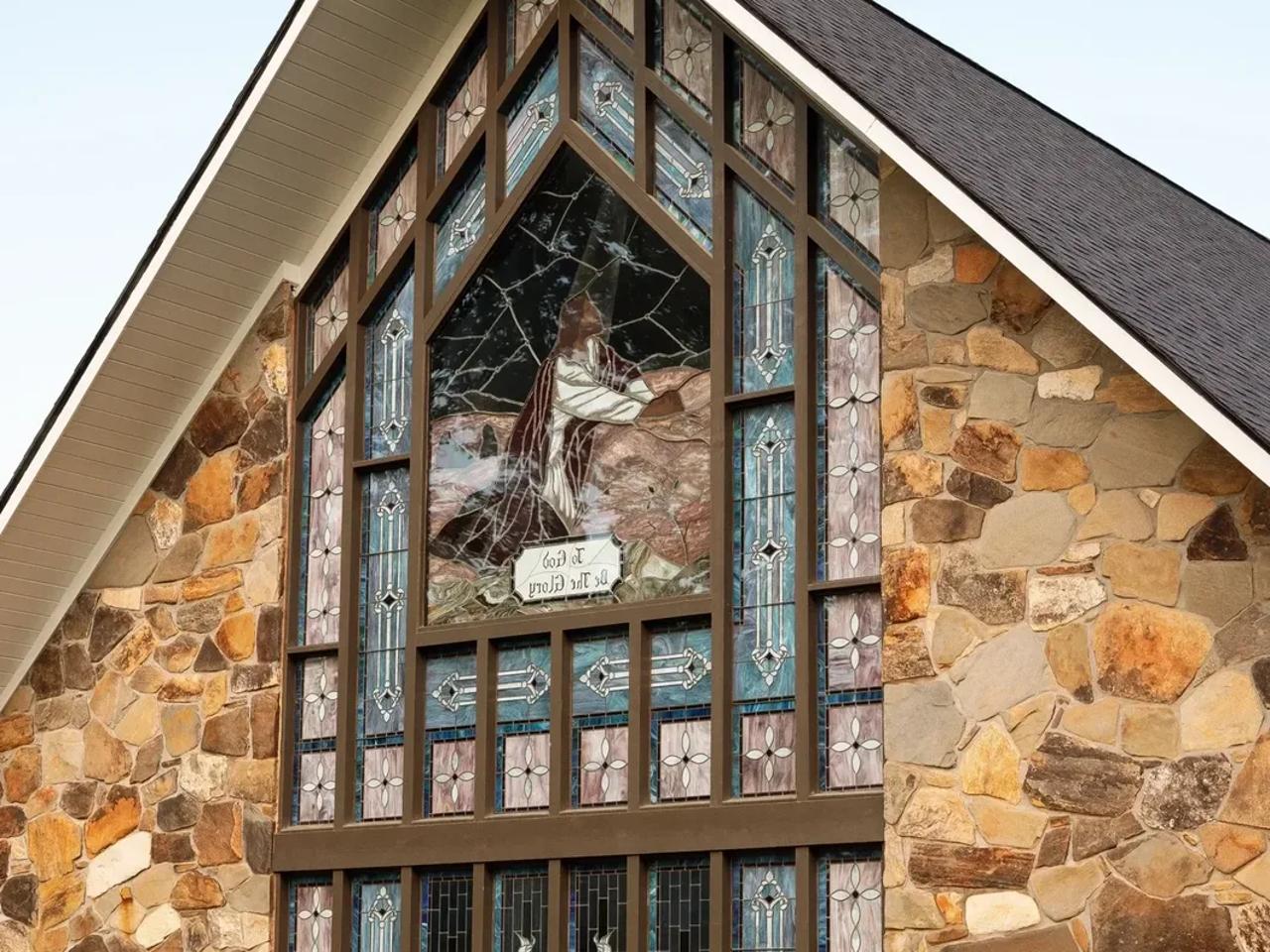
Yes, once your fire alarm contractor has run a connection to the door hub. When the fire alarm went off at the Dawsonville church, the doors opened as they should.
Yes. Touch Pass puts a resident’s or staff member’s credential in Apple Wallet or Google Wallet, and they hold the phone to the reader like a card. Cards and fobs work on the same readers for anyone who prefers them.
Yes. One Enterprise Access Hub controls up to eight doors, and the system grows by adding hubs, so the same setup runs a single office door or a multi-building site.
Yes. The system runs on your own network, so cards, fobs and Touch Pass keep opening doors. Only unlocking from the app away from the building needs the internet. In a power outage, each door is set to release or stay locked, and a battery backup keeps the hub running.
The doors keep working. Each door hub keeps its own list of who’s allowed in, so cards, fobs and Touch Pass keep opening doors until the network is back.
Other services
- Wi-Fi and NetworkWi-Fi, switching and backup internet
- Structured CablingCable and fiber runs, racks and labeling
- Cameras and AlarmsCameras, alarm sensors and alerts
- Business PhonesDesk phones, softphones and number porting
- File Storage and BackupShared files, backups and remote access
- Background MusicBackground music, room by room, from a phone
See what your building could do
Start with a short call. Then we come out, look at the space and design a system that fits your building.