Shared files, backups and remote access
Your files, in your office
We install file storage in your office that backs up every computer and Microsoft 365, keeps earlier versions of every file, and has no storage fees.
- No storage fees
- Encrypted drives
- Microsoft 365 backed up
A failed drive loses nothing
The storage runs its drives in RAID, so when one fails, every file stays where it is and the office keeps working. We’re alerted, and we replace it.
Get back the file someone deleted
Snapshots save earlier versions of your files through the day. When someone deletes a folder or saves over the wrong document, it comes back as it was that morning.
Every computer backed up
Each Windows and macOS computer backs up to the storage on a schedule. When a laptop is stolen or a hard drive dies, the work on it comes back on the replacement.
Microsoft 365 backed up in the office
Your Microsoft 365 data is copied to the storage in your office on a schedule, so a deleted mailbox or folder can be restored from a copy you own.
Your files from anywhere
Staff open the office files from home or on the road, and send a customer a link to a file or a folder in place of an attachment too large to email.
Access set by the person
Each employee gets space of their own, and each shared folder opens only to the people who need it. When someone leaves, their access is turned off in one place.
Learn more on Ubiquiti’s siteNetwork storage
What we install
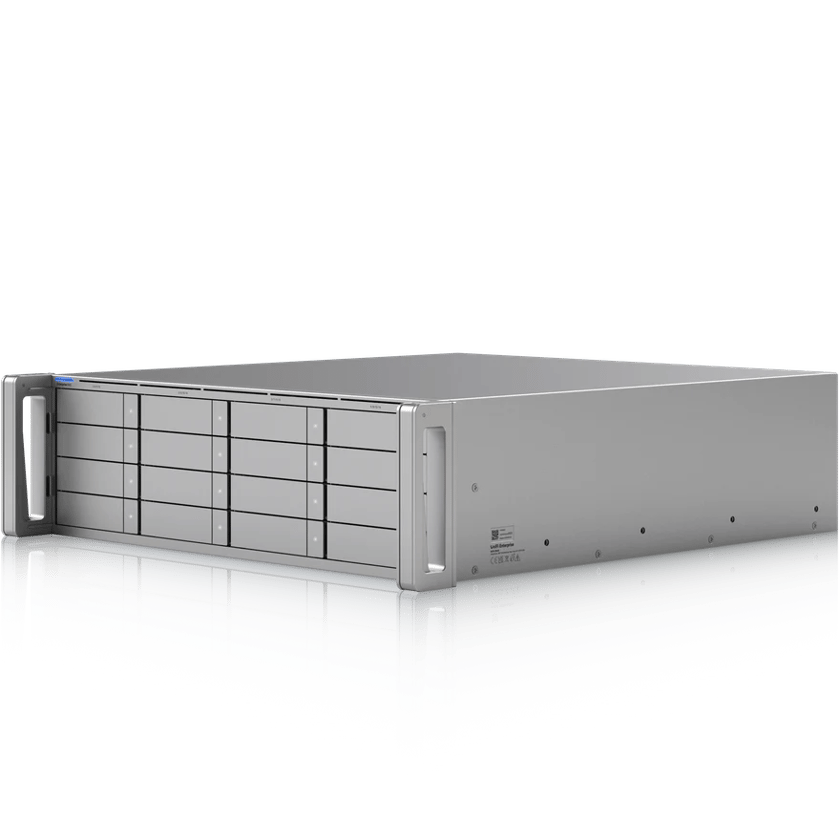
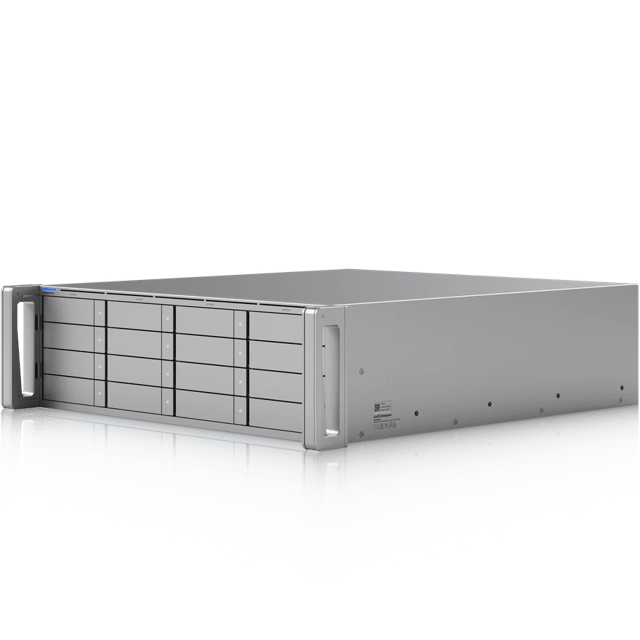 Enterprise NASSixteen drives in the rack
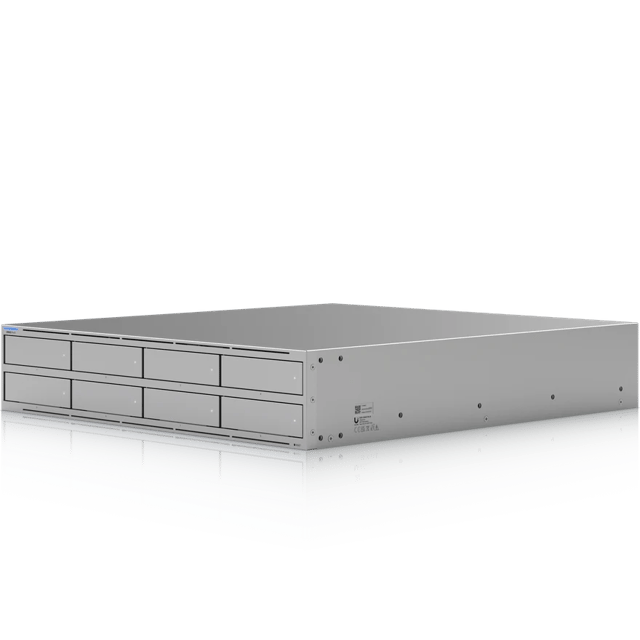 UNAS Pro 8Eight drives in the rack
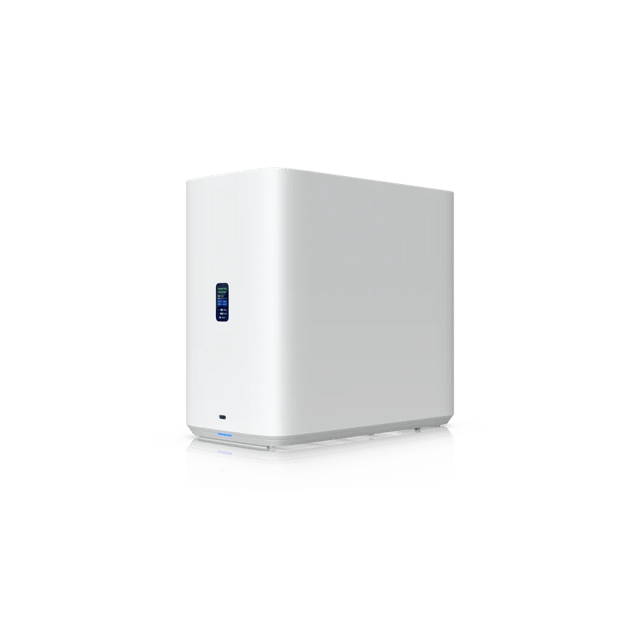 UNAS 4Four drives on a shelf
What’s included
Scoped after the site visit and quoted as one job, so equipment, labor and cabling are in the number you approve.
- Storage sized to your files, with drives in RAID
- Snapshots on a schedule
- Backups set up on every Windows and macOS computer
- Microsoft 365 backed up on a schedule
- A folder for each employee, and permissions by user
- Remote access and share links set up
- Full disk encryption
- An off-site copy, where you want one
Where we’ve done it
Finished jobs that included it, and what changed afterward.

Industries that rely on it
- Offices and ClinicsProfessional offices, medical and dental clinics, law and accounting firms, title and insurance agencies, practices with several locations
- Houses of WorshipChurches, synagogues, mosques, temples, parish halls, ministry offices
- SchoolsPrivate and charter schools, early learning and daycare centers, tutoring and training centers
- Condos and HOAsCondominium associations, HOAs, apartment and multifamily common areas, property management companies
Common questions
Yes, for the files your team shares and sends to customers. Shared folders, access from anywhere and share links all run on the storage in your office, with no fee per user or per terabyte.
Yes. Shared folders show up as a drive on Windows and in Finder on a Mac, so staff open and save files the way they do now.
We set up the off-site copy your business needs: to a cloud service, or to another UNAS at a second office. If you’d rather not have one, we leave it out.
Yes. The files are in the office, so everyone there keeps working on them when the internet drops. Only reaching them from outside the office needs the internet.
It gets you back online. Snapshots are taken on the storage itself, out of reach of the computers that use it, so when ransomware locks the shared files, we restore them from the last snapshot before it struck.
Yes. Full disk encryption keeps the drives unreadable if they’re removed, for practices whose rules require data encrypted at rest. We do not certify compliance. That assessment belongs to your compliance officer, and we will give them the documentation they ask for.
Up to a petabyte, which is more than almost any office will ever fill. We size it at the site visit from what you store today and how quickly it grows, on a UNAS 2 or 4 on a shelf, or a UNAS Pro or an Enterprise NAS in a rack.
We install and look after UniFi storage that we supply, and we move your files onto it from the old one. We do not manage storage we did not supply.
Other services
- Wi-Fi and NetworkWi-Fi, switching and backup internet
- Structured CablingCable and fiber runs, racks and labeling
- Cameras and AlarmsCameras, alarm sensors and alerts
- Access ControlDoor readers, schedules and lockdown
- Business PhonesDesk phones, softphones and number porting
- Background MusicBackground music, room by room, from a phone
See what your building could do
Start with a short call. Then we come out, look at the space and design a system that fits your building.