Condo Building · Atlanta
Off another tenant’s network, onto its own
We moved an Atlanta condominium’s concierge desk off another tenant’s equipment and onto a network of its own, with half an hour offline at cutover.
- 6 daysOn site
- 30 minOffline at cutover
- 28Devices installed
- Aug 2026Completed
Working with Adam and Magnetics was a breath of fresh air. He quickly became a trusted advisor, helping us find solutions to meet our functional needs in elegant, intentional solutions. We were never given any solution with a poor return on investment, nor were we ever supplied a plan that wasn’t incredibly well thought out. I’d highly recommend this team if you want someone who will work with you to drive your success.
What was wrong
The back office runs the concierge desk, its computers, the security cameras and the door access system. Most of that ran on equipment shared with another tenant in the building. When that tenant began replacing its equipment, the condo was left depending on hardware it didn’t control and couldn’t keep.
Apart from a small network we had set up for remote access to the door system, the condo’s own equipment was old consumer-grade hardware with no documentation, on cabling that had been run badly and was unreliable. Had the other tenant’s equipment come out first, the concierges would have lost their internet access and their cameras with it.
The finished job
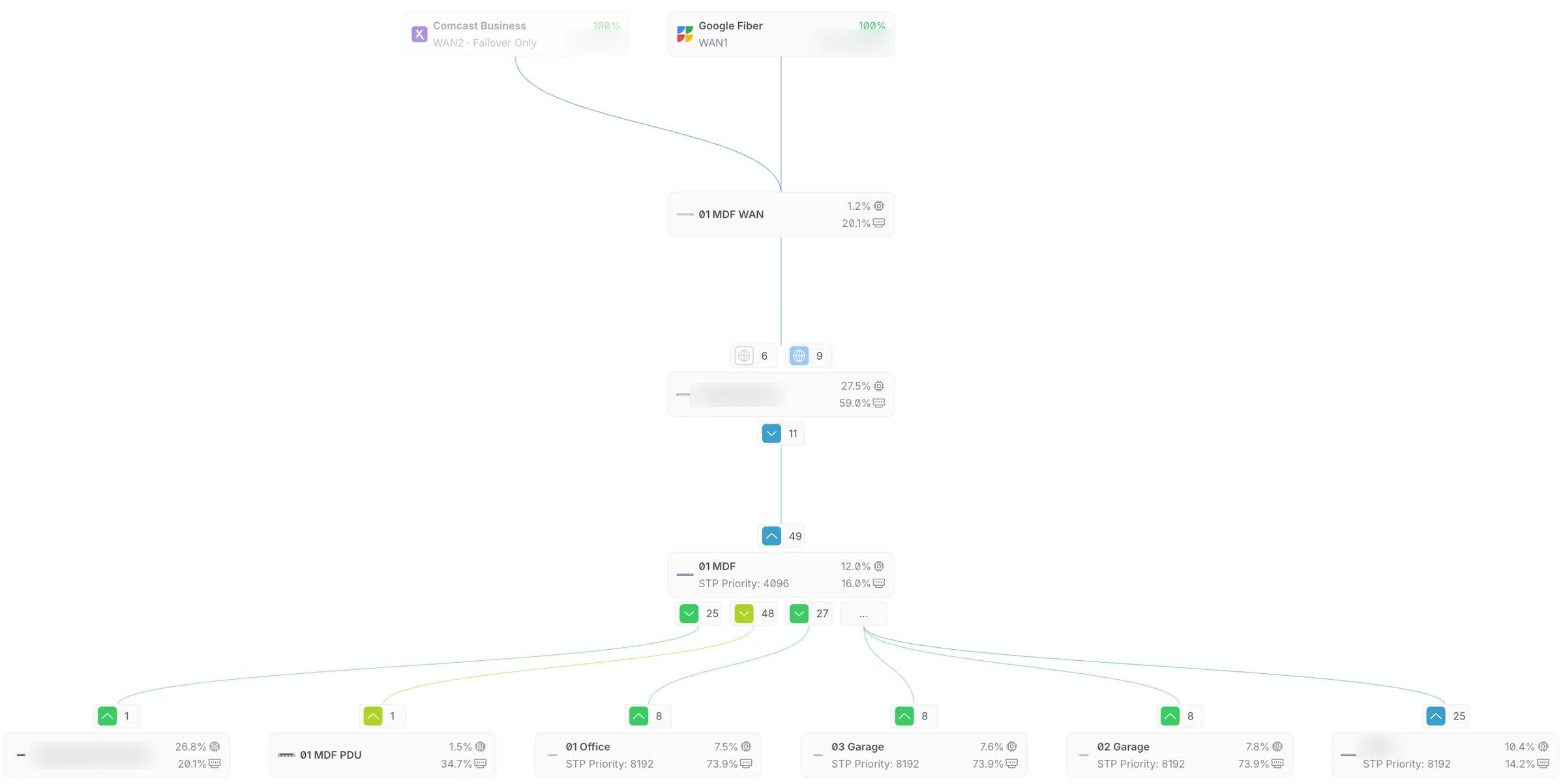
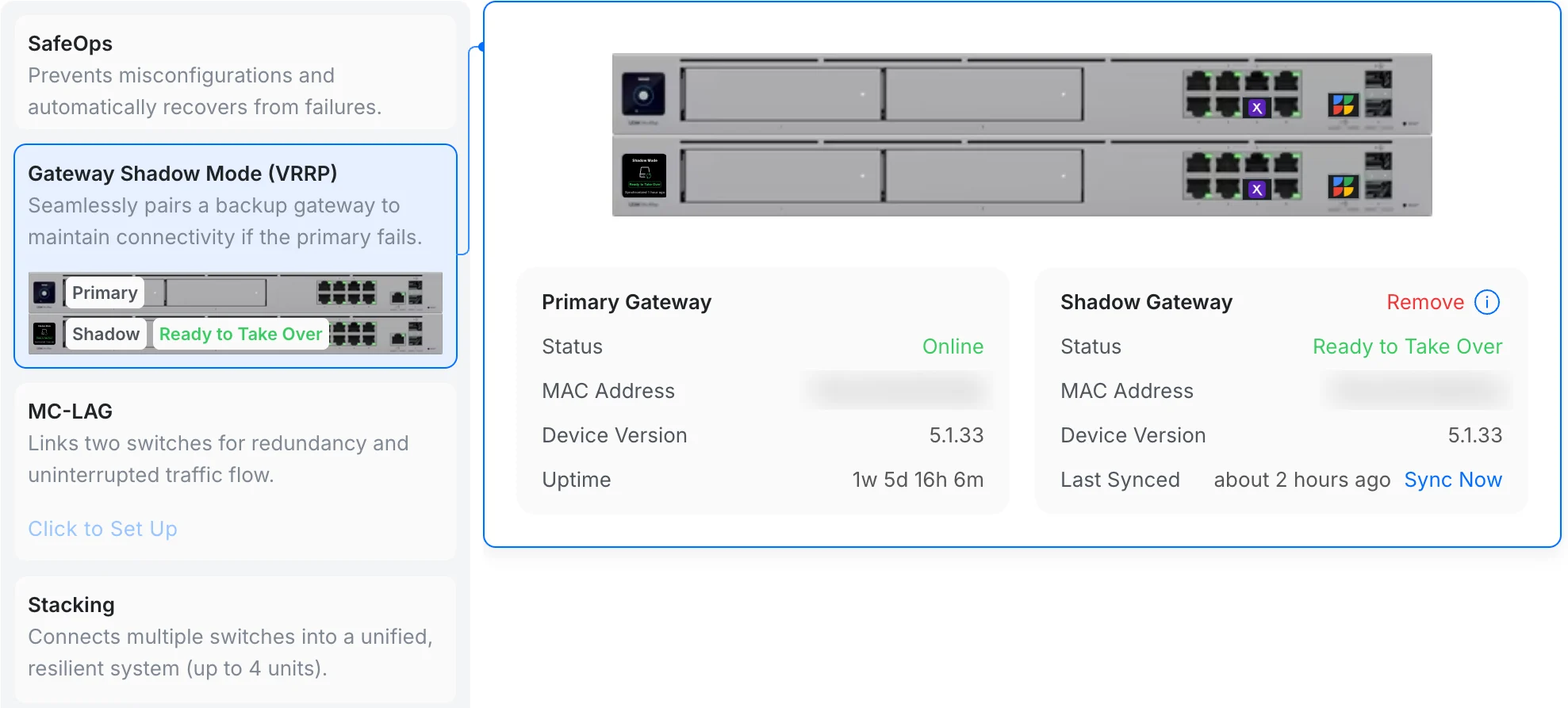
Two internet lines, one on standby, through the gateways to the core switch 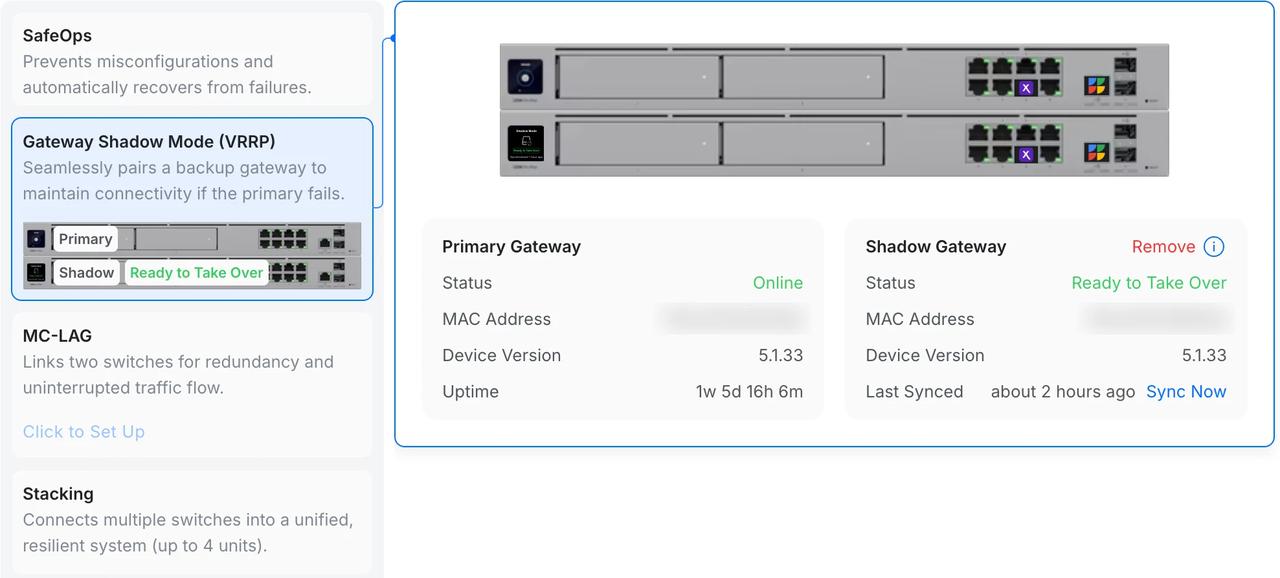
The second gateway in shadow mode, synced and ready to take over 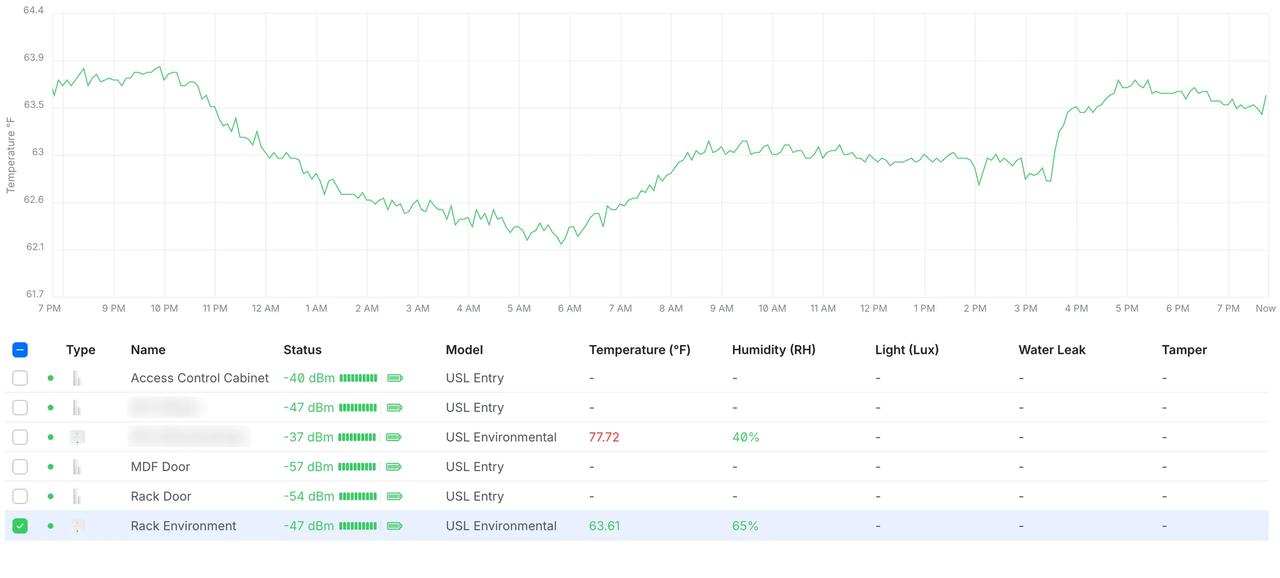
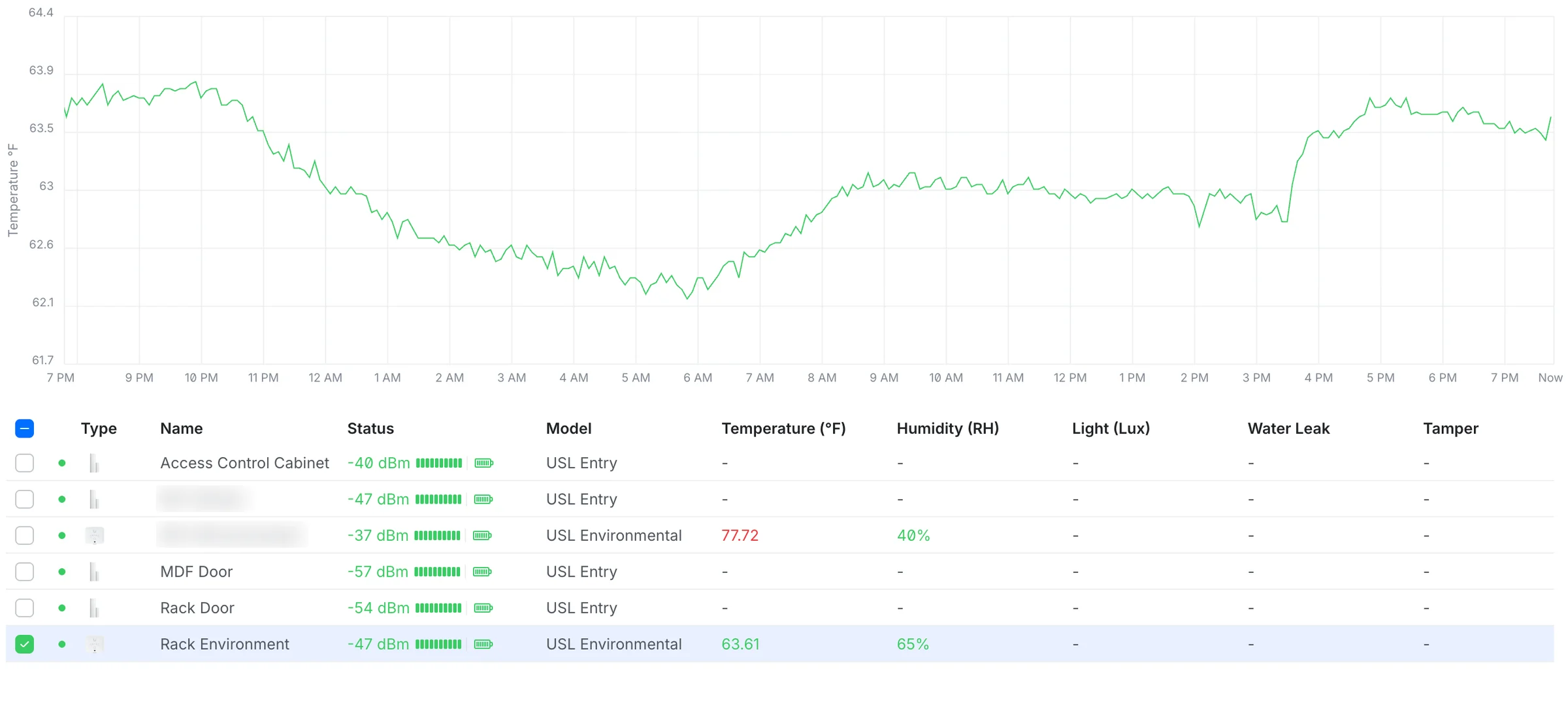
Rack temperature over a day, with the door and cabinet sensors
What went in
- Installed a 42U Tripp Lite rack, giving the condo its own space in a shared equipment room
- Replaced the previous gateway with two Dream Machine Pro Max gateways that fail over to each other
- Added a second internet line on standby, so the office stays online if the main one drops
- Rerouted and re-ran cabling to the new rack and terminated it on patch panels
- Put a 24-port PoE switch in the building’s main telecom room, linked to the rack at 20 Gbps
- Moved two phone lines off RingCentral onto UniFi Talk, with desk phones and softphones for the concierges
- Wired a relay and key fobs into the existing door access system, so the concierges can open the lobby door remotely
- Added sensors that report temperature and humidity and alert when someone opens the equipment
- Put the stairwell doors on an Alarm Hub
- Added a camera to watch the condo’s equipment in the shared room
- Brought the two existing DisplayCast Pro screens onto the new network
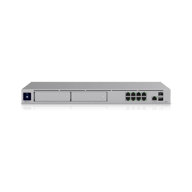
2Dream Machine Pro Max
Rack gateway and controller
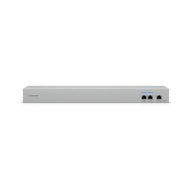
WAN Switch RJ45
Feeds both gateways
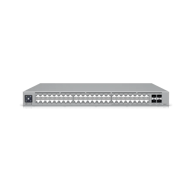
Pro Max 48 PoE
48-port PoE switch
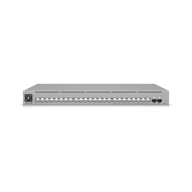
Pro Max 24 PoE
24-port PoE switch
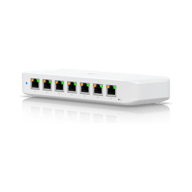
3UniFi Ultra
Compact PoE switch
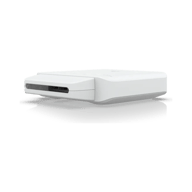
UniFi Flex
Compact PoE switch
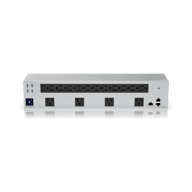
Power Distribution Pro
Rack power distribution
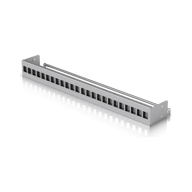
224-Port Patch Panel
Keystone patch panel
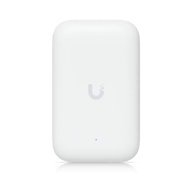
2Swiss Army Knife
Compact access point
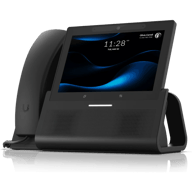
2G3 Touch Enterprise
7-inch touchscreen desk phone
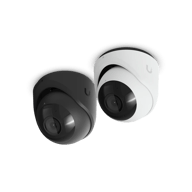
G6 Turret
Watches the equipment
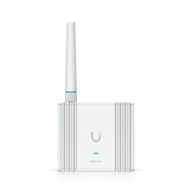
2SuperLink Gateway
What the sensors talk to
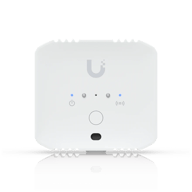
2Environmental Sensor
Water, temperature, humidity

3Entry Sensor
Doors and cabinets
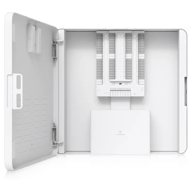
Alarm Hub Kit
Wired alarm panel
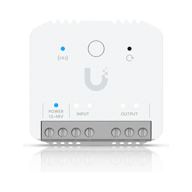
SuperLink Relay
Links legacy access control
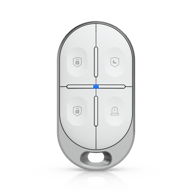
2Key Fob
Opens the lobby door
What changed
The concierge desk was offline for about 30 minutes at cutover and worked normally for the rest of the six days we were on site.
The network equipment is now the condo’s own. The rack is labeled, and every cable path and connected device is documented, so nobody has to trace a cable to find out what it does.
Since August the system has sent tamper and stairwell door alerts. We look after it under a support plan.
Systems in this job
- Wi-Fi and NetworkWi-Fi, switching and backup internet
- Structured CablingCable and fiber runs, racks and labeling
- Cameras and AlarmsCameras, alarm sensors and alerts
- Access ControlDoor readers, schedules and lockdown
- Business PhonesDesk phones, softphones and number porting
- Managed ServicesMonitoring, updates and support after the install
Service area




See what your building could do
Start with a short call. Then we come out, look at the space and design a system that fits your building.