Schools
A campus the front office can lock down
Doors follow the bell schedule, cameras cover the entrances and the car line, and every classroom has Wi-Fi for a full class of devices.
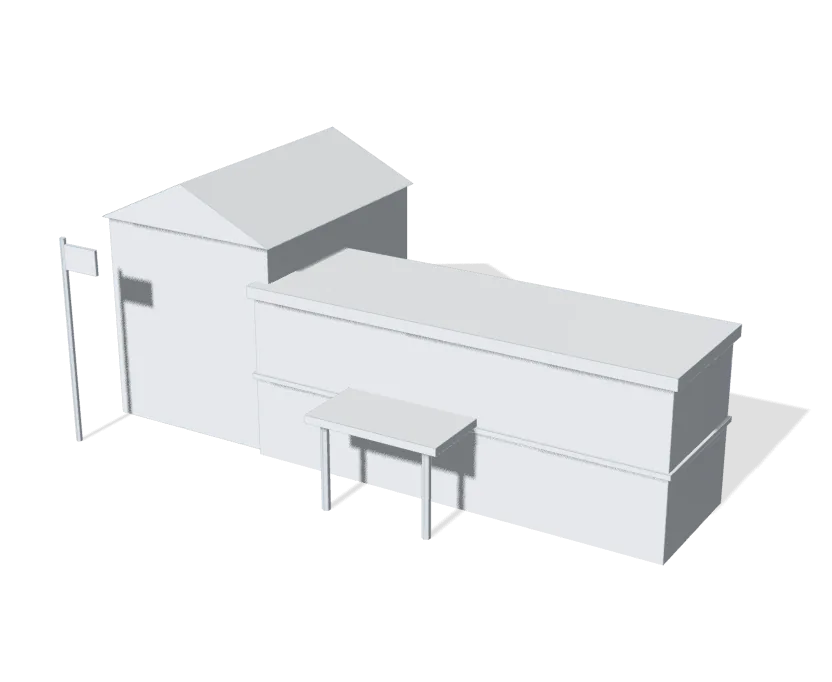
One button to lock every door
Staff can lock every door on campus at once from one button. When the fire alarm sounds, every door releases for evacuation.
Doors on the bell schedule
Exterior doors lock and unlock on the bell schedule you set. Visitors call the front office from an intercom at the main entrance, and when a staff member leaves, their credential is turned off, with no locks to change.
Wi-Fi for a device at every desk
Access points are placed for the classrooms, sized for a full class of devices. Students, staff and guests each get a network of their own, and a student device cannot reach staff systems or the cameras.
The auditorium and the gym
We’ve provided technical services for educational theater since 2015. We put together the sound, lighting, cameras and streaming for the stage and the gym, and train the staff and students who run them.
Cameras on the entrances and the car line
Cameras cover the doors, the hallways and the car line and record on site, and the front office can pull up any camera from the desk.
Every building on one system
Buildings across a campus are linked by fiber or a Building Bridge and run from one console, so one button at the front office locks every door in every building.
Learn more on Ubiquiti’s siteUniFi AccessUniFi Protect
Built for the school day
Doors, cameras and sensors in every building, on one UniFi system.
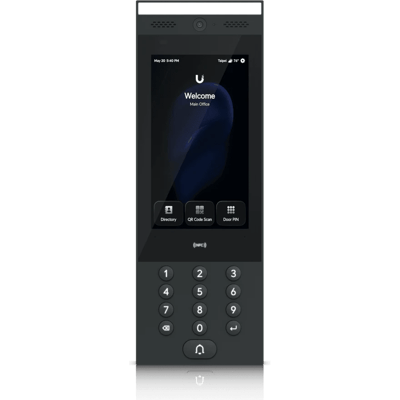
G3 Intercom
Visitors call the front office from the main entrance, and staff open the door from the desk or a phone.
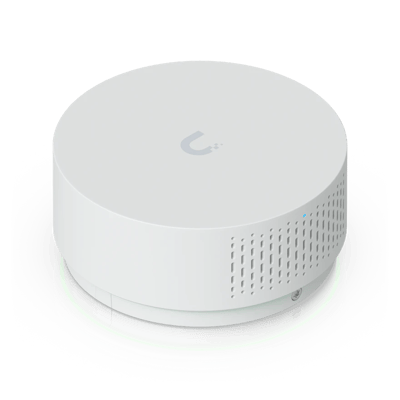
Vape and Air Quality Sensor
Detects vaping in the bathrooms and alerts staff, with no camera in the room.
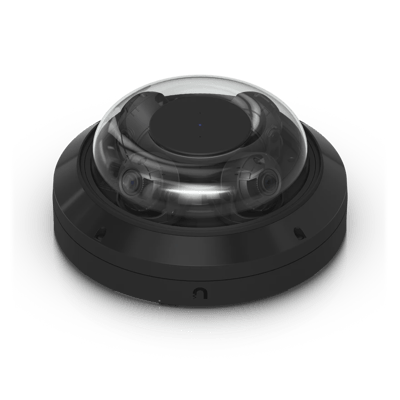
AI Multi Sensor 4
Four 4K cameras in one, covering a hallway crossing or the car line from a single mount.
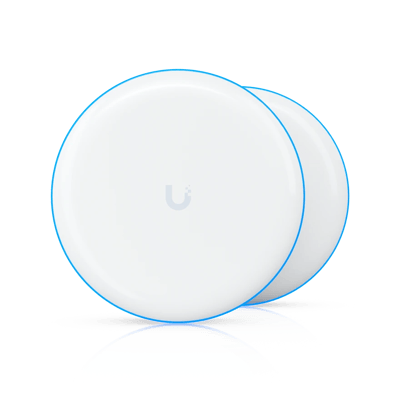
Building Bridge XG
Links another building on campus over the air, up to 500 m away, with no trench to dig.
What a typical build looks like
A starting point, not a quote. We’ll fit it to your building at the site visit.
- Card, fob or phone entry on the bell schedule
- One-button lockdown, released by the fire alarm
- An intercom at the main entrance for visitors
- Cameras on the entrances, hallways and the car line
- Access points for the classrooms, the gym and the auditorium
- Separate networks for students, staff and guests
- Sound, lighting and streaming for the auditorium
- Fiber or a Building Bridge between buildings
Magnetics ID
Before anyone from Magnetics is let past the main entrance, the front office can check the employee’s numbered photo ID at magnetics.pro/verify.
Verify a badgeCommon questions
One button in UniFi Access locks every door on the system at once, from the front office computer or a phone.
Yes. The doors and the lockdown run on the school’s own network, so they keep working when the internet drops.
The main entrance has an intercom that calls the front office, and staff can see who’s there and open the door from the desk or a phone. The other exterior doors stay on the bell schedule.
Their card, fob or phone access is turned off, and it stops working right away, with no keys to collect.
Students, staff and guests each get a Wi-Fi network of their own, so a student’s phone or laptop cannot reach staff computers or the cameras.
Yes. We build sound, lighting, camera and streaming packages for stages and gyms, and reuse the equipment you already own where it still does the job.
The services behind it
- Wi-Fi and NetworkWi-Fi, switching and backup internet
- Structured CablingCable and fiber runs, racks and labeling
- Cameras and AlarmsCameras, alarm sensors and alerts
- Access ControlDoor readers, schedules and lockdown
- File Storage and BackupShared files, backups and remote access
- Managed ServicesMonitoring, updates and support after the install
Other buildings like yours
See what your building could do
Start with a short call. Then we come out, look at the space and design a system that fits your building.