Cameras, alarm sensors and alerts
Know what happened, and find it in seconds
We install UniFi Protect cameras and alarm sensors, from a single door camera to hundreds across a campus.
- No cloud subscription
- Recorded on site
- Search by person or vehicle
- Partner-registered with Ubiquiti
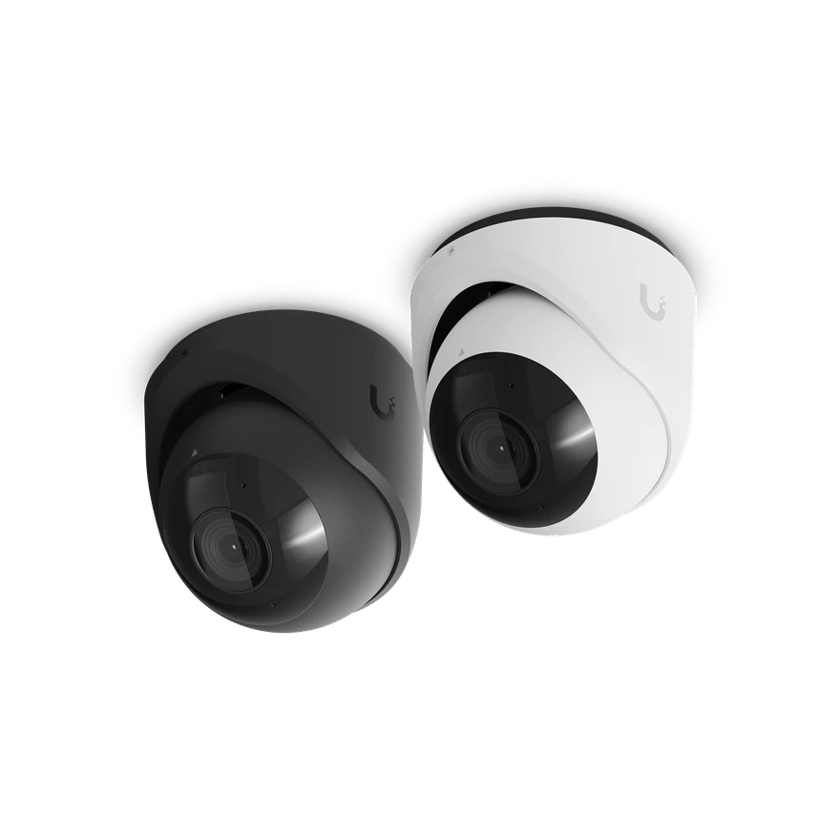
Footage you keep, with no subscription
Footage is stored on a UniFi recorder in your building. There’s no per-camera license and no cloud plan to renew, and the footage is not stored on anyone else’s servers. You can watch live or play back from the UniFi app, from anywhere.
Search by person or vehicle
Protect marks when a person or a vehicle appears on a camera, so you can jump to the moment a truck pulled into the lot. Nobody has to scrub through a night of an empty loading dock to find thirty seconds.
See who opened the door
With UniFi Access on the same system, every unlock is paired with the camera at that door. Open the event and you see who came in, on the footage, beside the badge or phone they used.
The right camera for each view
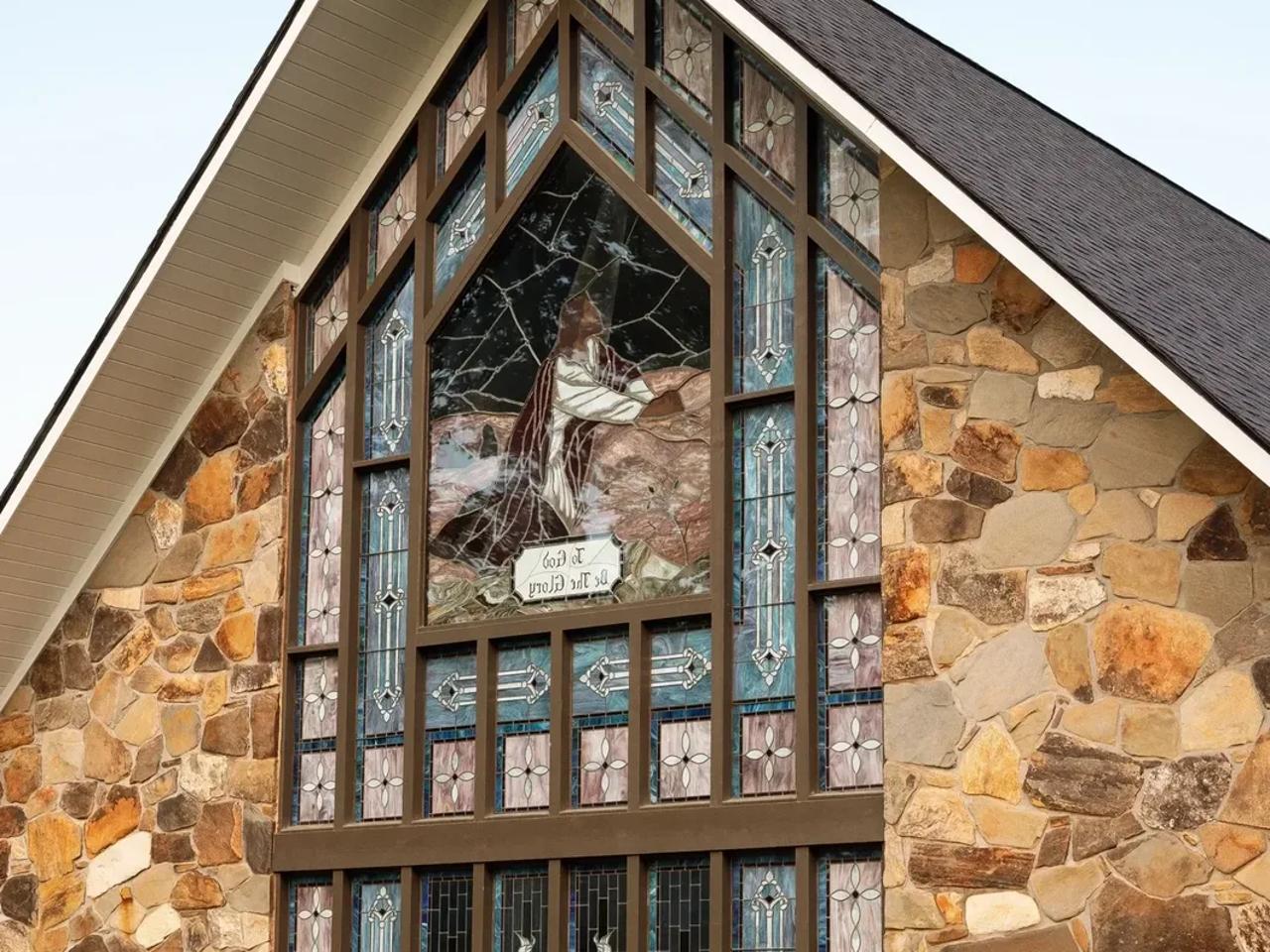
Fixed turrets cover doors, hallways and entrances. A pan-tilt-zoom camera can follow a vehicle across a parking lot or zoom in on its far end, and a 360-degree camera mounted overhead covers a whole room from one point. A church in Dawsonville uses all three: seven turrets, three PTZ cameras and one 360. Choosing a UniFi camera.
Alarms that alert your staff
SuperLink sensors report doors opening, tampering, water, temperature and humidity, and an Alarm Hub takes wired sensors, such as the contacts on stairwell doors. A sensor on the equipment rack sends an alert when someone opens it. Alerts go to the phones of the people you choose.
Lots and entrances covered at night
Outdoor cameras are weather-rated and placed with the site’s lighting in mind. A camera facing into a floodlight or a dark corner records very little you can use, so we walk the lot and the entrances before choosing positions.
Learn more on Ubiquiti’s siteUniFi ProtectVideo recordersSuperLink sensors
What we install
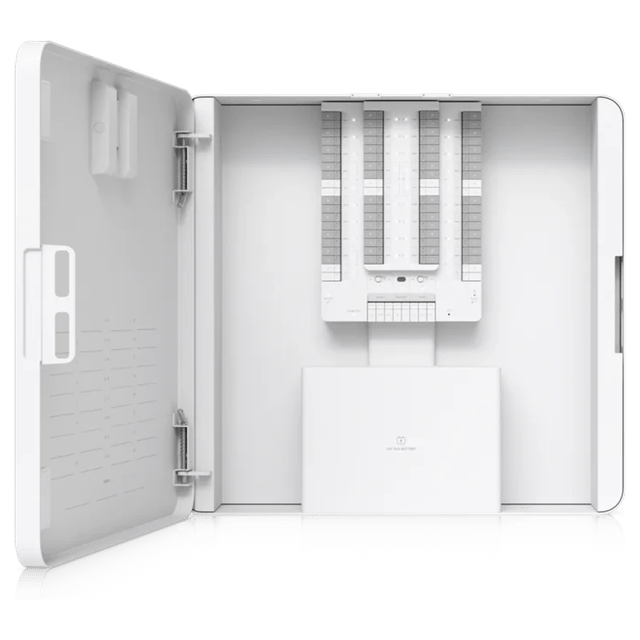 Alarm Hub KitWired alarm panel
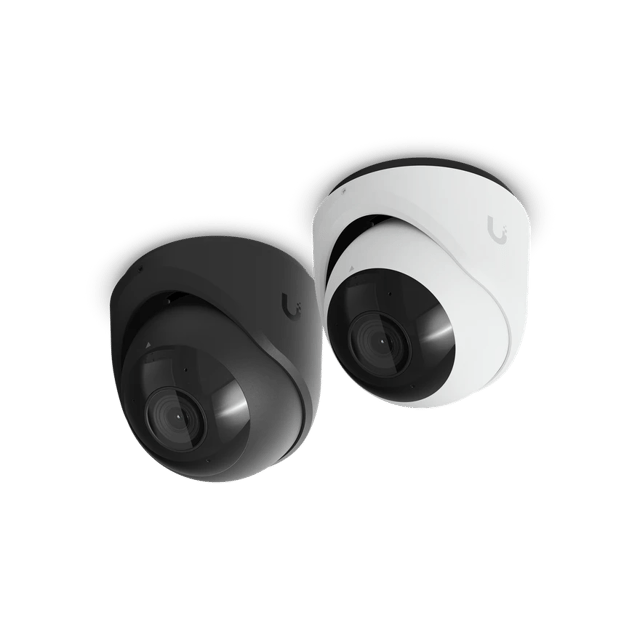 G6 Turret4KWired turret camera
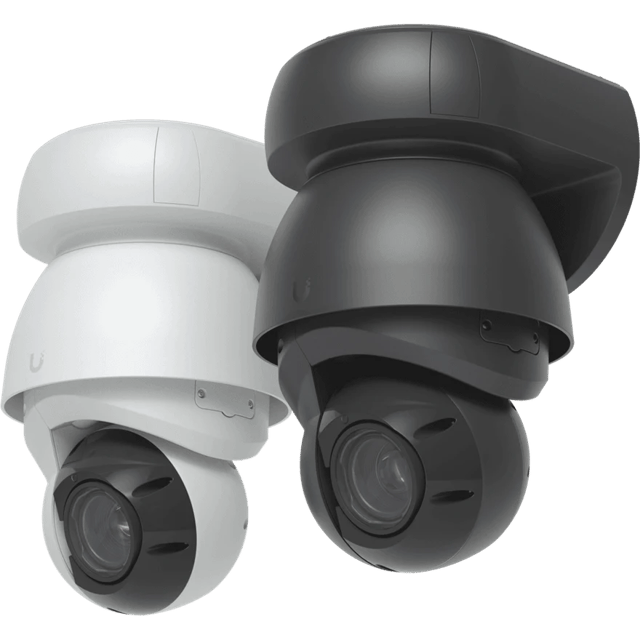 AI PTZ Industrial4K, with 22x optical zoom
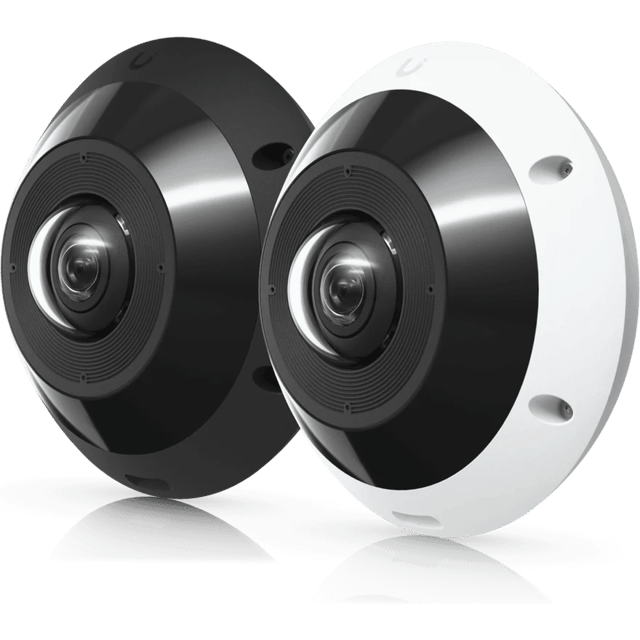 G6 Pro 36012MP 360° camera
What’s included
Scoped after the site visit and quoted as one job, so equipment, labor and cabling are in the number you approve.
- Camera positions chosen at the site visit
- Indoor and weather-rated outdoor cameras
- PTZ and 360-degree cameras where they fit
- A recorder on site, sized to the retention you want
- Cabling and mounting
- Person and vehicle detection
- Live-view screens for a front desk or security room
- Viewing on phones and computers for the people you choose
- SuperLink door, tamper and environmental sensors
- An Alarm Hub for wired sensors
Where we’ve done it
Finished jobs that included it, and what changed afterward.




Industries that rely on it
- Retail and RestaurantsRetail shops, restaurants, cafes and bars, salons and spas, gyms and studios
- Offices and ClinicsProfessional offices, medical and dental clinics, law and accounting firms, title and insurance agencies, practices with several locations
- Warehouses and PlantsManufacturing plants, distribution centers, cold storage, fabrication and machine shops, showrooms with a warehouse behind them
- AutomotiveNew and used car dealers, repair shops, body shops, tire shops and quick-lube
- HospitalityHotels, inns, bed and breakfasts, extended-stay properties, resorts
- Theaters and VenuesTheaters, performing arts centers, music venues, arenas and stadiums, event venues and banquet halls, recording and broadcast studios
- Houses of WorshipChurches, synagogues, mosques, temples, parish halls, ministry offices
- SchoolsPrivate and charter schools, early learning and daycare centers, tutoring and training centers
- Condos and HOAsCondominium associations, HOAs, apartment and multifamily common areas, property management companies
Common questions
No. Recording and viewing carry no subscription and no per-camera license, because the footage is stored on a recorder you own. The one recurring cost is the support plan that comes with every business system. It pays for us looking after the system, not for the footage.
As long as the recorder’s storage allows, which depends on the number of cameras and their resolution. We size the storage to the retention you want and show you the figures before you buy.
Sometimes. Many existing cameras can run in UniFi Protect alongside new ones, though they don’t get every feature, such as person and vehicle search.
The sensors and Alarm Hub we install are self-monitored. Alerts go to the phones of the people you choose, and your staff decide what happens next. While we do not offer alarm monitoring, Ubiquiti has announced its own, powered by Noonlight, for UniFi Protect 7.4.
Yes. The cameras and the recorder run on your local network, so an outage only stops you watching from off site until the line returns.
The people you give access to. Footage stays on the recorder in your building, and each user can be limited to the cameras they need. We do not keep a copy.
Yes. Protect’s Case Manager gathers the clips from an incident into one case, with notes and a chain of custody, and shares it as a file or as a link that expires. [How Case Manager works](/blog/unifi-protect-case-manager).
Yes. The same system runs a single camera or a campus of many buildings, all viewed in one app. We plan coverage for parking lots, loading docks and building perimeters as well as interiors.
Other services
- Wi-Fi and NetworkWi-Fi, switching and backup internet
- Structured CablingCable and fiber runs, racks and labeling
- Access ControlDoor readers, schedules and lockdown
- Business PhonesDesk phones, softphones and number porting
- File Storage and BackupShared files, backups and remote access
- Background MusicBackground music, room by room, from a phone
See what your building could do
Start with a short call. Then we come out, look at the space and design a system that fits your building.