Business Phones
UniFi Talk vs. FreePBX
FreePBX is free software on a server someone has to run. UniFi Talk runs on a UniFi console, with nothing of its own to patch.
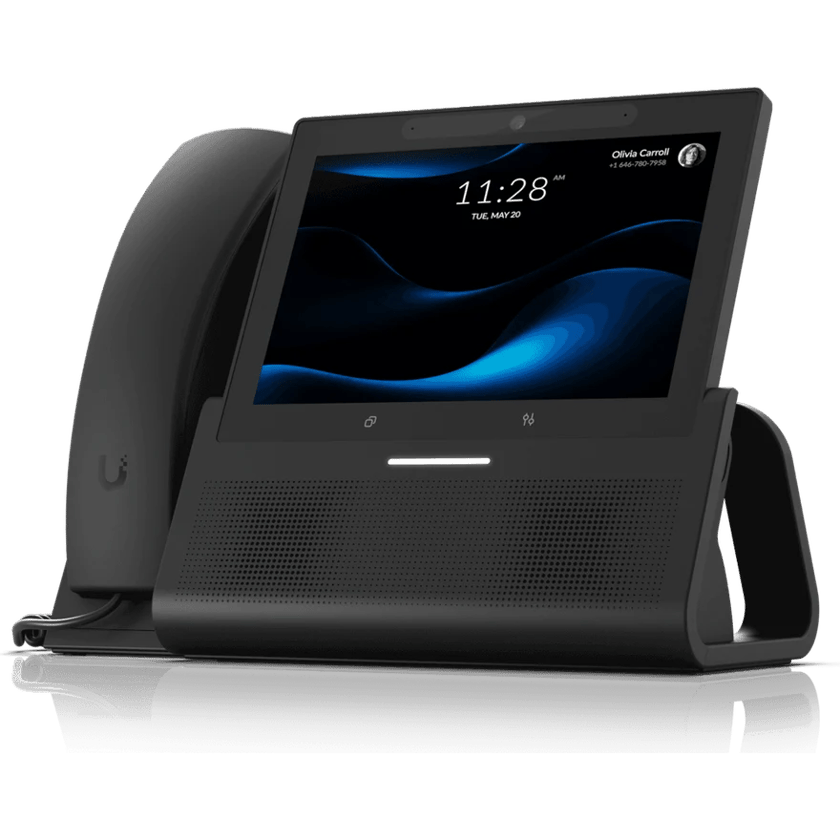
How they compare
What each one costs, and what it does.
Learn more on Ubiquiti’s siteUniFi Talk
How to choose
It comes down to a phone system that’s easy to use, or a server built for custom call handling.
Choose UniFi Talk if
- You want it easy to useCalls follow your hours and ring the right people, set up in one app with nothing to program.
- Staff work from their cell phonesTalk Pro puts the business number on staff cell phones, and every plan includes texting, with no apps to license.
- You want the door on your phoneA Talk phone answers the door intercom, shows the camera and opens the door, on the same console as your network.
- You’re on StarlinkTalk keeps taking calls behind Starlink, where an on-site FreePBX server can stop receiving them.
Choose FreePBX if
- You run a call centerFreePBX adds queue reports and agent tools through its call center modules. Ubiquiti’s terms rule out call-center use on Talk.
- You have an Asterisk administratorFreePBX rewards someone who knows Asterisk, with custom dial plans on a server you control.
Common questions
FreePBX software is free, but it needs a server, phone service from a separate provider and paid modules for features such as the cell phone app. Talk is the phones and a subscription per number, with the phone service included.
Yes. Talk holds callers in a queue for the next free person, alongside ring groups and an auto attendant. A full call center, with agent reporting, is where FreePBX fits better.
Yes. We port them from your calling provider, and the old service stays live until the transfer completes.
Yes. UniFi Talk takes third-party SIP desk phones, so staff keep the phones they know. We check each model at the site visit.
Yes. Business hours, ring groups and after-hours handling are settings in the UniFi app, with no modules, dial plans or server behind them. On FreePBX, each is a module in the web admin of a server someone has to keep running.
Starlink’s standard service shares public addresses between customers and blocks inbound connections, so a calling provider can’t reach an on-site server directly. Depending on how the trunk is set up, incoming calls can stop. Some Starlink plans offer a public address as an option.
Sources
- FreePBX Add-Ons, Sangoma
- FreePBX Softphones, Sangoma
- PBX GUI: Scribe, Sangoma Documentation
- SMS Text Messaging, Sangoma Documentation
- Security Advisory: Please Lock Down Your Administrator Access, FreePBX Security Team, August 2025
- What IP address does Starlink provide?, Starlink Help Center
- UniFi Managed VoIP, Ubiquiti
- Manage UniFi Talk Subscriptions, Ubiquiti Help Center
See what your building could do
Start with a short call. Then we come out, look at the space and design a system that fits your building.