Wi-Fi and Network
UniFi vs. Meraki
Meraki equipment needs a license renewed every term. UniFi is bought once, with no license to renew.
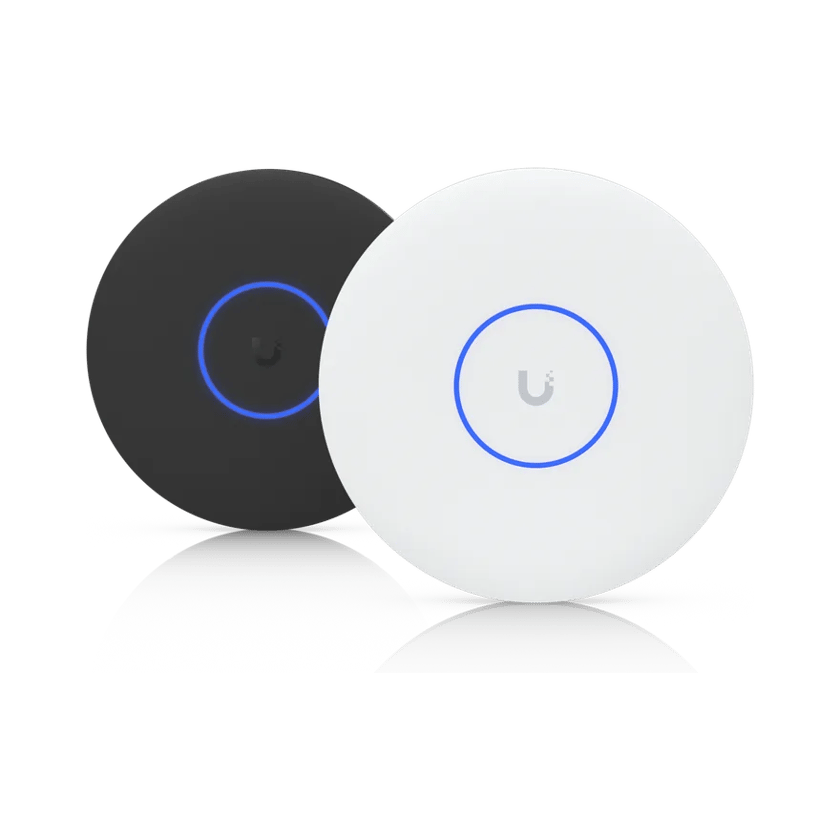
How they compare
What each one costs, and what it does.
Learn more on Ubiquiti’s siteCloud GatewaysSwitchingUniFi WiFi
How to choose
It comes down to owning the network outright, or paying Cisco every term for its warranty and support.
Choose UniFi if
- Cost mattersUniFi hardware generally costs less to begin with.
- You don’t want a license to renewThe network keeps working, changing and updating with no license behind it.
- You want it managed from your buildingA UniFi console can sit in your own rack, so the network is run from your equipment rather than a vendor’s cloud.
- You want cameras, doors and phones tooUniFi Protect, Access and Talk run on the same console as the network, so one system covers them all.
Choose Meraki if
- You want a lifetime warrantyCisco covers most Meraki switches, gateways and indoor access points for the life of the product.
- You want support straight from CiscoCisco’s support comes with every Meraki license.
- Your IT team already runs CiscoMeraki uses the dashboard, tools and training your team already has.
Common questions
Generally, yes. UniFi hardware usually costs less up front, and it runs without a license, so there’s nothing to renew every term.
Absolutely. We build in as much redundancy as the site needs, from failover gateways and backup internet to redundant power and enterprise-grade MC-LAG.
After a 30-day grace period, the dashboard locks: the network can no longer be changed, monitored or updated, and Cisco support ends. On older co-term licenses, the devices stop passing traffic altogether.
Yes. We visit the site, design the UniFi replacement and plan the cutover. The usual time to switch is before the Meraki licenses come up for renewal.
No. The network runs from the equipment in your building, so it keeps running when the internet is down. Remote management and alerts need the internet.
Yes. Site Manager runs every UniFi site from one place, in a browser or the app, with no license. The network also stays manageable on site if the cloud can’t be reached.
We install and support UniFi, and we can replace a Meraki network with a UniFi one. We do not manage systems we did not supply.
Sources
- General Licensing FAQs, Cisco Meraki Documentation
- Meraki Per-Device Licensing Overview, Cisco Meraki Documentation
- Co-Term License Problem: Out of Compliance, Cisco Meraki Documentation
- Returns (RMAs), Warranties and End-of-Life Information, Cisco Meraki Documentation
- Limited Warranty, Ubiquiti
- MX Warm Spare: High-Availability Pair, Cisco Meraki Documentation
- An Overview of High Availability in UniFi, Ubiquiti Help Center
- Configuring MC-LAG in UniFi Network, Ubiquiti Help Center
- Power Redundancy, Ubiquiti Help Center
See what your building could do
Start with a short call. Then we come out, look at the space and design a system that fits your building.