What it is
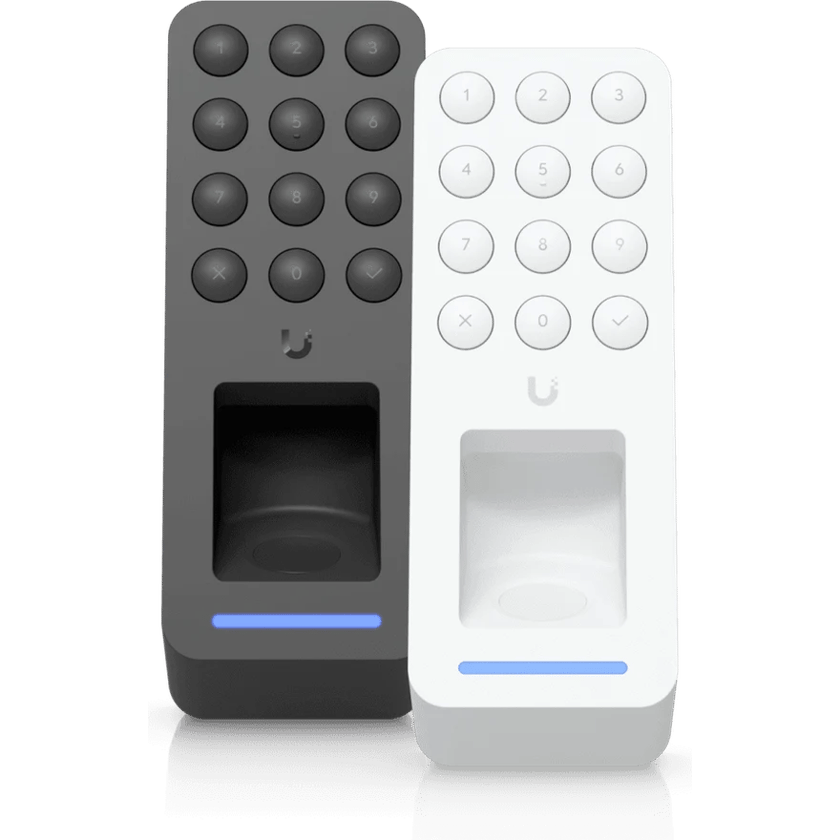
The G3 Reader Fingerprint opens a door with a fingerprint, an NFC card, a PIN, Apple or Google Wallet, or the UniFi Access app, and holds up to 300 fingerprints. It lists at $159, and a Retrofit version in the same shape fits the wiring left by older readers.
Build and keypad
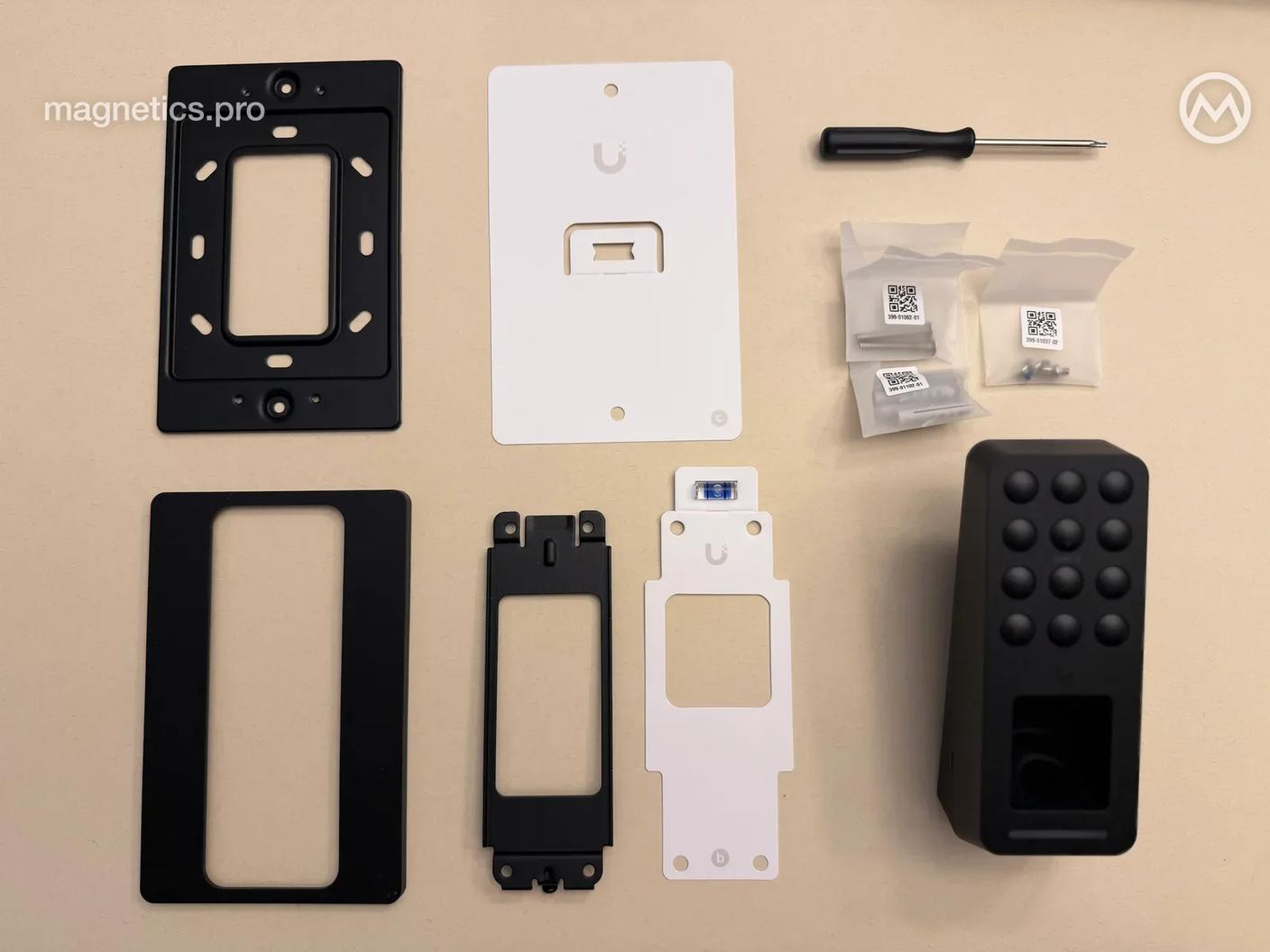
The reader is larger in person than we expected, about as wide as the G3 Reader and a little taller. A polycarbonate face sits on an aluminum body and a steel mount, and we expect it to hold up well over time.
The keypad glows dimly at rest and brightens when someone touches it. The keys are tactile, each press plays a tone, and entering a PIN is fast and easy.
Fingerprint recognition
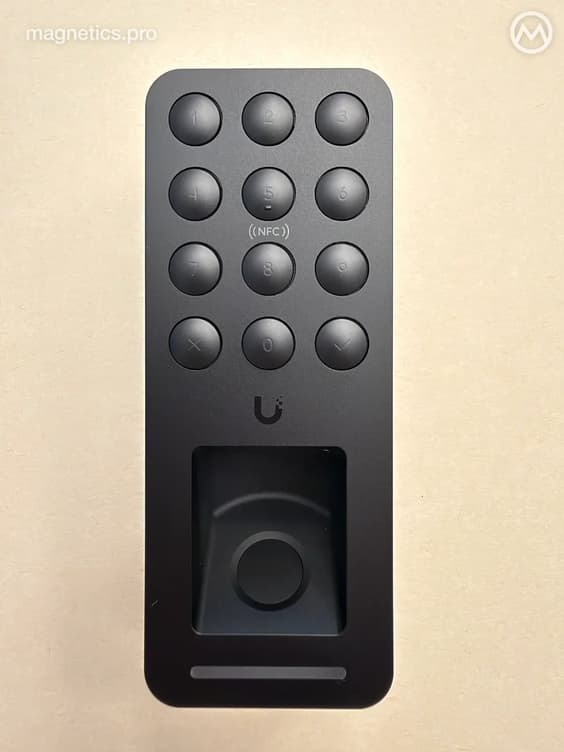
We found the fingerprint reader on the G4 Doorbell Pro finicky, so we tested this one carefully. Recognition is more reliable than the doorbell’s, though it isn’t perfect.
We’re hesitant to put it on outside doors. The reader is rated IP55 and supports outdoor installation, but Ubiquiti recommends a covered spot out of the rain for the best recognition.
No two-step authentication
The reader can’t require two methods together, such as a fingerprint and a PIN, and it can’t hold the door for an approval. We had hoped it would, and we were disappointed.
The reader can still be set to open for a fingerprint only, which keeps a borrowed card or a shared code from opening the door. PINs can then be kept for tightly limited visitor access, or as an emergency way in.
The reader and its firmware are both new, and Ubiquiti often adds to a product after release. We hope to see two-step authentication and more in coming updates.
Where we’d install it
We’d choose the G3 Reader Fingerprint for higher-security areas such as data closets, where access has to be tied to a person, because a fingerprint can’t be lent or shared the way a card or a code can.
We may also install it in place of the G3 Flex on some doors. The fingerprint reader’s keypad has physical keys, and they feel much better under a finger than the Flex’s touch buttons.
We’ll help you choose the right reader for each door, from the front entrance to the data closet. Book a call to get started.
Sources
- G3 Reader Fingerprint: Tech Specs, Ubiquiti
- Retrofit Reader Fingerprint: Tech Specs, Ubiquiti
- G3 Flex: Tech Specs, Ubiquiti
- G3 Reader Fingerprint, Ubiquiti Store