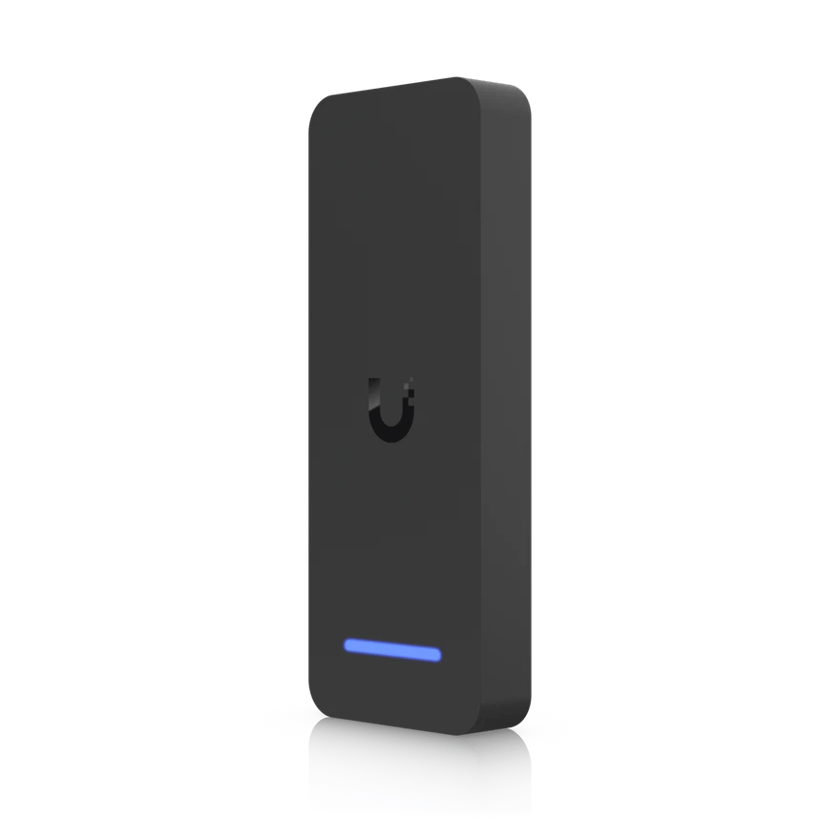
Why upgrade an old card system
Many older door systems read 125 kHz proximity cards. Those cards send their number unencrypted, so an inexpensive cloner can read one from a few inches away and write it onto a blank card. The wiring from the reader back to the controller is usually Wiegand, which carries the card number unencrypted too.
UniFi’s retrofit readers use cards built to resist copying, and they talk to the hub over OSDP, which encrypts the line between the reader and the hub.
What UniFi Access adds
- More ways to unlock. Besides cards and fobs, doors open with Touch Pass, a visitor’s QR code, the app, a face or a fingerprint, depending on the reader.
- Visitors. You invite a visitor for the days and doors they need, and they get a QR code or a PIN by email or text. Their access ends when the visit does.
- Intercoms. Intercoms and readers with a built-in camera record a clip of every entry, and visitors can use them to call someone to let them in.
- Lockdown. One button in the app locks every door on the system, and an admin can still open a single door for responders.
- Protect cameras at the door. A UniFi Protect camera paired with a door ties its footage to the door’s log, so you see who came in beside the video of them doing it.
- An API. Access has an API, so software such as an HR or member system can add and remove people automatically.
The retrofit line
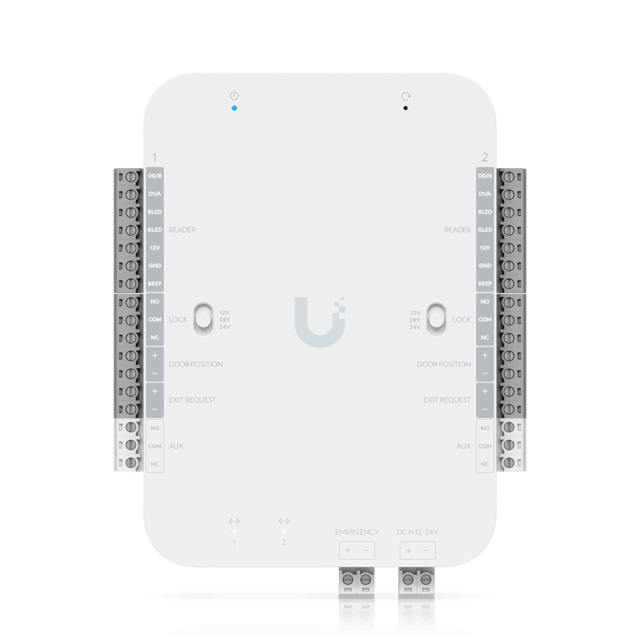 Retrofit HubTwo doors
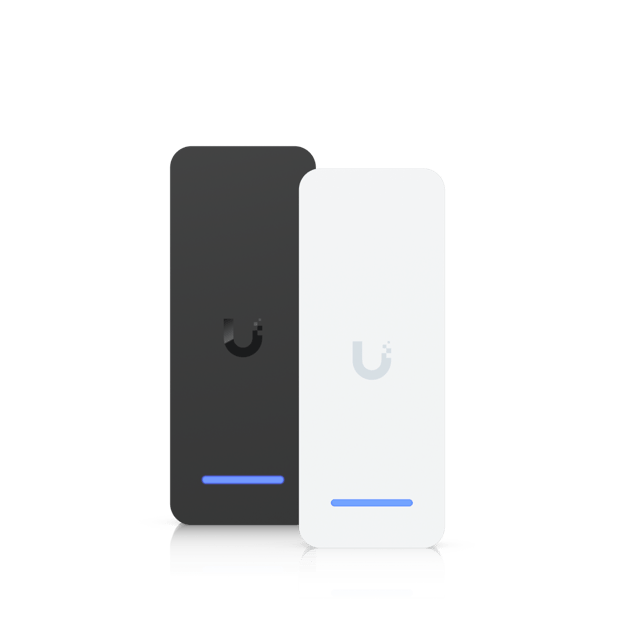 Retrofit ReaderCard, phone and app
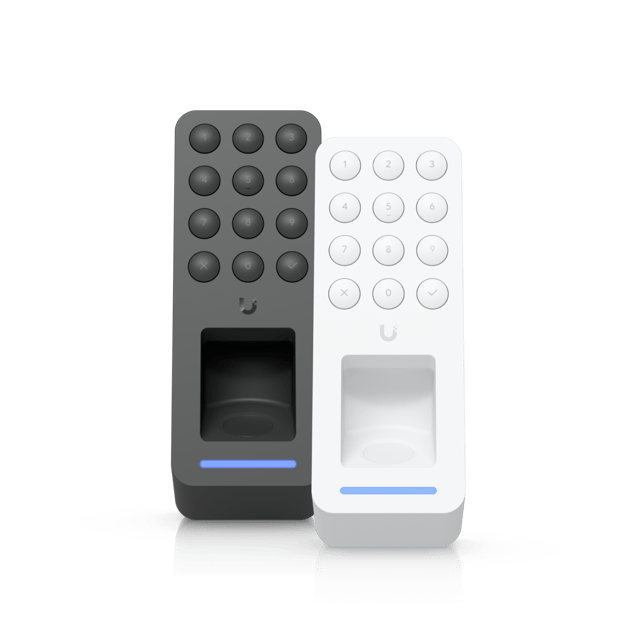 Retrofit Reader FingerprintFingerprint and PIN
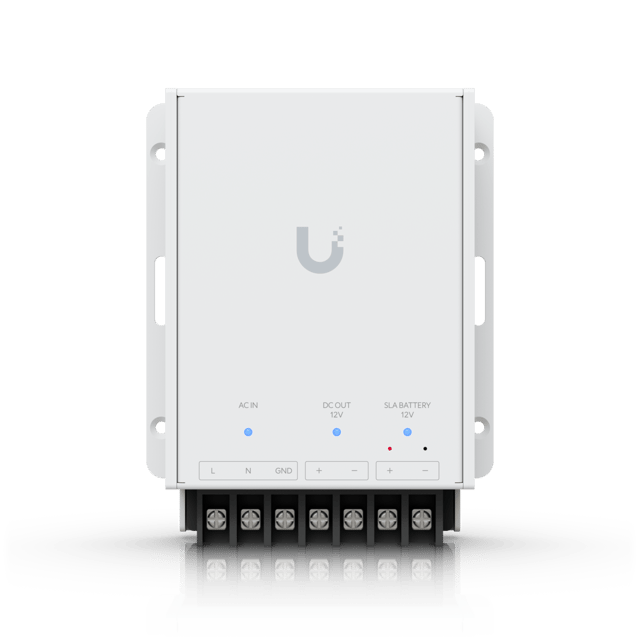 Retrofit PSU 12VPower and battery
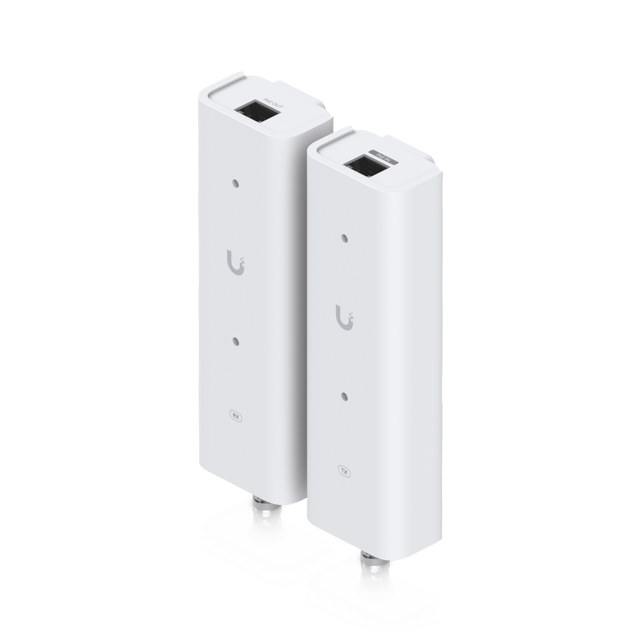 PoE Over 2-Wire ExtenderPoE on old wire
- Retrofit Hub. Runs two doors on the existing wiring, with their old Wiegand readers or Retrofit Readers, locks, exit buttons and door sensors.
- Retrofit Reader. Replaces an old reader on the same wiring. It opens with UniFi cards and fobs, Touch Pass, or the app, and it can be mounted outside.
- Retrofit Reader Fingerprint. Adds fingerprints and a PIN to the same credentials, with room for 300 fingerprints.
- Retrofit PSU 12V. Powers the hub from an outlet and keeps a backup battery charged.
- PoE Over 2-Wire Retrofit Extender. Carries PoE over an existing pair of wires or coax, so a G3 Intercom can go where no network cable runs.
Hubs first, readers later
The Retrofit Hub runs the old Wiegand readers as they are, so the hubs can be replaced first and the readers later, as the budget allows.
If your building uses 125 kHz cards, there’s a catch. The retrofit readers don’t read them, so while both kinds of reader are on the doors, everyone carries two credentials, one for each. Replacing every reader at once moves everyone to one credential on the same day, which is far easier on the people using the doors.
Elevators, gates and intercoms
Retrofit Readers work only with the Retrofit Hub. The Elevator Hub and the Gate Hub only work with UniFi’s own readers, so an elevator, or a gate on the Gate Hub, needs one of those.
None of UniFi’s own readers read 125 kHz cards. If your building uses them and the system needs to reach an elevator, a gate or an intercom, the old readers on the Retrofit Hubs are replaced as well, so nobody has to carry two credentials.
Deciding where to start
At the site visit, we look at the readers and wiring already there, and at any elevators, gates and intercoms the system needs to reach. Then we recommend what to keep and what to replace, and we plan with you how everyone gets their new credentials.
If your building has an older card system and is ready for an upgrade, get in touch.
Sources
- Configuring the UniFi Retrofit Hub in UniFi Access, Ubiquiti
- UniFi Retrofit Reader tech specs, Ubiquiti
- Configuring Door Unlock Methods in UniFi Access, Ubiquiti
- Configuring Visitor Schedules in UniFi Access, Ubiquiti
- Activating Emergency Mode in UniFi Access, Ubiquiti
- Pairing UniFi Access and Protect Devices for Door Monitoring, Ubiquiti
- Getting Started with the Official UniFi API, Ubiquiti
- Writing data to T5577 cards, Flipper Zero Documentation
- Why choose OSDP over Wiegand in access control, Axis Communications