Where no building network reaches
An emergency management agency takes its command vehicle to a storm, a search or a shelter. A university’s public safety department parks one outside the stadium on game day. Either way, the team needs cameras and an internet connection where no building network reaches.
Most of these vehicles run on a cellular router with a subscription of its own, and a separate camera system beside it. On UniFi, the internet connection, the Wi-Fi and the cameras are one system.
Cameras you can open from anywhere
Anyone you give access can open the cameras in the UniFi Protect app, on a phone or a laptop, wherever they are. An officer at the far end of a scene can pan and zoom the camera on the mast without walking back to it.
AI detections and alerts
A team running an incident can’t always spare someone to sit and watch every feed. The UniFi AI Key describes what each camera sees, so anyone can search the footage in plain words, like “white pickup truck” or “person carrying a backpack”. Protect’s Alarm Manager can send an alert when a search like that matches, so the cameras do the watching and the team is called only when something needs a person.
Protect can also watch for a person or vehicle of interest. Add a photo of a missing person, or a list of plates, and the team is alerted when a camera recognizes the face or reads one of the plates.
Footage that holds up afterward
Your footage records on the vehicle itself, with no yearly license and no subscription for recording.
After an incident, Case Manager gathers the clips from every camera into one case, with notes, and keeps it past the normal recording period. Each exported clip is digitally signed, so anyone can confirm the footage hasn’t been altered, and the case shows who viewed it and what was downloaded.
Every vehicle and building on one screen
UniFi’s Site Manager shows the cameras from many sites together, with video walls that mix feeds from each. A county’s operations center or a campus public safety office can watch its command vehicle beside its fixed buildings, and a second vehicle beside the first. For a university with UniFi on campus already, the vehicle shows up beside every other building.
How your vehicle could be equipped
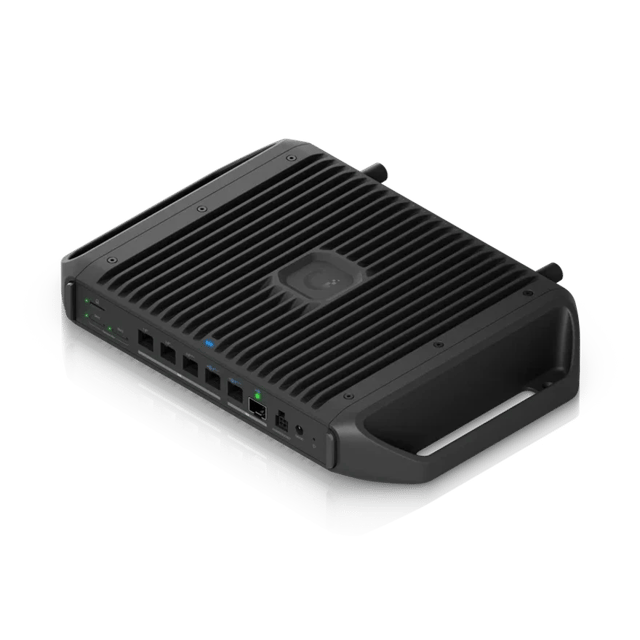 Cloud Gateway IndustrialRugged gateway
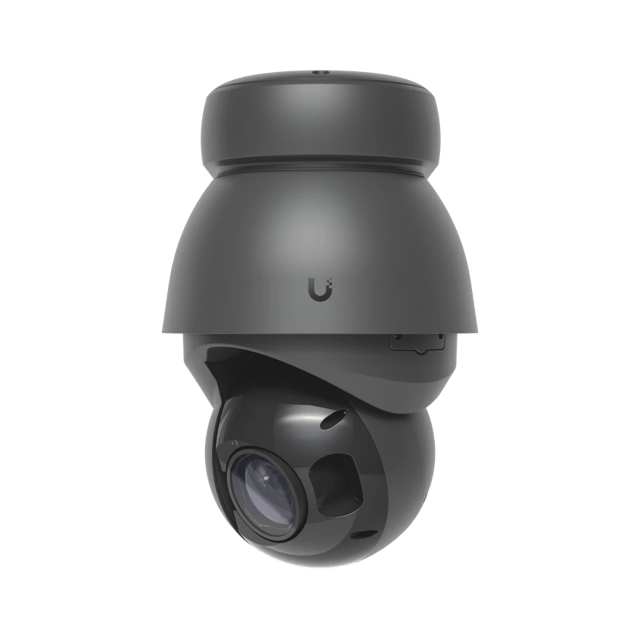 AI PTZ Precision4K, with 31x optical zoom
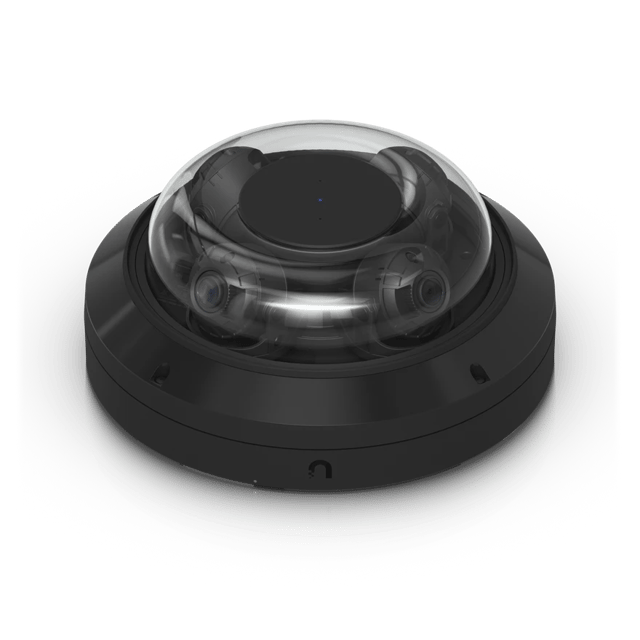 AI Multi Sensor 4Four 4K cameras in one
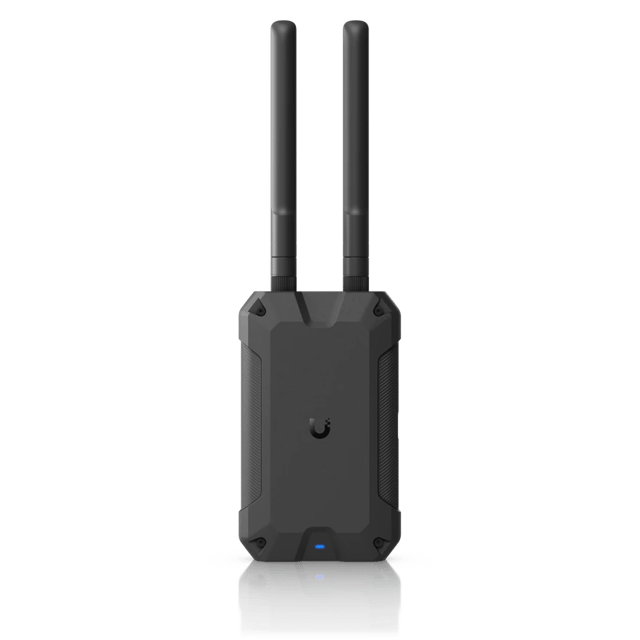 U7 IndustrialWeatherproof Wi-Fi 7
The Cloud Gateway Industrial runs the vehicle. It’s built for heat, cold and a moving vehicle, it powers the cameras and the outdoor Wi-Fi, and its own Wi-Fi covers everyone inside.
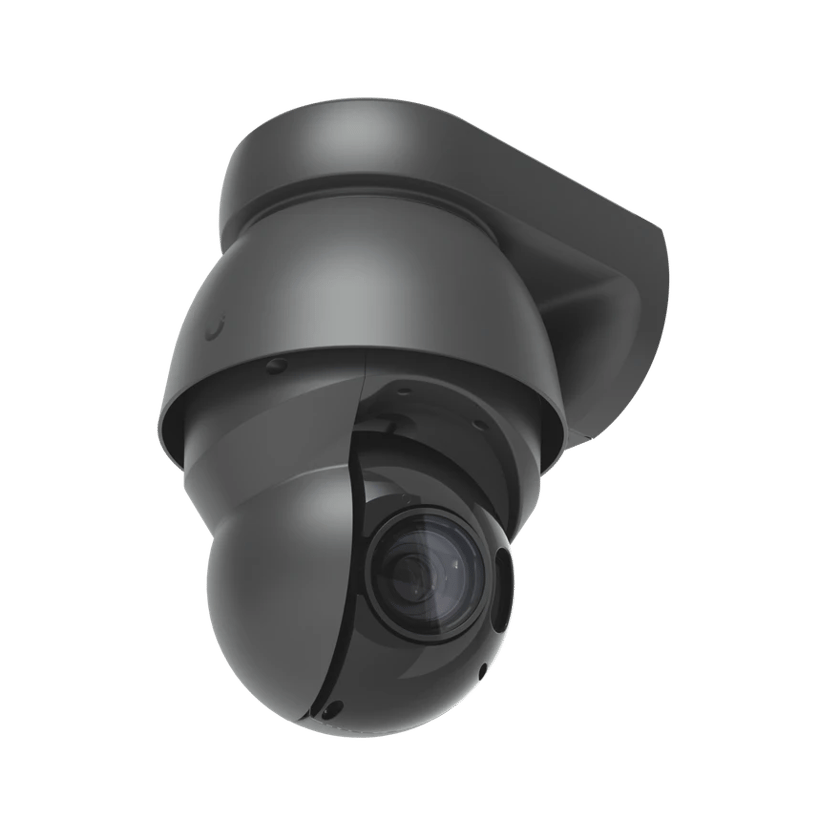
The AI PTZ Precision goes on the mast. With 31x optical zoom and infrared that reaches 328 feet in the dark, it can pick out a face or a license plate across a parking lot, day or night. The AI Multi Sensor 4 watches every side of the vehicle at once, and a U7 Industrial outside gives responders Wi-Fi across about 5,000 square feet around it.
Starlink is the main internet connection, and the gateway switches to a UniFi 5G Max Outdoor, which works on FirstNet, when Starlink drops. Parked near a campus building, it can also join the campus Wi-Fi.
What we install
We install and set up the network, the cameras and the AI Key, and look after them on a support plan. The vehicle, its mast, its power and its radios come from the upfitter and the radio shop, and we work alongside them.
Every UniFi device in this system is listed as NDAA compliant on Ubiquiti’s spec pages. Ubiquiti isn’t one of the companies Section 889 names, which include Hikvision and Dahua.
Building one for your department
If your agency or campus is planning a command vehicle, or refitting the one it has, get in touch. We’ll design the system with you and your upfitter, and we’d love to see it at work in the field.
Sources
- Introducing UniFi Network 11, Ubiquiti
- UniFi Protect Updates: AI Key, Ubiquiti
- UniFi Alarm Manager, Ubiquiti Help Center
- Welcome to Protect 7.2, Ubiquiti
- National Defense Authorization Act (NDAA) Compliance, Ubiquiti Help Center
- NDAA Section 889, UC Santa Barbara Office of Research