Which recorder fits
UniFi Protect can record on several kinds of hardware, from the gateway you may already have to a recorder built for hundreds of cameras. The right one for your business depends on how many cameras your property needs and how long you need to keep their footage.
UniFi Cloud Gateways
A Cloud Gateway such as the UDM Pro Max or UDM Beast is the simplest way into Protect, with no extra hardware if your site already has one. Recording shares the gateway's memory with everything else it runs, so watch its resource use as you add cameras. When it's near its limits most of the day, it's time for a recorder.
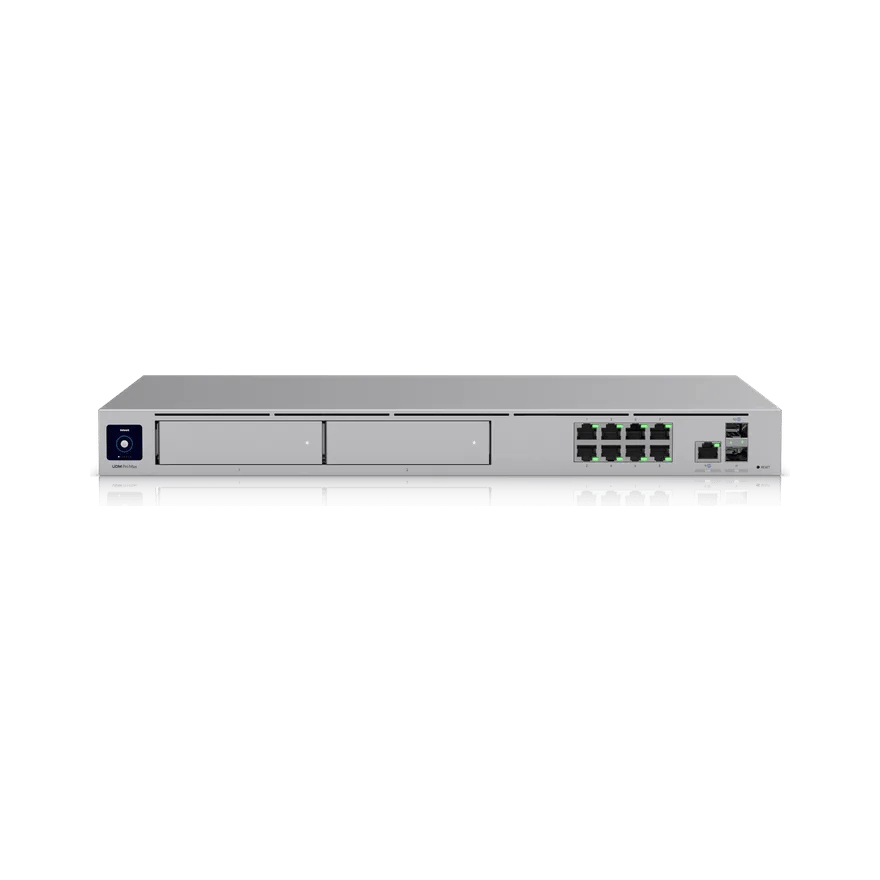
Storage is the other limit. With two drives each, the Pro Max and Beast can keep only so much footage. Ubiquiti's capacity calculator gives a rough estimate.
| 4K cameras | Drive bays | Usable storage | Days of footage | |
|---|---|---|---|---|
| UDM Pro Max | 15 | 2 | 24 TB | 9 |
| UDM Beast | 40 | 2 | 24 TB | 3 |
UNVR and UNVR Pro
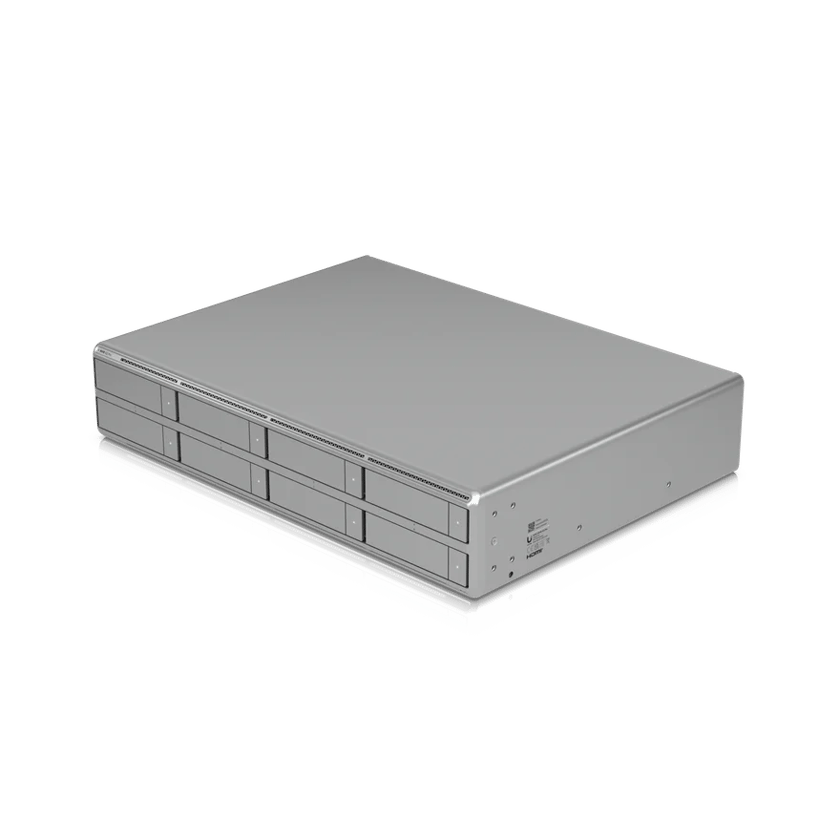
The original UniFi recorders take four and seven drives, and up to 18 and 24 4K cameras.
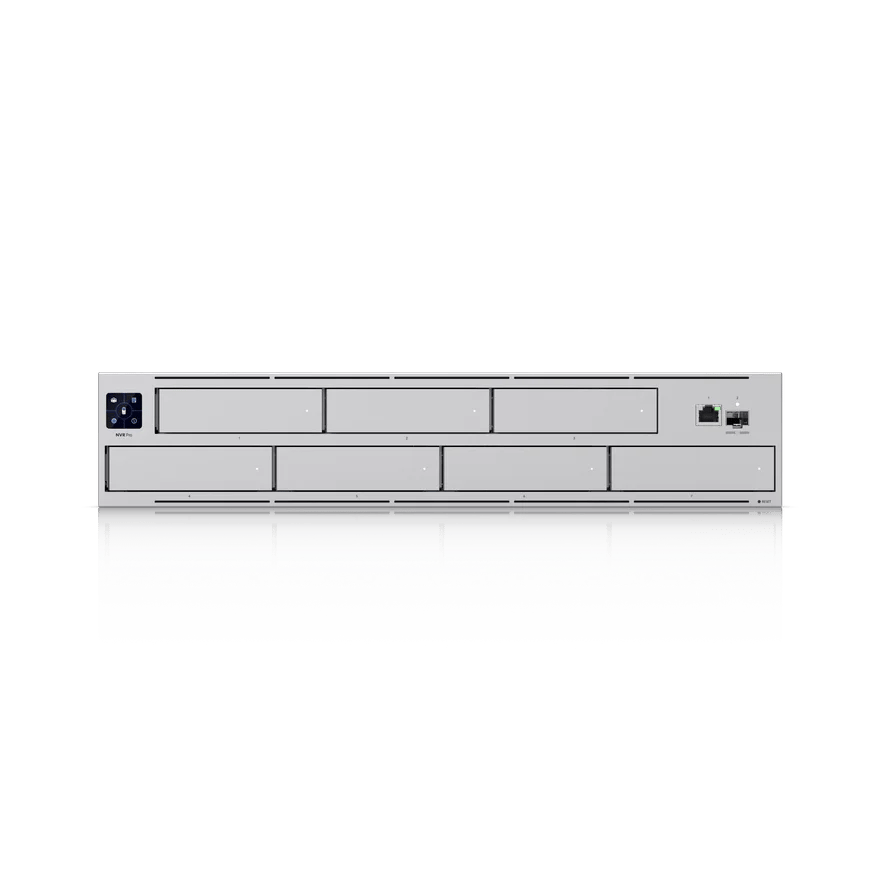
| 4K cameras | Drive bays | Usable storage | Days of footage | |
|---|---|---|---|---|
| UNVR | 18 | 4 | 72 TB | 24 |
| UNVR Pro | 24 | 7 | 144 TB | 37 |
UNVR G2 and UNVR G2 Pro
The new G2 recorders take four and eight drives and have AI built in. A faster processor lets them handle many more cameras than the first generation, and they're priced well for what they do. We recommend most clients start here, and the standard G2 covers what most small businesses need.
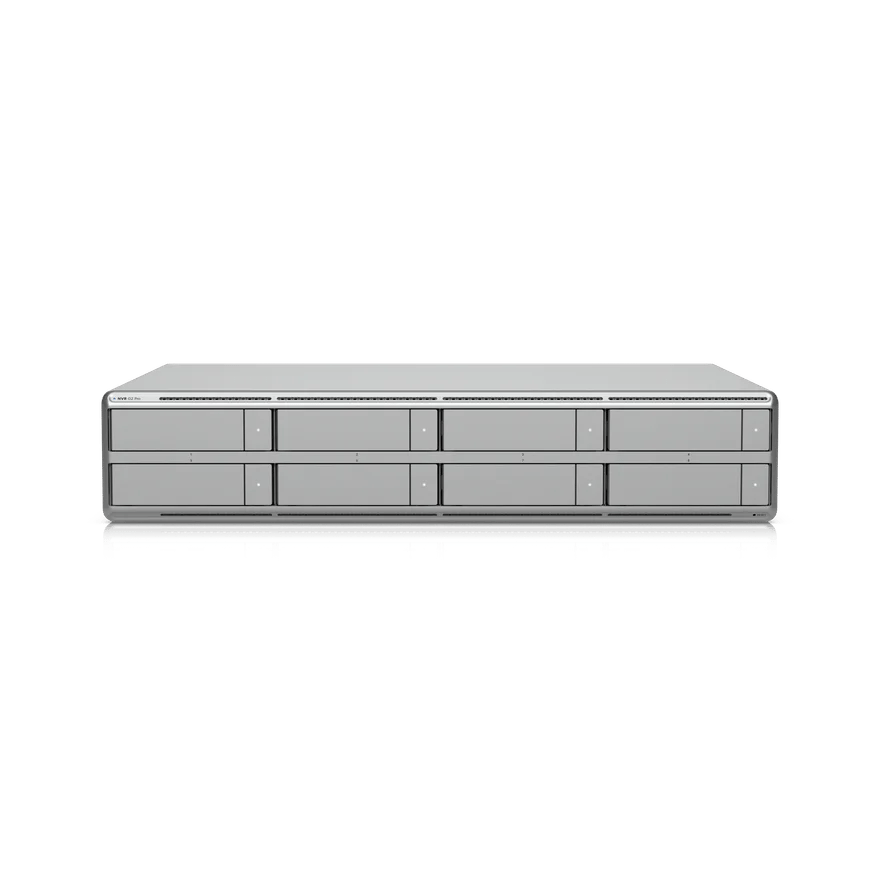
| 4K cameras | Drive bays | Usable storage | Days of footage | |
|---|---|---|---|---|
| UNVR G2 | 30 | 4 | 72 TB | 14 |
| UNVR G2 Pro | 50 | 8 | 168 TB | 20 |
ENVR and ENVR Core
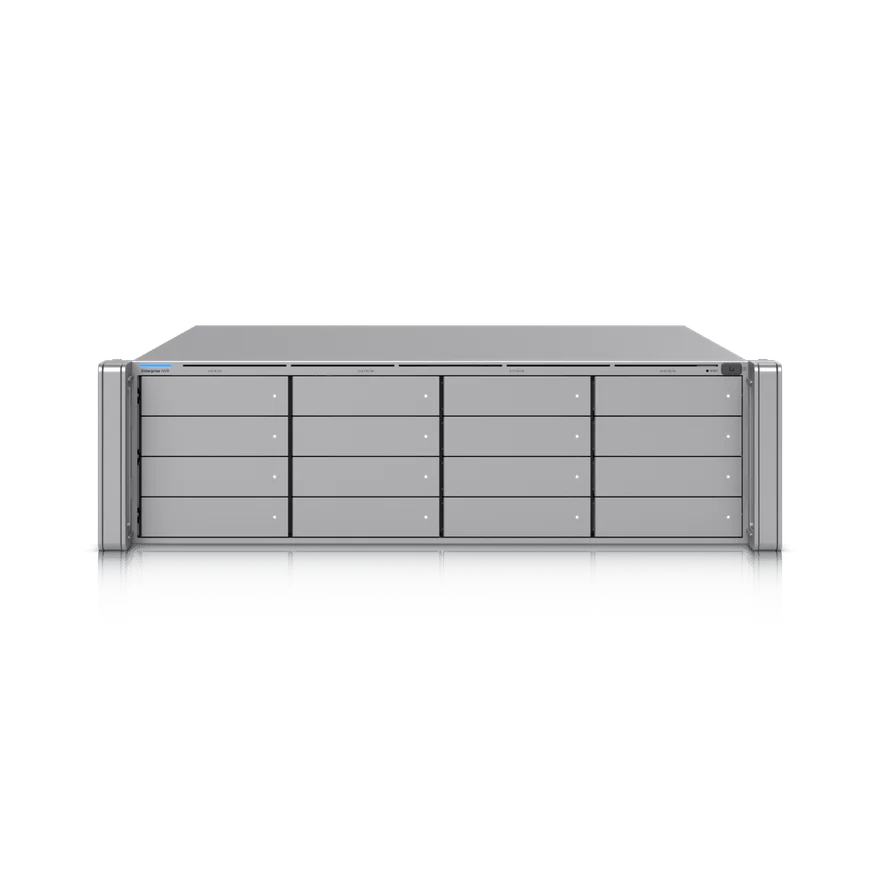
When a site has many cameras or has to keep footage for a long time, it's worth sizing up to an Enterprise NVR. The ENVR takes up to 70 4K cameras and the ENVR Core up to 300, and each has 16 drive bays, for up to 384 TB of raw storage on 24 TB drives. The ENVR Core can grow further with Ubiquiti's 16-drive expansion units, to 48 drives in all.
| 4K cameras | Drive bays | Usable storage | Days of footage | |
|---|---|---|---|---|
| ENVR | 70 | 16 | 336 TB | 29 |
| ENVR Core | 300 | 16 | 336 TB | 6 |
Recording on the edge
Ubiquiti's G6 Edge cameras record without a recorder, to a 128 GB microSD card inside the camera. Each connects straight to UniFi Site Manager for live view and playback from anywhere, with no license to pay for. They suit a site that needs a camera or two, such as a gate, a storage yard or an outbuilding.
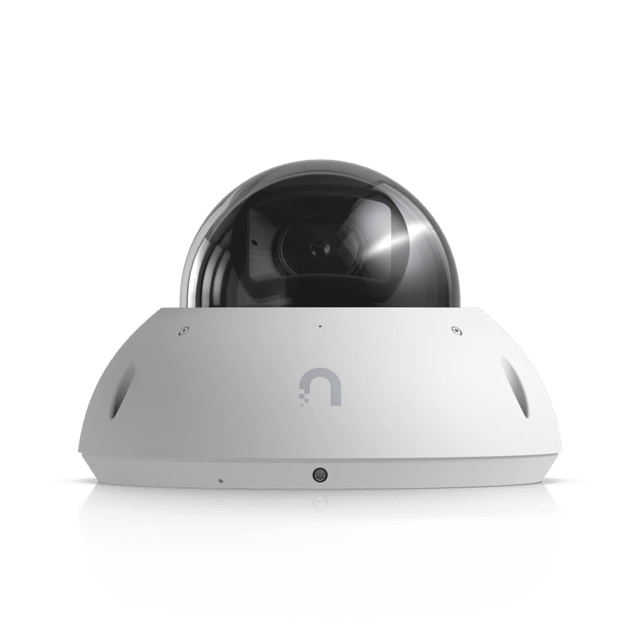 G6 Edge DomeVandal-resistant, IK10
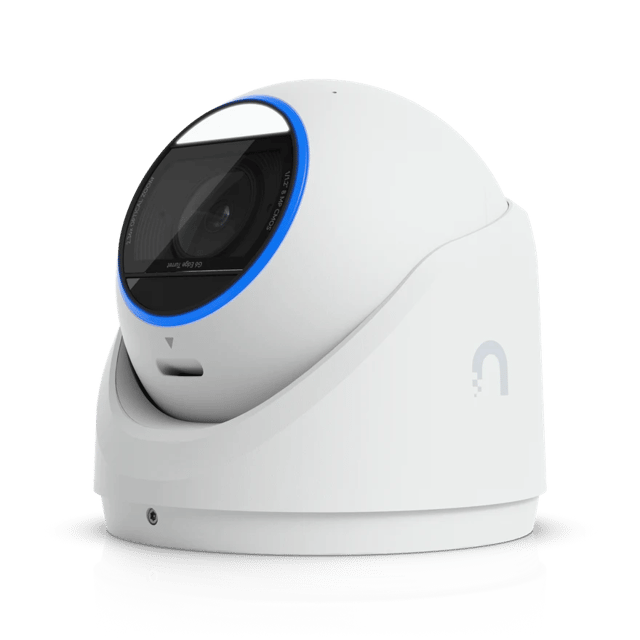 G6 Edge Turret40 m night vision
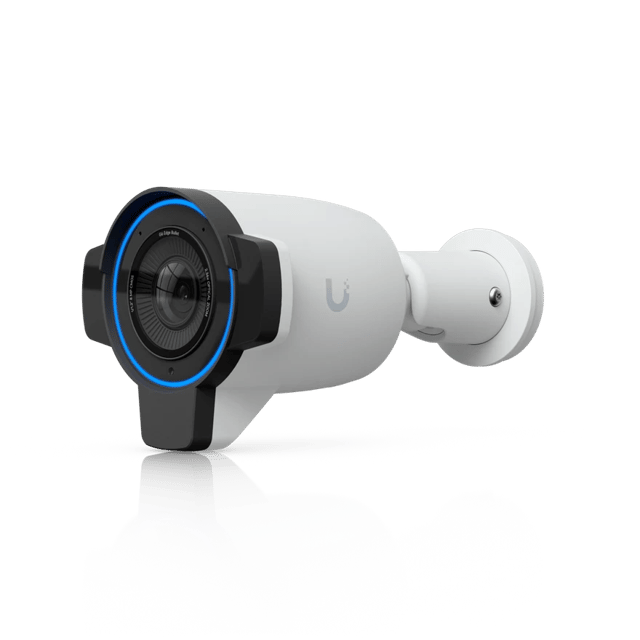 G6 Edge Bullet60 m night vision
The card holds less than a day of continuous 4K recordings, and a stolen camera takes its footage with it. When a site outgrows them, G6 Edge cameras can join a UniFi recorder.
Choosing your drives
Two things decide your storage: redundancy and drive size.
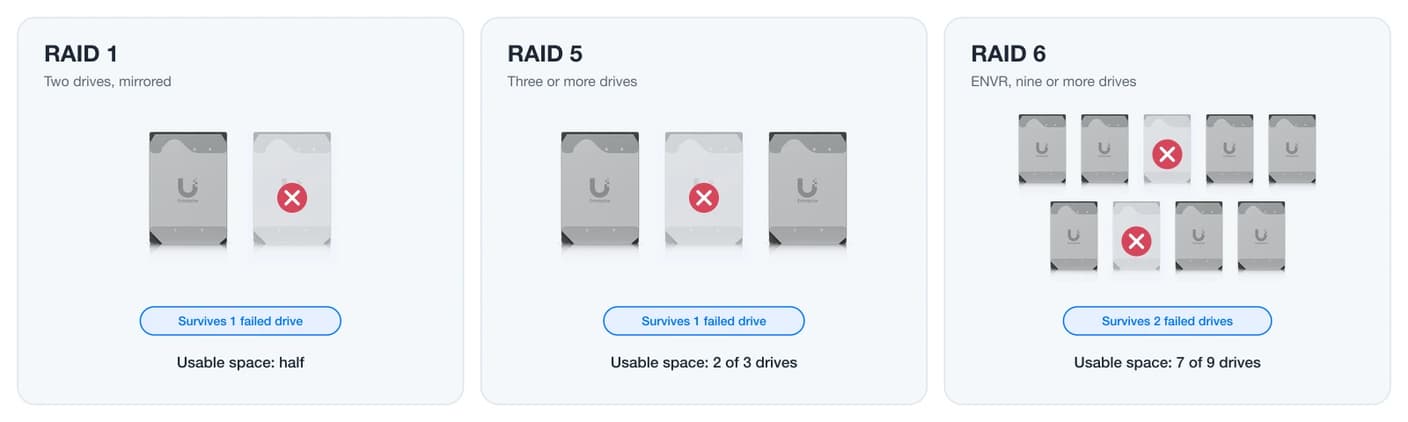
Redundancy protects your footage when a drive fails, and drives do fail, especially in a recorder, where footage is written and rewritten around the clock. For clients who need to recover footage after a drive failure, we recommend at least three drives in RAID 5. An ENVR with nine or more drives uses RAID 6, which survives two failed drives at once.
We recommend most clients choose 24 TB drives, which give the most storage and the longest retention from each bay. With hard drive prices climbing, a client on a tighter budget who can accept losing footage if a drive fails can start with a single 24 TB drive and add more as the budget allows.
Getting more from your storage
Ubiquiti's calculator assumes every camera records around the clock at full quality. Protect can stretch your storage well past that, and the settings can be set camera by camera.
Detection-only recording keeps footage only when a camera sees motion, plus a few seconds on either side. Enhanced Encoding compresses footage further, which can cut storage by up to half. Together they make the biggest difference.
How long will your footage last?
39 days of footage with Enhanced Encoding
- Recorder
- UNVR G2
- Protection
- RAID 5
Enhanced Retention works on footage once it ages. You choose how long recordings stay at full quality, then Protect keeps a much smaller, lower-quality copy for the rest of your retention period. A site that needs 90 days on record but rarely looks back past the first two weeks can keep those two weeks sharp and the rest at a fraction of the space. Footage that has been reduced can't be restored to full quality.
Backing up your footage
Protect keeps footage on the recorder, and nothing goes to the cloud unless you set it up. Off-Site Archiving can copy recordings to a NAS or to Google Drive, OneDrive or Dropbox, and Case Manager keeps the clips that matter for as long as you need them. Footage can't be moved from one recorder to another, so the recorder you choose is where your footage lives.
Watching more than one site
A business with several sites sees all of them in UniFi Site Manager, under one sign-in. Vantage Point brings several recorders into one view for live feeds, playback and settings, and you can arrange cameras from any of them in a single multiview. Video walls in Site Manager put cameras from several sites on one screen for a security desk.
A small site doesn't need a recorder of its own. With Teleport, its G6 and AI series cameras record over the internet to a recorder at another site, with no VPN to set up.
Sizing your system
We size every camera system to its site, from the number and placement of cameras to how long you need to keep footage, and we work out the storage to match. Book a call and we'll spec it out with you.
Sources
- UniFi Protect: Supported Camera Limits, Ubiquiti Help Center
- UniFi Capacity Calculator, Ubiquiti
- Storage Protection and Data Redundancy in UniFi (RAID), Ubiquiti Help Center
- Managing Storage and Retention in UniFi Protect, Ubiquiti Help Center
- UniFi Protect Recording Modes and Schedules, Ubiquiti Help Center
- Exporting and Archiving UniFi Protect Footage, Ubiquiti Help Center
- Introducing the G6 Edge Series, Ubiquiti
- UniFi Protect Teleport Adoption, Ubiquiti Help Center
- Welcome to Protect 7.1, Ubiquiti