What we noticed
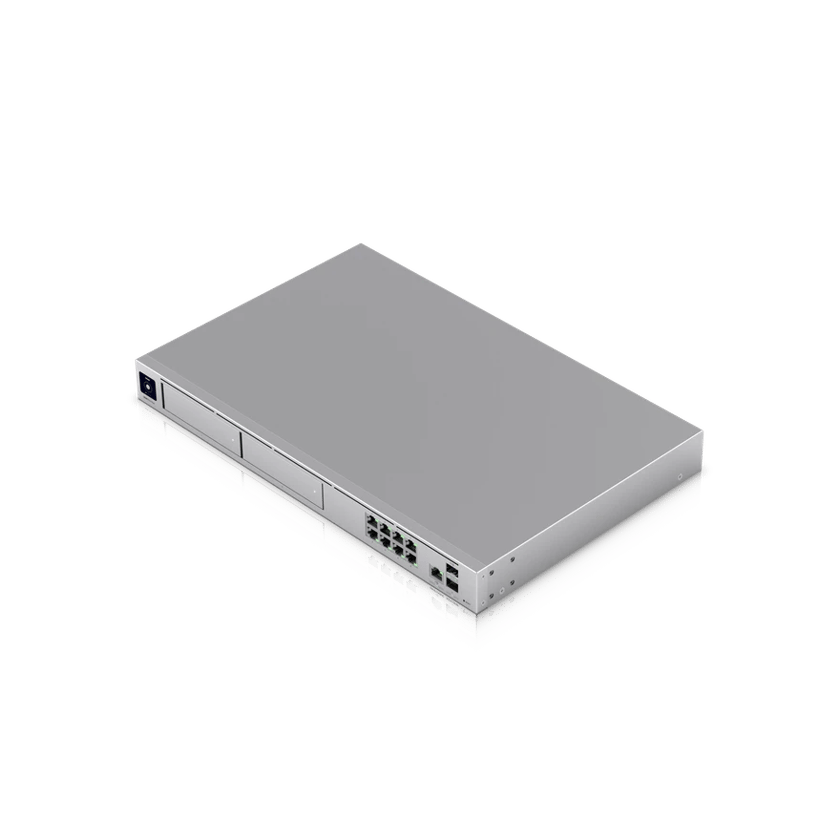
For years the Dream Machine Pro was the gateway at the center of our installs, and it runs well on the sites that have one.
In a UniFi system, the gateway is also the console. It runs the network, and on most of our business jobs it records cameras in UniFi Protect and runs the phones in UniFi Talk as well. Those three jobs share one processor and one pool of memory.
Because we look after the systems we install, we see how hard each gateway is working. As more clients added cameras and moved their phones to UniFi Talk, the same pattern showed up across many sites, with the gateway running closer to its limits than we like.
A gateway with little room to spare is the one that makes camera views slow to open or calls break up when a business adds one more thing. It also leaves no room for the next camera or door reader. We’d rather solve that before a client ever notices it.
What we changed
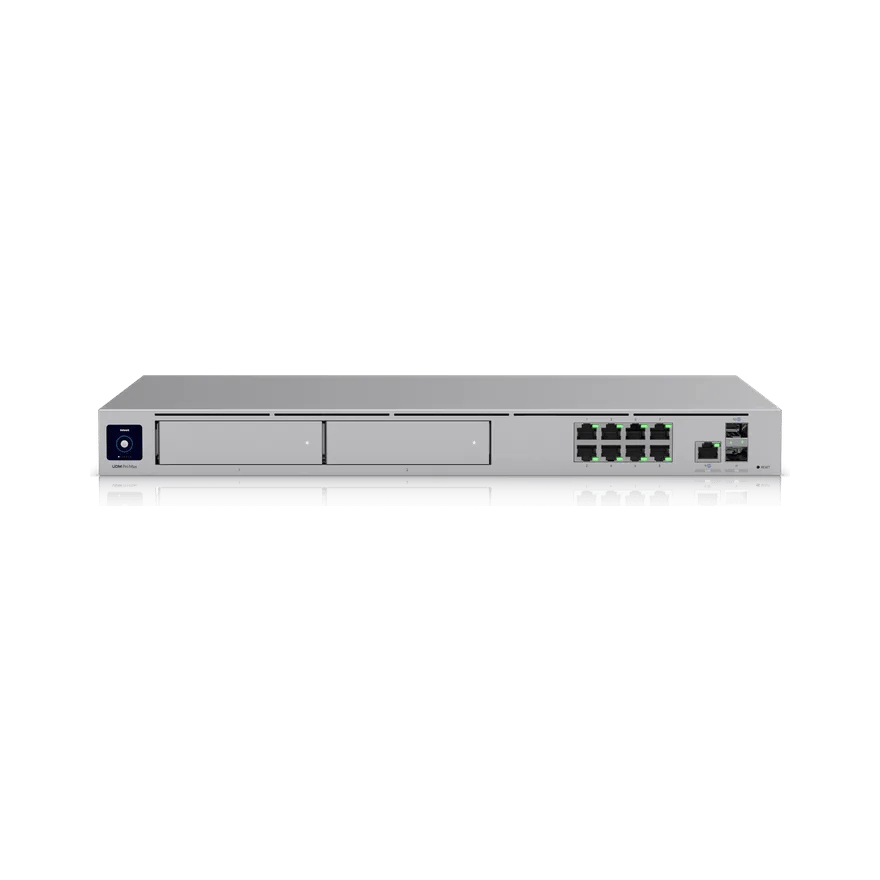
We raised our baseline. New business installations now start at the Dream Machine Pro Max. It has twice the memory of the Pro, room for twice as many devices and clients, and a second drive bay for recordings. A built-in 128 GB SSD speeds up its applications and holds voicemail and logs.
| UDM Pro | UDM Pro Max | |
|---|---|---|
| List price (MSRP) | $379 | $599 |
| Memory | 4 GB | 8 GB |
| Threat inspection (IDS/IPS) | 3.5 Gbps | 5 Gbps |
| Drive bays for recordings | 1 | 2 |
| Internal SSD | None | 128 GB |
| UniFi devices managed | 100+ | 200+ |
| Connected clients | 1,000+ | 2,000+ |
For networks with hundreds of devices and thousands of users, we install the Dream Machine Beast.
Room to grow with the business
As a business adds people, the Pro Max has headroom for more access points, switches and connected devices, and for the cameras, doors and phones that come later. A second building on the same console or a move off the old phone system fits in without replacing the gateway.
Running well inside its limits is also what keeps a gateway fast and dependable.
Redundancy that keeps the office running
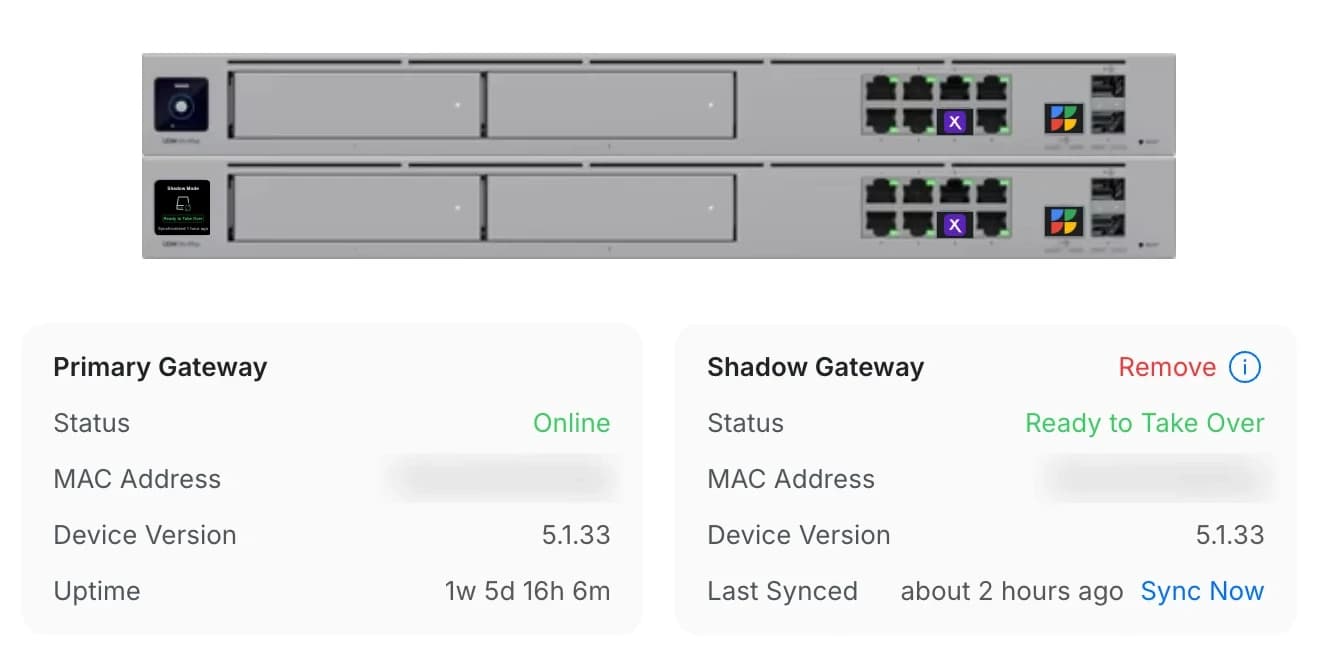
When a gateway fails, a replacement takes time to order and ship, and sometimes it’s out of stock. With a single gateway, the office is offline for that whole wait. That’s why, for almost every client, we recommend a pair of gateways, Pro Max or larger. The second stays in sync and takes over if the first fails, so the office keeps running until the replacement is installed.
Camera storage gets the same treatment. Where the gateway records the cameras itself, with no separate recorder, we fill both of the Pro Max’s drive bays and mirror them in RAID 1. Either drive can fail and the recordings stay intact.
What if my business is really small?
Not every business needs a Pro Max, let alone two. For a small shop or office, our Small Business package is a fixed kit with its price on the page: Wi-Fi 7, a touchscreen desk phone, two 4K cameras, 5G backup internet and a battery backup, installed and looked after on our Business Support Plan.
What it means for our clients
For a business, the change means the system won’t run out of room during the workday and, with a second gateway, will stay online if one fails.
Room at the busiest hour
Calls stay clear and camera views load fast, even when everyone is in.
Grows with the business
New access points, cameras and phones fit on the same gateway.
Covered when hardware fails
With a pair, a failure means an alert and a scheduled swap.
Sources
- UniFi Dream Machine Pro Max tech specs, Ubiquiti
- UniFi Dream Machine Pro tech specs, Ubiquiti
- UniFi Dream Machine Pro Max, list price, Ubiquiti Store (US)
- UniFi Dream Machine Pro, list price, Ubiquiti Store (US)