How redundant gateways work
A pair of gateways keeps a site online when one fails, which UniFi calls Shadow Mode. One gateway is active and the other stands by in sync, with no WAN IP address of its own. If the active gateway fails, the standby takes over its IP and MAC address using VRRP. For that to work, both gateways need the same WAN connections on the same ports, so each connection is split to reach both.
Even when the provider’s equipment has more than one WAN port, we recommend splitting a single port to both gateways. On separate ports, the shared MAC address moves at a failover, and traffic waits while the provider’s equipment relearns it, which some equipment is slow to do. On a single port, the address never moves.
How we split the connection
Network engineers typically split a WAN connection one of two ways. One uses a managed switch the network already has, and the other a small unmanaged switch of its own.
With a managed switch, the WAN connection and both gateways go on three ports on a dedicated VLAN. It works, but the cabling can get messy, and the internet connection is at the mercy of the switch’s configuration. One wrong change to the switch can take the site offline and cut off remote access.
The more reliable option is an unmanaged switch. It has no settings, so there is nothing to change by mistake. For the connection everything else depends on, the less there is to go wrong, the better.
An unmanaged switch built for the job
Until recently, an unmanaged switch meant giving something up. Most ran on a single power supply, others were oversized for the job, and none could alert anyone to a dropped link.
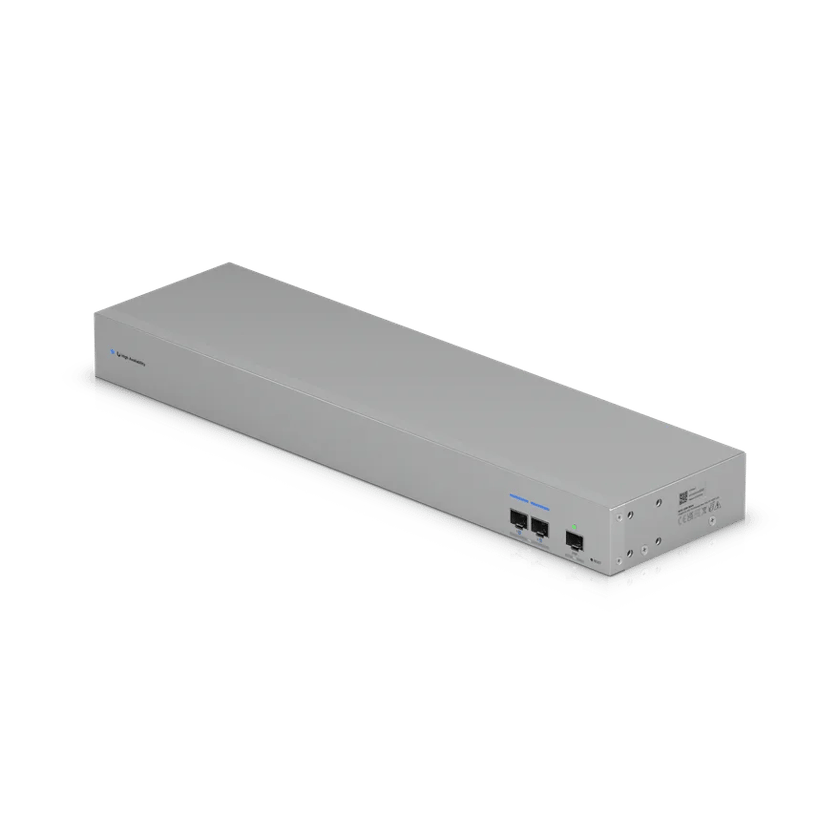
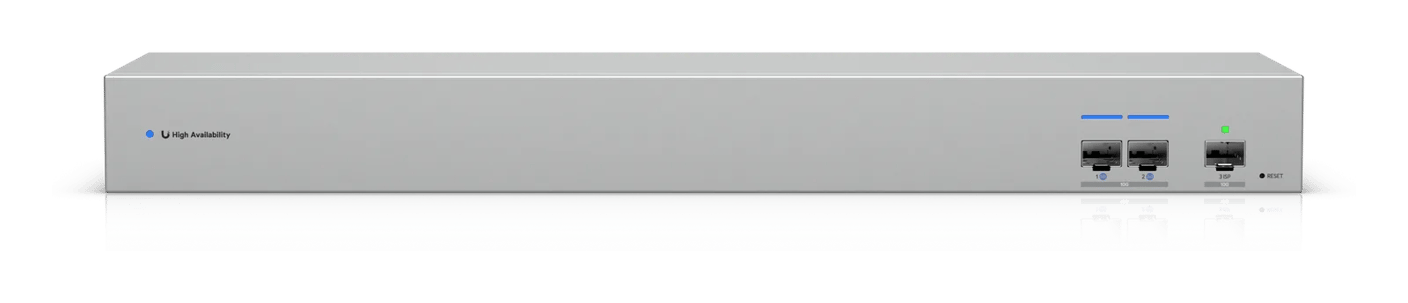
The UniFi WAN Switch solves all three, at a competitive price. It features redundant power supplies in a 1U rack unit, with only the ports the job needs.
Unlike other unmanaged switches, it also has a management port on a separate processor, which reports the status of each link and power supply to the console. This allows us to keep an eye on the switch’s health and see what failed when something goes wrong.

What we recommend
We recommend a WAN Switch with every pair of gateways. For sites with multiple internet providers, we recommend one for each, so whichever gateway takes over can still reach all of them.
For a site that can’t go offline, a UniFi 5G Backup adds a cellular connection alongside its wired internet. The 5G Backup plugs into any UniFi PoE switch port and works without a WAN Switch.
Sources
- Shadow Mode High Availability on UniFi Cloud Gateways, Ubiquiti
- Gateway High Availability and Failover (Shadow Mode / VRRP), UniFi Academy
- WAN Switch: Tech Specs, Ubiquiti
- WAN Switch RJ45: Tech Specs, Ubiquiti