UniFi's switch families
UniFi switches come in families that step up in price as they add faster ports, more PoE power for the devices they run, and more protection against a failure. Which one fits depends on what your network has to power and how much downtime your business can take.
| Standard | Pro | Pro Max | Pro XG | Enterprise Campus | |
|---|---|---|---|---|---|
| List price (MSRP) | $589 | $1,099 | $1,299 | $2,499 | $3,499 |
| Uplinks | 1G | 10G | 10G | 25G | 25G |
| Port speed | 1G | 1G | 2.5G | 10G | 10G |
| PoE level | PoE+ | PoE++ | PoE++ | PoE+++ | PoE+++ |
| Total PoE at 120V | 195W | 600W | 720W | 972W | 1,750W |
| Backup power | None | RPS | RPS | RPS | Hot-swap |
| Etherlighting | ✗ | ✗ | ✓ | ✓ | ✓ |
Standard
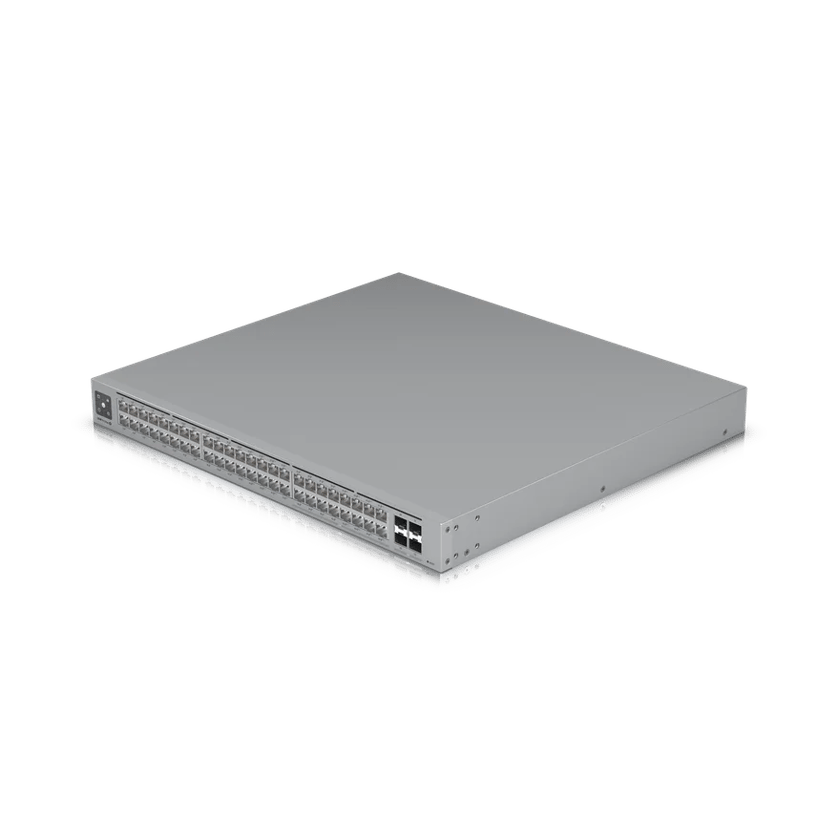
UniFi's Standard switches are the entry line, and they're affordable and silent. The 48 PoE cools without a fan, so it can sit anywhere people work. They're built for smaller networks: the 48 PoE lacks high-bandwidth uplinks, only 32 of its ports carry PoE on a tight 195W budget, and power redundancy isn't available.
Most businesses outgrow them quickly, so we recommend starting at the Pro.
Pro
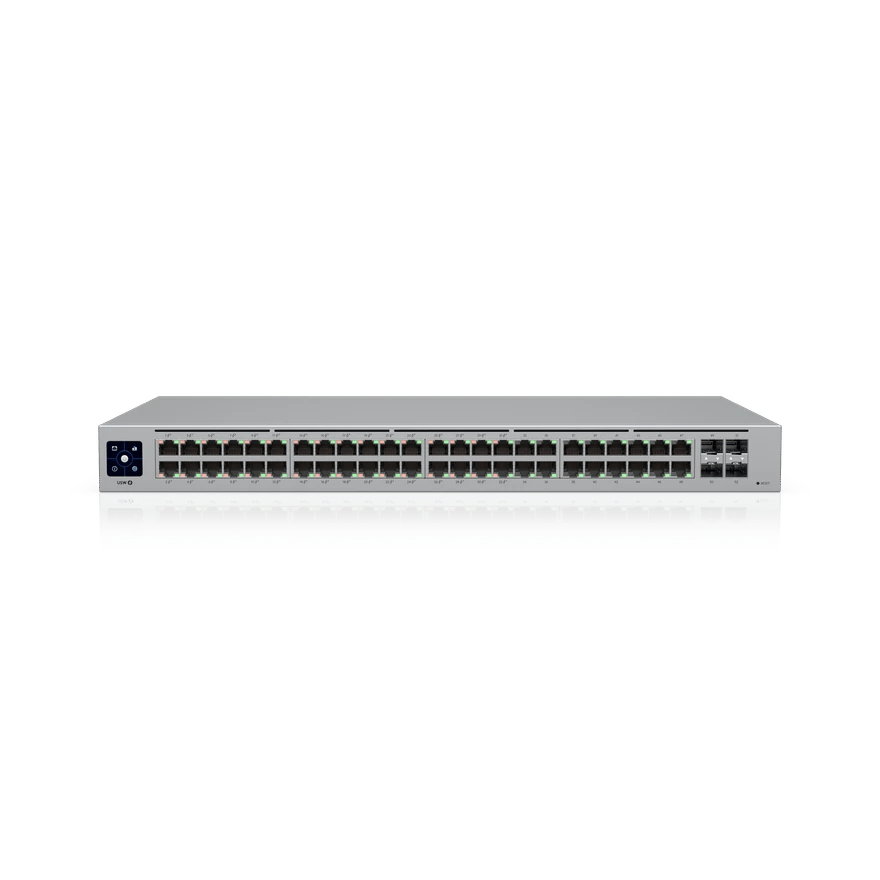
The Pro fixes the Standard's biggest gaps. With 10-gigabit uplinks, its ports have far more room to reach the rest of the network, and a UniFi RPS can keep it running if its power supply fails. It's also a Layer 3 switch, so it can route traffic between your networks itself, which keeps that traffic off the gateway.
The Pro's ports still top out at 1 gigabit, which is a bottleneck for a Wi-Fi 7 access point. We think the Pro Max is the better value and well worth its modest step up in price, but the Pro is a solid choice when the budget is tight.
Pro Max and Pro XG
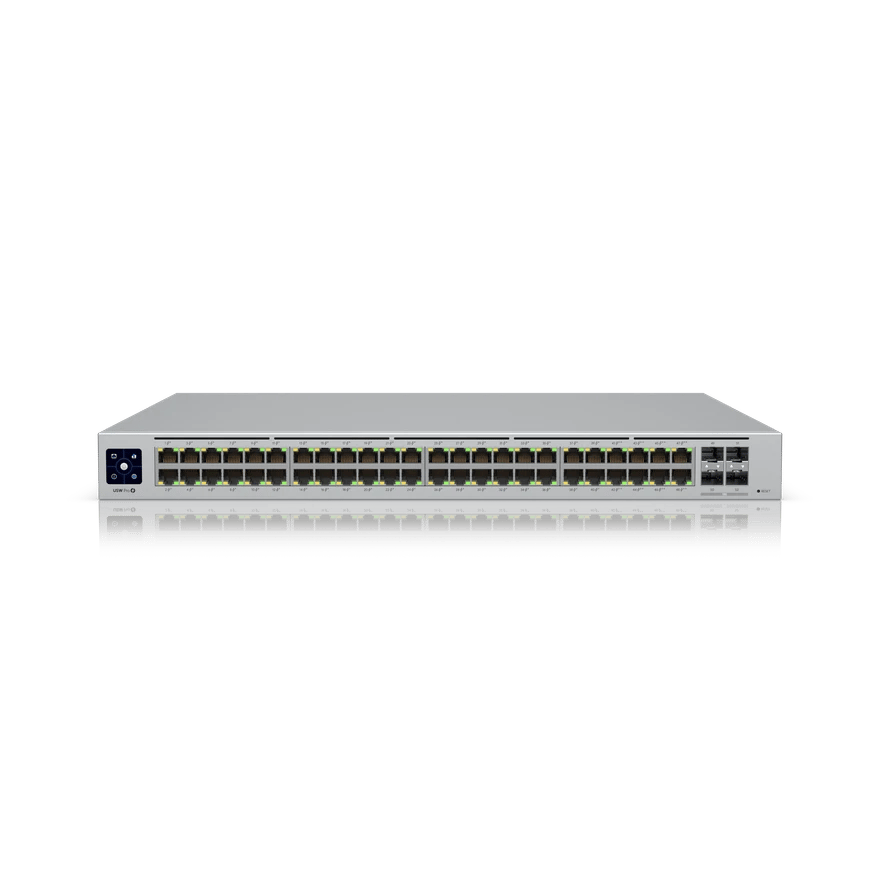
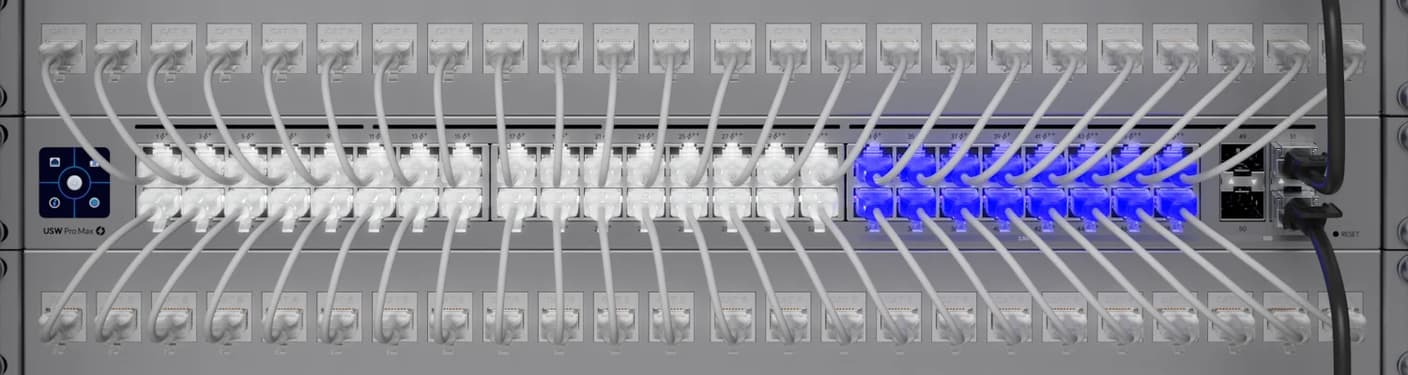
The Pro Max is our top pick for most businesses. For a little more than the Pro, it adds 2.5-gigabit ports and more ports with PoE++, which more devices now need. It also adds Etherlighting, which lights each port in the color of its network so we can find a port or trace a problem on site or with you on the phone.
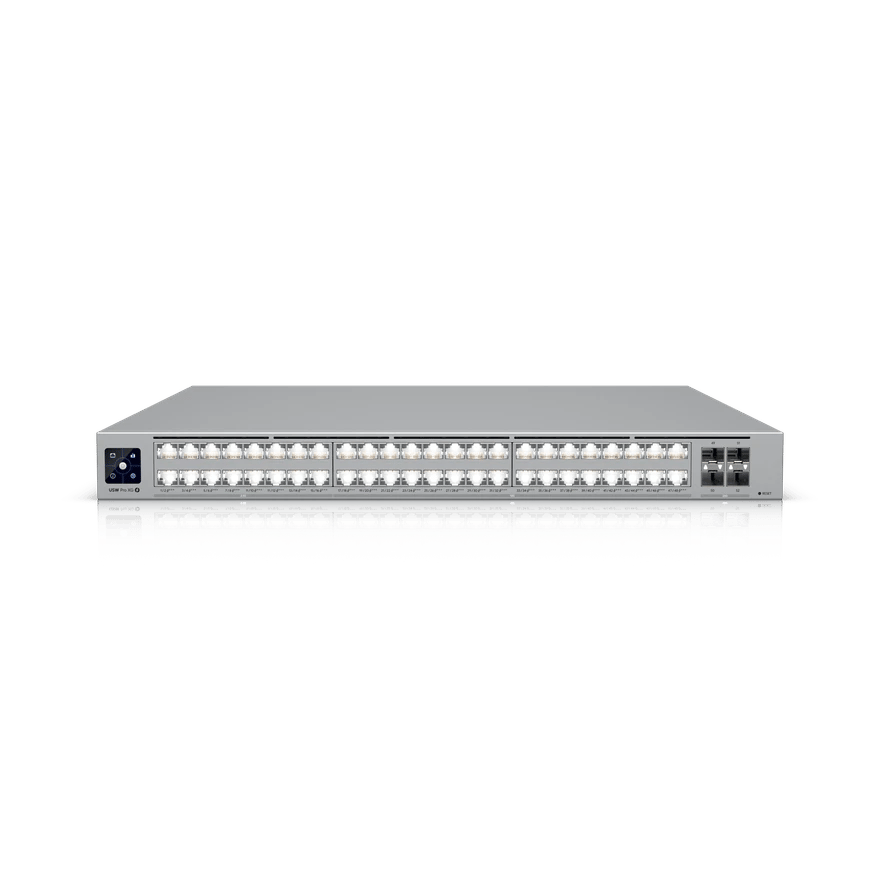
The Pro XG goes further, with 32 ports at 10 gigabits and PoE+++ at up to 90W a port. It's the lower-cost choice when many devices, such as the E7, need that speed and power, but the redundancy of Enterprise Campus isn't needed or isn't in the budget.
Enterprise Campus
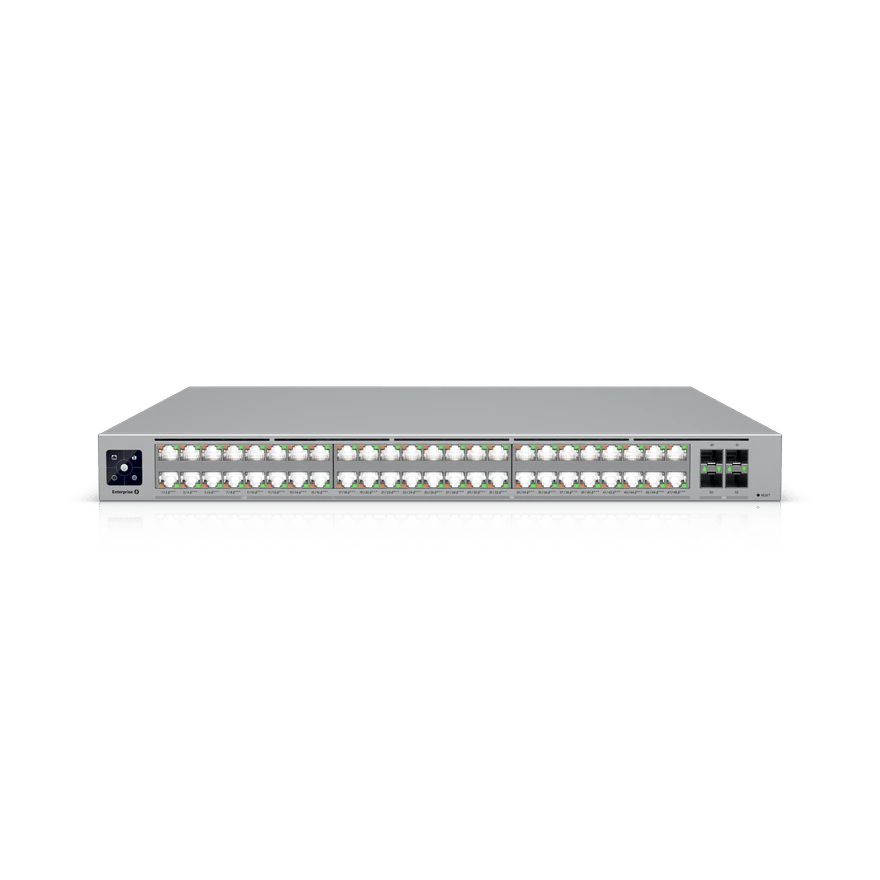
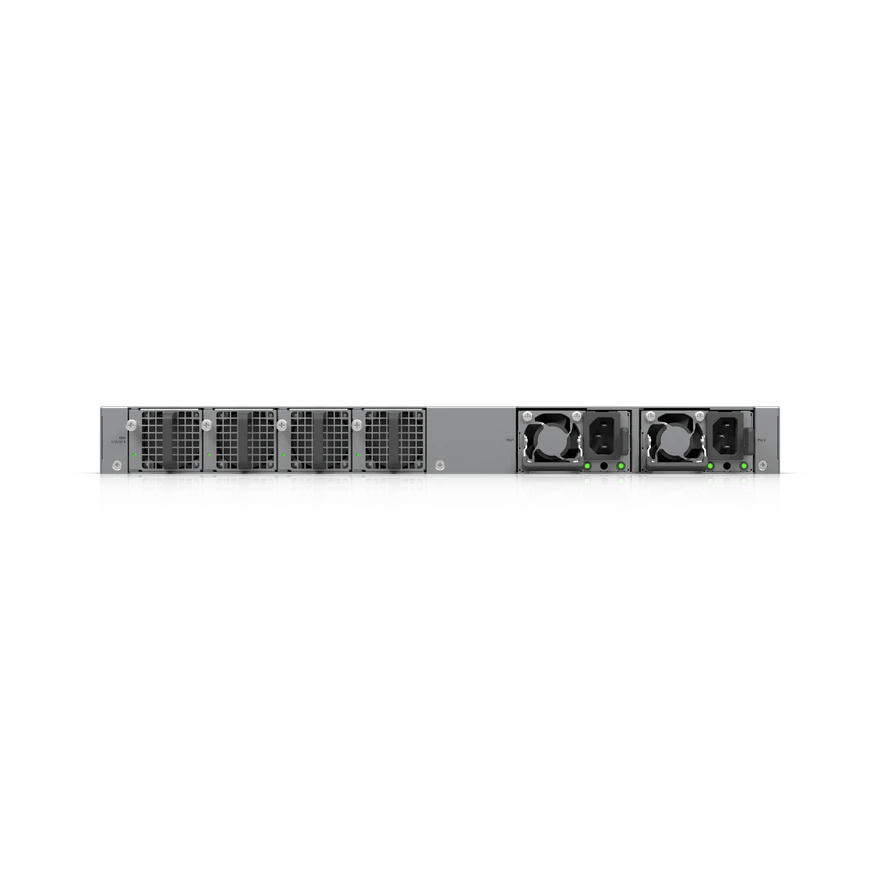
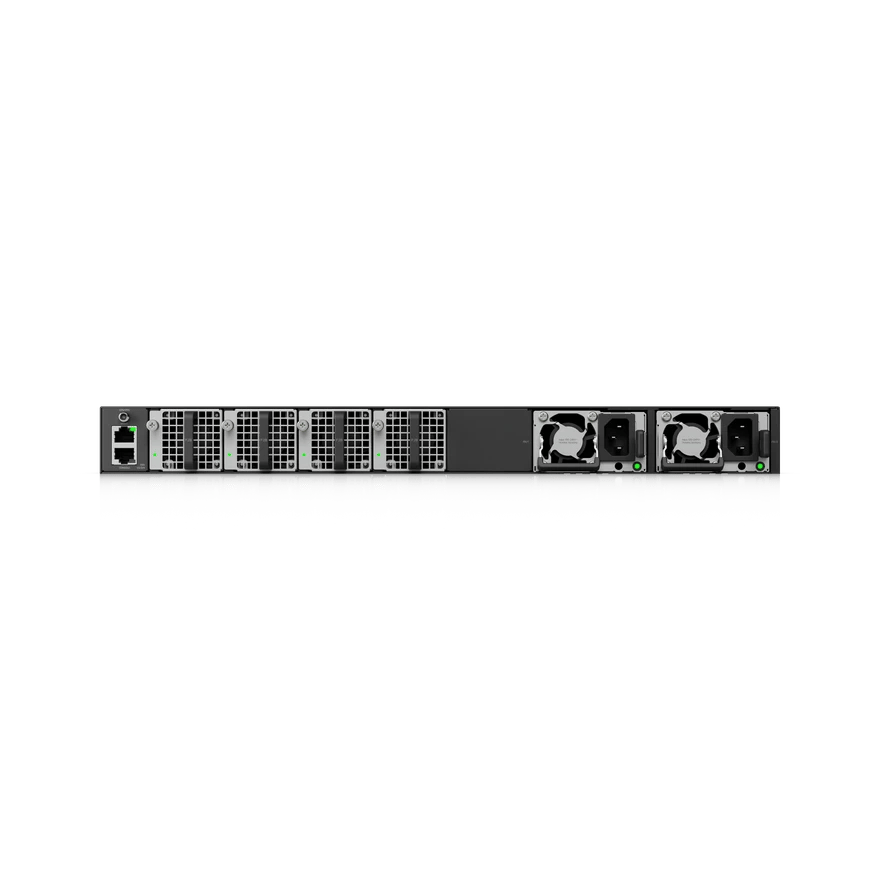
Enterprise Campus matches the Pro XG's speed and power, and is built for a network that can't go down. Each switch has two hot-swappable power supplies and four hot-swappable fans, so a failed part can be replaced while the switch keeps running.
Enterprise Campus switches can uplink over MC-LAG, and the S models can also be stacked. Up to four of them, joined in a ring by stacking cables, work as one switch, and the stack keeps running if one of them fails.
Enterprise Audio/Video
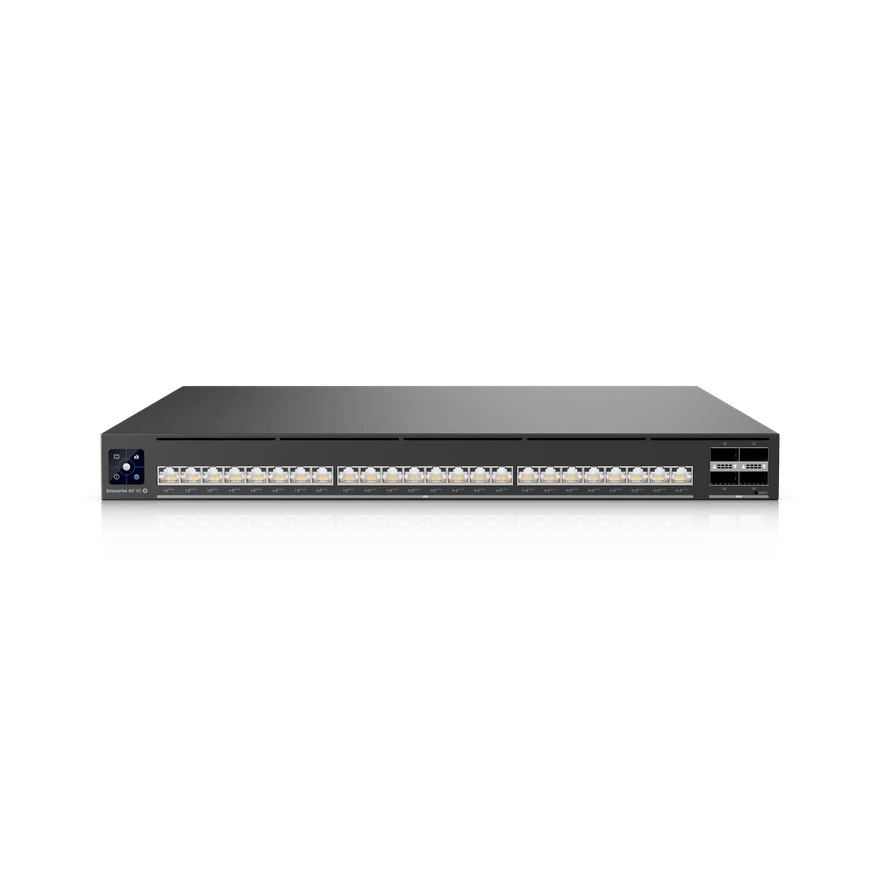
Enterprise Audio/Video does a different job from UniFi's other switches. It's built for show-critical spaces, such as a theater, where a large amount of audio and video crosses the network and has to arrive on time. All 24 ports run at 10 gigabits with PoE+++, the uplinks at 100 gigabits, and it supports the timing standards AV over IP depends on, including PTP, SMPTE ST 2110, SDVoE and AES67. Like Enterprise Campus, it has hot-swappable power supplies and fans.
Utility switches
UniFi also makes smaller switches for jobs outside the network rack.
- Ultra. A compact eight-port switch for a desk or a spot that needs more ports, powered by PoE from upstream.
- Industrial DIN. A DIN rail switch for a control cabinet. It runs on DC power, with two inputs for redundancy. See Rugged UniFi for tough spaces.
- Flex. An outdoor switch that mounts on a wall or a pole, runs on PoE from upstream, and powers four devices.
- Long-Range Switch. Powers a camera or gate past the 100-meter reach of Ethernet over a single cable. See UniFi Long-Range Switch 8 PoE.
Choosing for your building
We’ll help you choose the right switches for your devices, your budget and the uptime your business needs. Book a call to get started.
Sources
- Switch 48 PoE: Tech Specs, Ubiquiti
- Pro 48 PoE: Tech Specs, Ubiquiti
- Pro Max 48 PoE: Tech Specs, Ubiquiti
- Pro XG 48 PoE: Tech Specs, Ubiquiti
- Enterprise Campus 48 PoE: Tech Specs, Ubiquiti
- Enterprise Audio/Video XG 24 PoE: Tech Specs, Ubiquiti
- UniFi E7: Tech Specs, Ubiquiti
- An Overview of High Availability in UniFi, Ubiquiti Help Center
- Switch 48 PoE, Ubiquiti Store
- Switch Pro 48 PoE, Ubiquiti Store
- Switch Pro Max 48 PoE, Ubiquiti Store
- Switch Pro XG 48 PoE, Ubiquiti Store
- Switch Enterprise Campus 48 PoE, Ubiquiti Store
- UniFi Ultra: Tech Specs, Ubiquiti
- UniFi Industrial DIN 8 PoE: Tech Specs, Ubiquiti
- UniFi Flex: Tech Specs, Ubiquiti